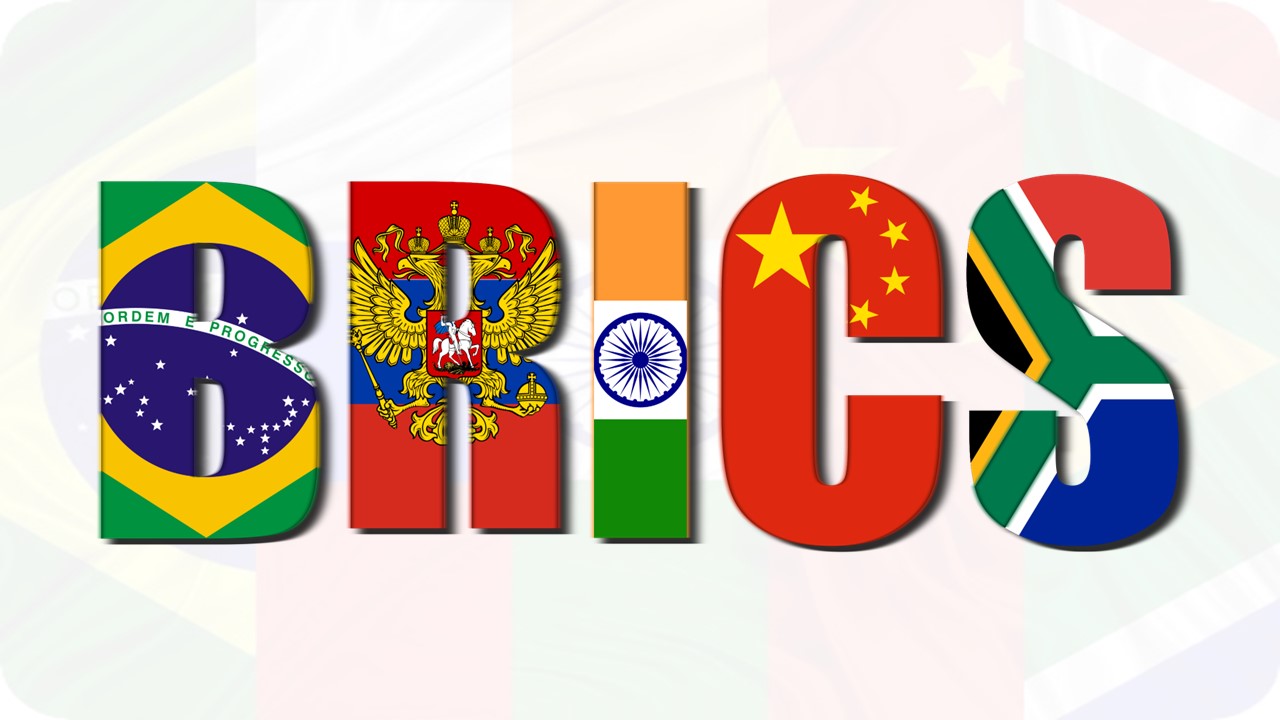
Download BRICS 2026 Presentation Template
Item ID: SCF01791
PowerPoint,Canva
100% Fully Customizable
Free to use
Liked the template? Support SlideChef!
Give us Donation! Help to keep our Templates Free for ever
Hi there! We hope you’re enjoying SlideChef for your presentations. As a free platform, we rely on donations to keep things running. If you find our resources helpful, please consider a small donation. Thank you!
How to Use this Brics 2026 Template
The BRICS 2026 Theme Template is built for seamless customization across Microsoft PowerPoint and Canva. Whether you are preparing a diplomatic briefing, an academic seminar on global economics, or an international business presentation, follow this step-by-step guide to adapt the slides to your topic.
How to Use in Microsoft PowerPoint
- Unlock Your File: Open the downloaded .pptx file in Microsoft PowerPoint and select Enable Editing on the yellow notification bar at the top of your screen.
- Set Your Presentation Scope: Edit the cover slide to add your organization name, ministry department, or event title beneath the official BRICS India 2026 emblem.
- Update Core Economic Metrics: Navigate to the What is BRICS? slide to review and modify key statistics, such as global population share (49.5%), global GDP (40%), and world trade share (26%).
- Chart the Expansion Timeline: Use the BRICS: From BRIC to BRICS+ slide to walk through historical milestones from Goldman Sachs’ initial 2001 coining to the latest expansions.
- Present the Four Strategic Pillars: Customize the 4-card matrix on The Four Pillars of BRICS 2026 to outline specific policy initiatives across Resilience, Innovation, Cooperation, and Sustainability.
- Highlight Leadership & Thematic Focus Areas: Detail national leadership remarks on the Resilience quote slide, unpack digital public infrastructure on Innovation, and outline clean energy goals using the Sustainability layout.
- Deliver Live or Export Documents: Press F5 to start a full-screen briefing, or navigate to File > Export > Create PDF/XPS to distribute high-resolution policy handouts and executive summaries.
How to Use in Canva
- Open the Template: Click the provided Canva template link and select Use template for new design to create an editable version directly in your Canva workspace.
- Customize Text & Policy Points: Double-click any text box to replace placeholder copy with your own speech points, summit notes, or economic analysis across all 10 slides.
- Swap Photographs & Visuals: Drag and drop your own summit photography, clean energy imagery, or official delegation headshots into the pre-set image frames.
- Adjust Colors & Decorative Elements: Fine-tune the saffron, white, green, and deep-blue accents or modify the mandala border detailing to align with your organization’s branding.
- Collaborate With Your Team: Use the Share button in the top menu to invite co-presenters, researchers, or communications teams to review and edit the deck in real time.
- Present Online or Download: Deliver your briefing directly from your browser by selecting Present, or choose Share > Download > PDF Standard (or Print) to export high-quality briefing decks and reports.