


Free Canva Templates – 1000+ Editable Designs & Slide Decks
Stop fighting rigid design software or paying for expensive monthly subscriptions just to make your projects look professional. SlideChef’s library brings you over 1,000 free Canva templates built specifically to bypass paywalls and give you immediate, one-click access to agency-quality visuals.
Whether you need a polished investor pitch deck, eye-catching social media graphics, or a standout resume, our hand-crafted layouts open directly in your browser for fast, drag-and-drop editing.
Filter
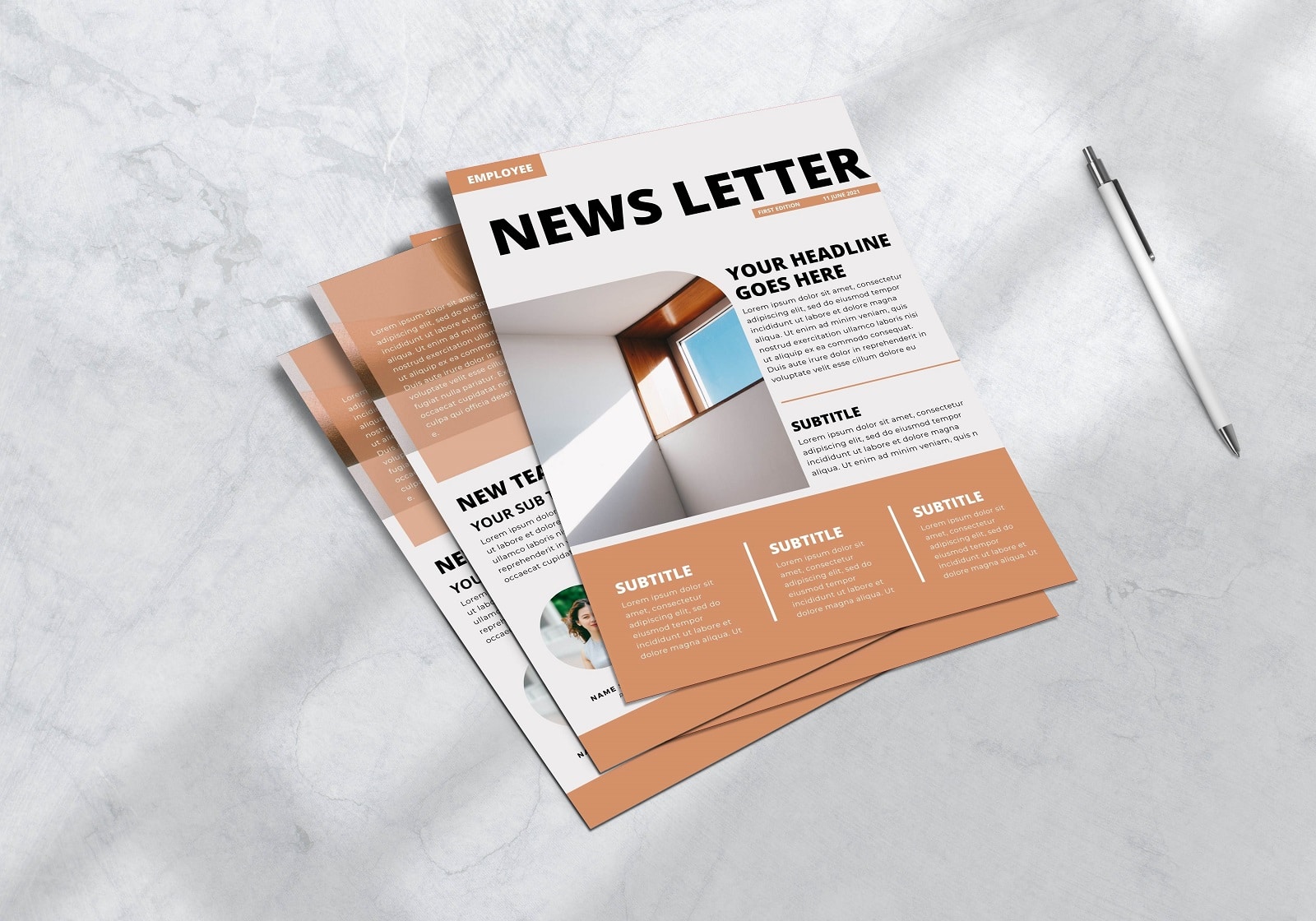
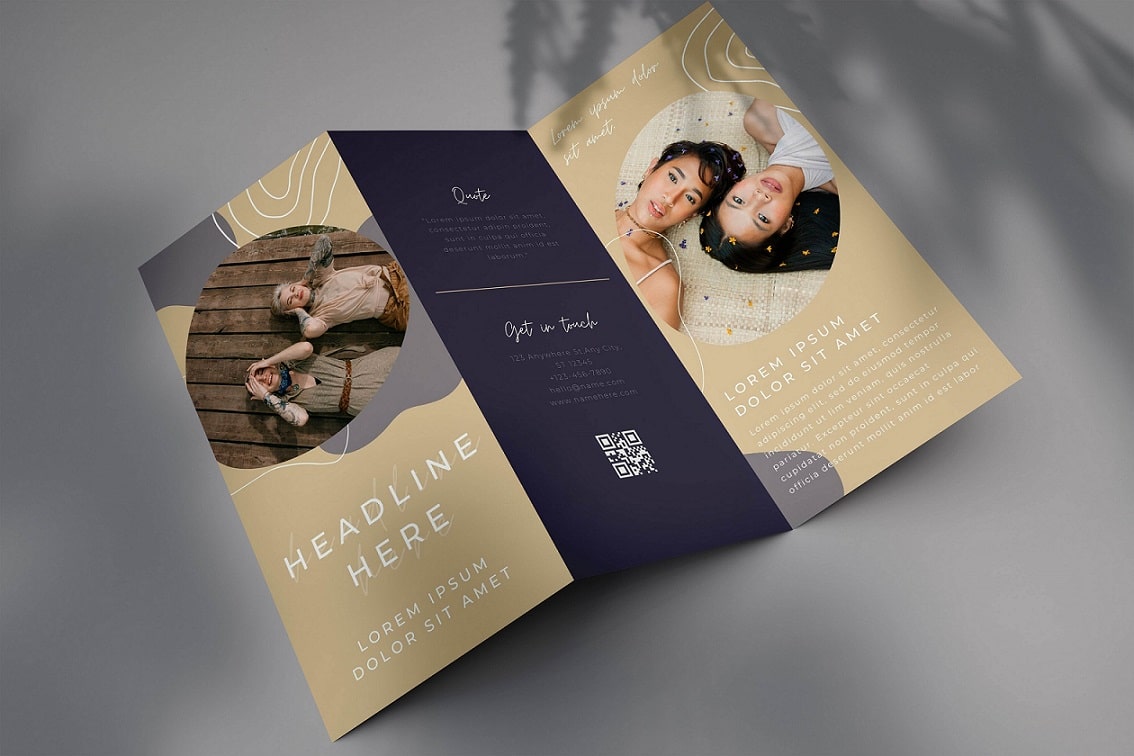
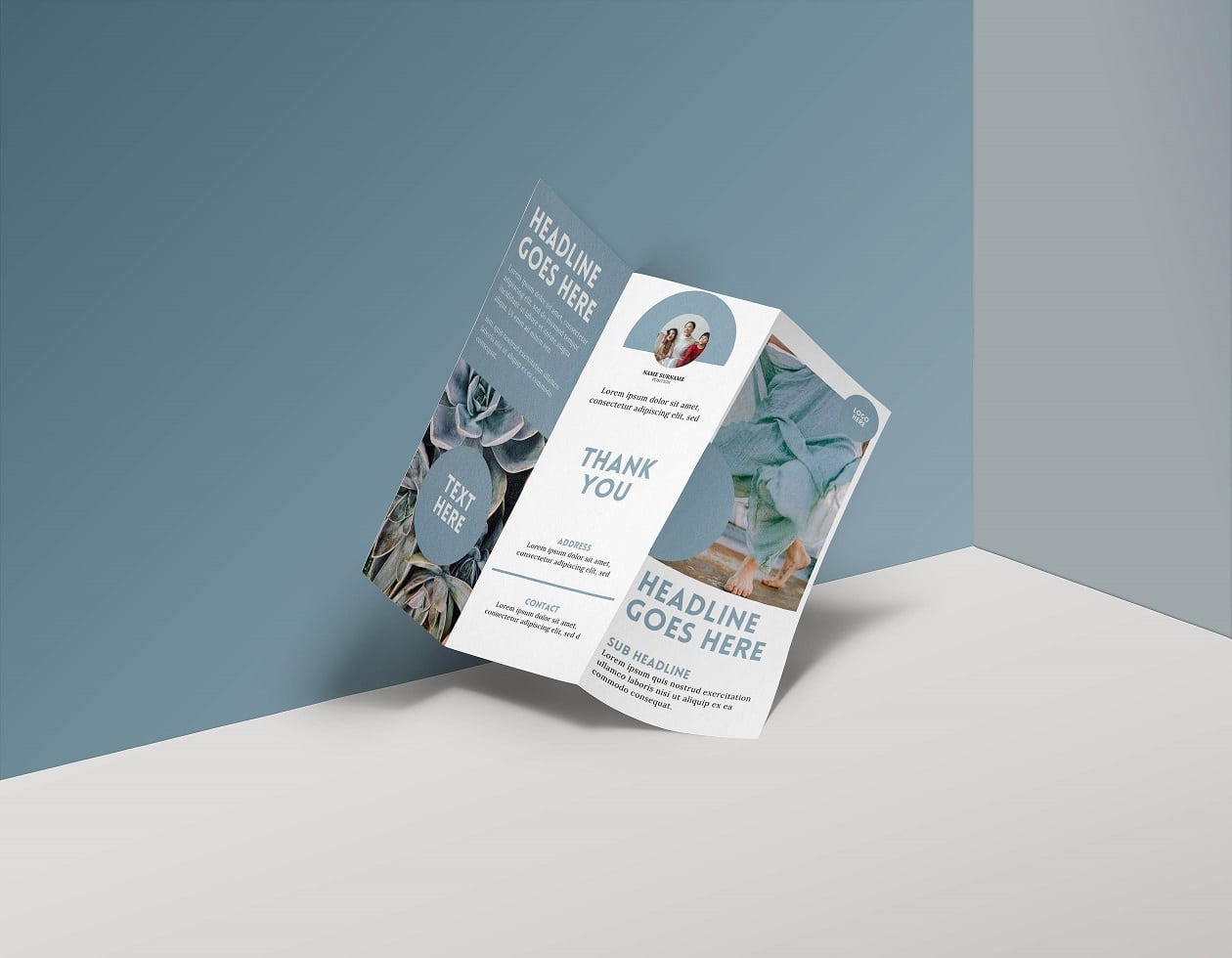
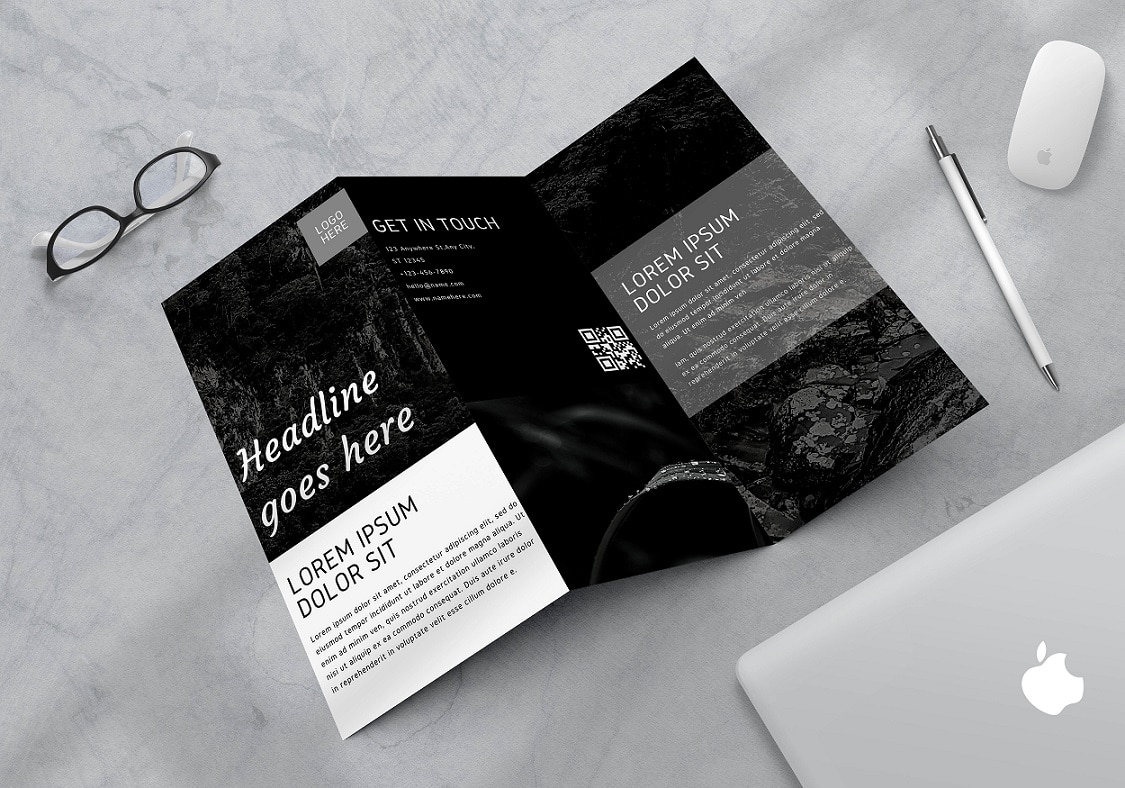
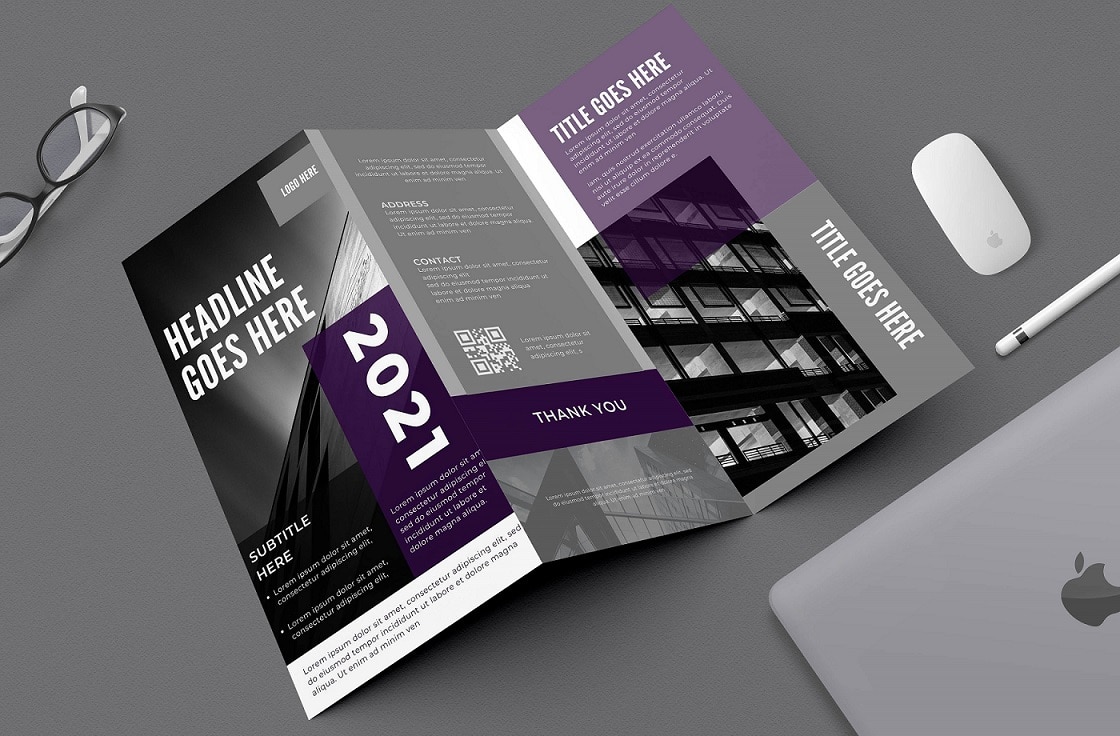
Core Overview: Why Creators & Teams Choose SlideChef Canva Templates
Instead of spending hours aligning text boxes and hunting for free elements that don't trigger watermarks, our collection gives you a running start. We’ve curated a massive directory of pre-formatted templates that are completely free to use, download, and share.
- Zero Subscription Walls: Every single template on this page is engineered for free Canva accounts—no trial periods, credit cards, or secret promo codes needed.
- Multi-Format Export Flexibility: Finished editing? Export your project straight from Canva as an editable PowerPoint (.PPTX) file, a high-res PDF, or a shareable web link.
- Bespoke Creative Direction: Built from scratch by professional presentation designers, avoiding the generic, over-saturated look of standard stock templates.
Directory of Free Canva Templates by Category
- Presentation & Pitch Deck Themes: 16:9 widescreen slide decks optimized for corporate proposals, classroom lectures, startup pitches, and webinar slideshows. Fully cross-compatible with Google Slides and Microsoft PowerPoint.
- Marketing Posters & Flyers: Bold, high-impact layouts for event promotions, business announcements, academic seminars, and community notices.
- Social Media Kits: Scroll-stopping Instagram posts, carousel templates, Facebook banner art, YouTube thumbnails, and LinkedIn corporate graphics.
- Professional Resumes & CVs: Clean, modern, and ATS-friendly resume and cover letter designs that help job seekers make an immediate impression.
- Infographics & Worksheets: Data-driven charts, process timelines, educational lesson plans, and printable activity sheets that turn dense facts into visual stories.
Who Should Use SlideChef’s Editable Canva Templates?
- Entrepreneurs, Startups & Small Businesses: Launch investor-ready pitch decks, business plan presentations, and cohesive brand kits without hiring an external design agency.
- Digital Marketers & Social Media Managers: Batch-create campaign graphics, infographic carousels, and promotional posters using cohesive Canva template bundles.
- Teachers, Educators & Students: Make learning interactive with visual lesson plans, academic project slides, educational posters, and printable classroom worksheets.
- Job Seekers & Corporate Professionals: Upgrade your career materials with modern resumes, executive cover letters, and clean quarterly report decks.
- Beginners & Non-Designers: Skip the steep learning curve of complex design tools—just pick a pre-formatted layout, type in your content, and publish with confidence.
Frequently Asked Questions
How to convert a Canva presentation to Google Slides?
If you're using SlideChef's free Canva templates and need to convert them to Google Slides, you don't have to worry about the conversion process. We already provide Google Slides and PowerPoint versions of all our templates.
To get the Google Slides version, simply click the "DOWNLOAD THIS TEMPLATE" button on the template page. You will then be presented with options to download the template in various formats, including Google Slides.
How much is Canva Pro ?
For individuals, Canva Pro costs $12.99 per month. If you choose the annual plan, it's $119.99 per year, which is a better value as it saves you money compared to paying monthly. If you are looking for free alternatives, you can find similar Canva templates for free at SlideChef.
Are you looking for Custom Presentation Template Designs?
It is a long established fact that a reader will be distracted by the readable content of a page when or randomised words which don't look even slightly believable


