


Employee Task List PowerPoint Template and Google Slides
0
About the Template
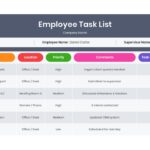
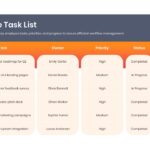
Employee Task List Infographic Template
Download the Employee Task List Template to bring structured visibility, accountability, and seamless coordination to your organization’s daily workflow. In fast-paced operational environments, unorganized task tracking and vague assignments often lead to missed deadlines and productivity bottlenecks.
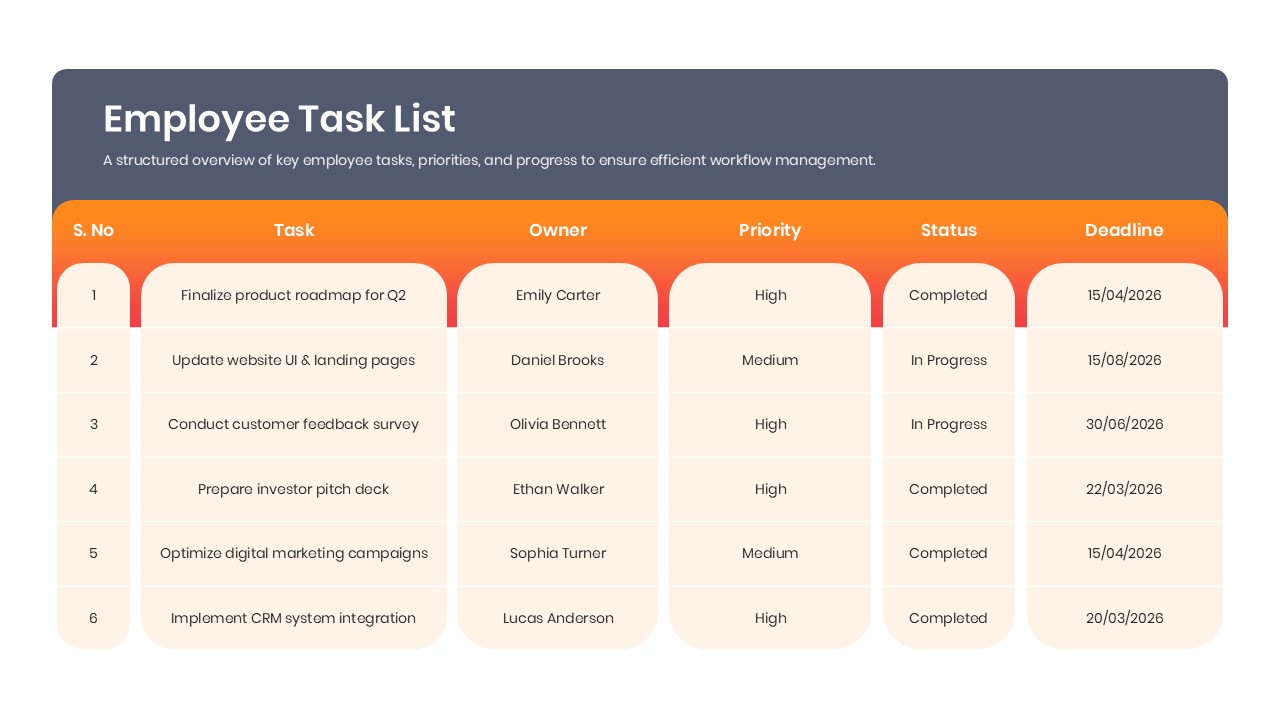
This PowerPoint Infographic template provides managers, supervisors, and professionals with a centralized system to log employee responsibilities, set firm due dates, monitor priority tiers, and track progress statuses in real time. Whether you need to evaluate individual shift checklists or manage multi-member departmental deliverables, this template turns daily operational data into clean, executive-ready presentations.
Key Features of This Employee Task List Infographic Template
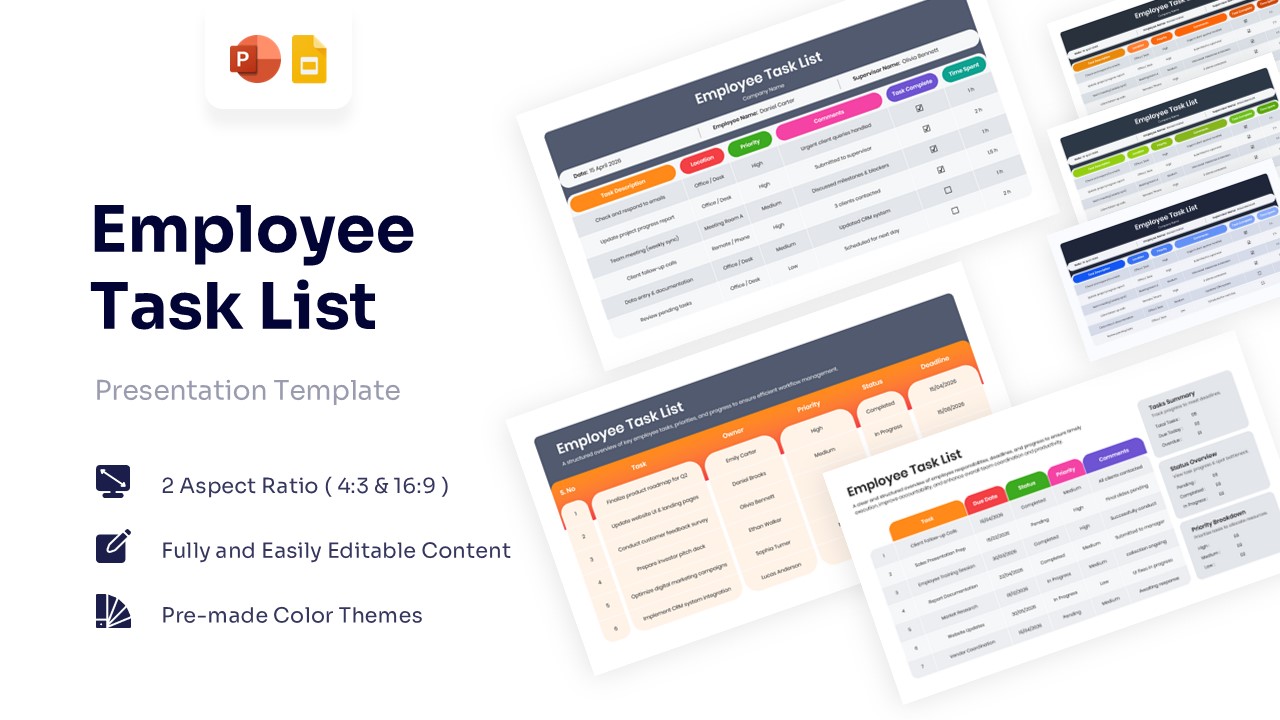
- Dual Aspect Ratio Support: Pre-formatted in both 16:9 widescreen and standard 4:3 dimensions to fit modern presentation monitors and legacy office displays.
- 100% Editable Structure: Easily customize table rows, edit column headers, adjust cell padding, or update text blocks to match your specific team workflows.
- Pre-Made Professional Color Themes: Choose from versatile color schemes—including vibrant orange, deep corporate blue, and fresh green palettes—to align directly with your brand identity.
- Integrated KPI Summary Dashboards: Features dedicated analytic cards tracking total task counts, tasks due today, overdue items, status overviews, and high-to-low priority distributions.
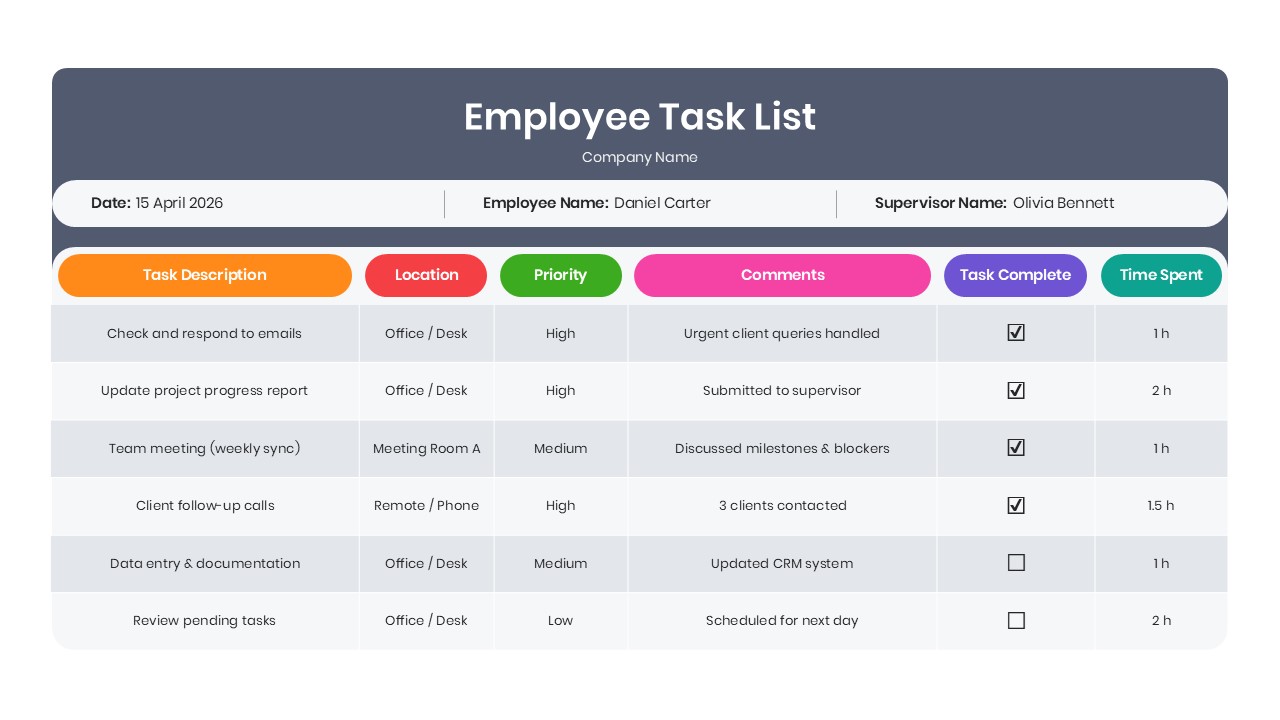
- Granular Time & Location Logging: Built-in table columns allow you to record work locations (Office/Desk, Meeting Room, Remote) and track exact time spent per task alongside supervisor feedback.
- Multi-Platform Ready: Fully compatible for smooth editing and presentation across Microsoft PowerPoint and Google Slides.
Who Should Download This Employee Task List PowerPoint Template?
- Project Managers & Operations Leads: Balance daily team workloads, establish clear deliverable ownership, and review sprint progress during daily stand-ups.
- Department Heads & Team Supervisors: Standardize team reporting, conduct focused one-on-one progress reviews, and address performance roadblocks early.
- Human Resources & People Operations: Track onboarding milestones for new hires, monitor probation benchmarks, and maintain structured training documentation.
- Agency Account Managers & Client Leads: Coordinate multi-client campaign tasks, organize presentation preparations, and track deliverables across cross-functional contributors.
- Freelancers & Independent Contractors: Log billable hours, record client deliverables by project, and manage individual deadlines with professional clarity.
Eliminate guesswork from your team’s day-to-day operations and replace scattered to-do lists with a transparent, high-visibility tracking system. Download the Employee Task List Template on SlideChef today to customize your operational tables, streamline task delegation, and present professional progress reports.


Related
-

Weekly Lesson Plan PowerPoint Template and Google Slides
-
Medical Report Template for PowerPoint and Google Slides
-

Team Introduction Template for PowerPoint and Google Slides
-
Free Performance Improvement Plan Infographic Template
-
Onboarding Plan Template for PowerPoint and Google Slides
-
Client Onboarding Presentation Template


Are you looking for Custom Presentation Template Designs?
It is a long established fact that a reader will be distracted by the readable content of a page when or randomised words which don’t look even slightly believable


