Event Schedule Template for PowerPoint & Google Slides
0


About the Template
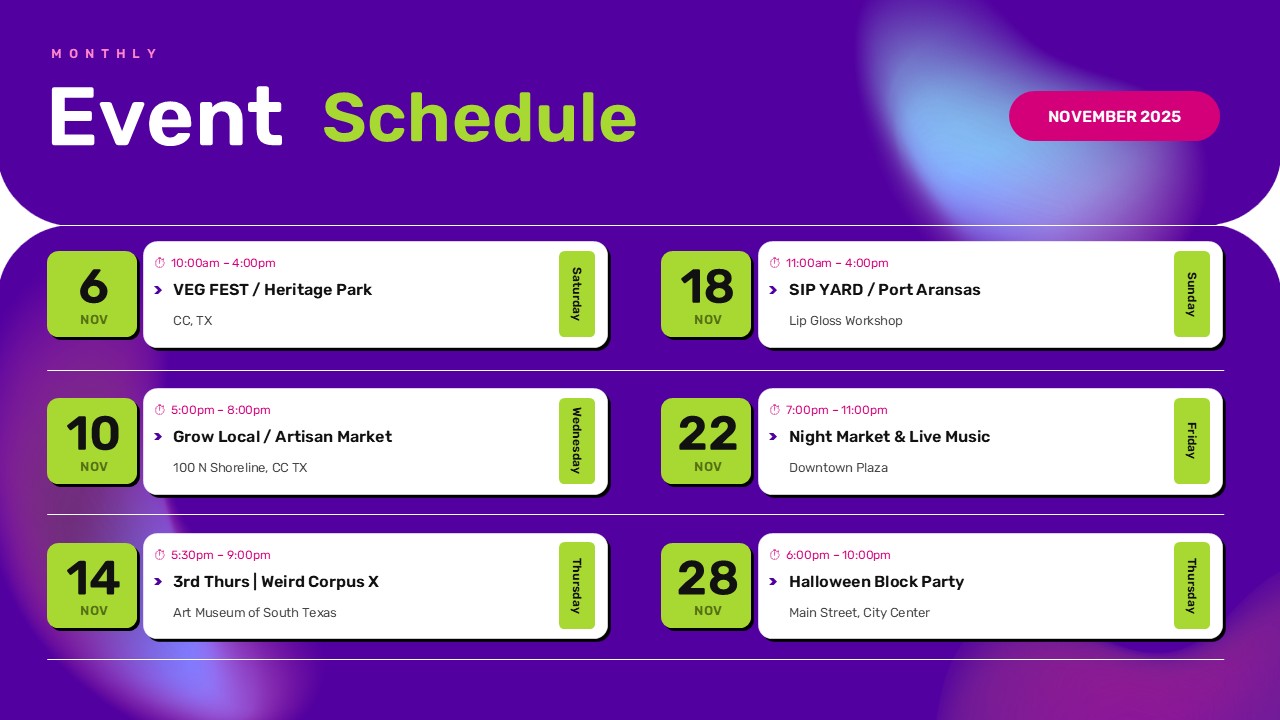
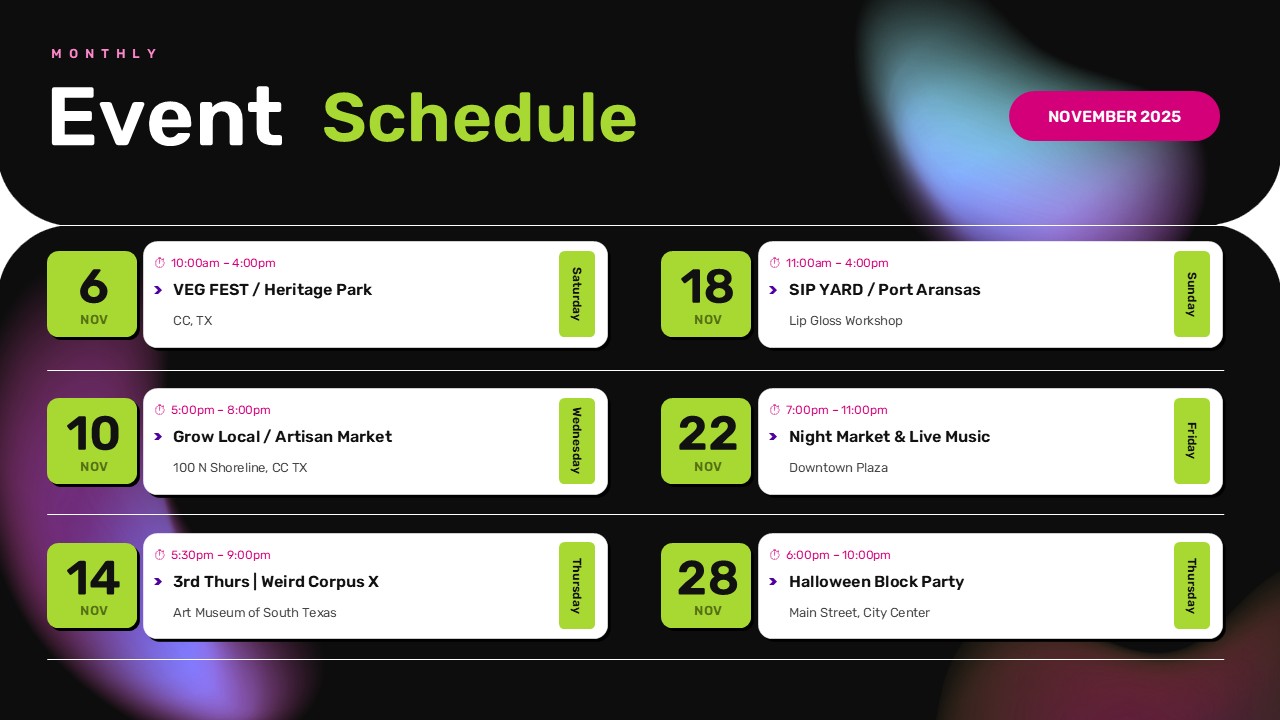
Keep every event organized and every date easy to find with this modern Event Schedule Template. Whether you’re putting together a monthly activity calendar, coordinating multiple programs, or announcing upcoming community events, this layout gives your audience a clear picture of what’s happening and when. The design features a two-column schedule with individual event cards, prominent date indicators, timing details, venue information, and weekday labels. You also get two visual styles: a bold black version with colorful gradient lighting and a vibrant purple alternative with the same clean layout.
Give Your Monthly Events a Clear Structure
A good event schedule does more than list dates. It helps people plan ahead, avoid scheduling conflicts, and know exactly where they need to be. From local markets and networking sessions to workshops and entertainment programs, a monthly schedule brings all the important information together in one place.
This template is particularly useful for:
- Event Management Companies: Coordinate multiple events and share monthly activity schedules.
- Corporate Offices: Communicate meetings, employee activities, training sessions, and company gatherings.
- Educational Institutions: Publish campus events, seminars, workshops, and student programs.
- Community Centers: Keep residents updated about local festivals, markets, and social activities.
- Marketing Departments: Announce promotional events, brand activations, and product launches.
- Conference Organizers: Present event dates, session timings, and venue information in an accessible format.
Make the Schedule Your Own
You don’t need to build an event calendar from scratch. Start with either of the two included designs and replace the sample information with your own. Update the month, dates, event titles, timings, locations, and weekday labels. You can also adjust the colors and typography to match your organization’s branding.
Get the Event Schedule Template in PowerPoint or Google Slides and turn your upcoming activities into a well-organized monthly schedule that’s ready to present, publish, or share.


Related
-

Monthly Calendar Template PowerPoint, Canva & Excel
-
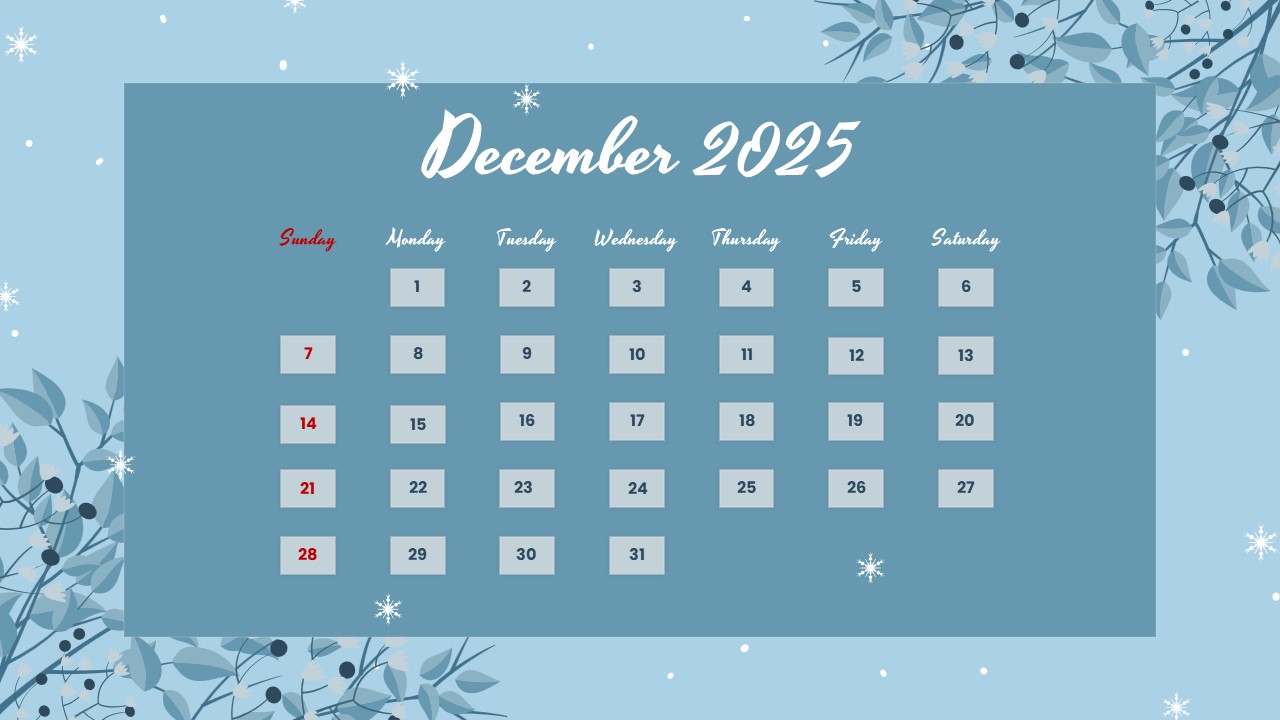
December 2025 Calendar Template for PowerPoint and Google Slides
-
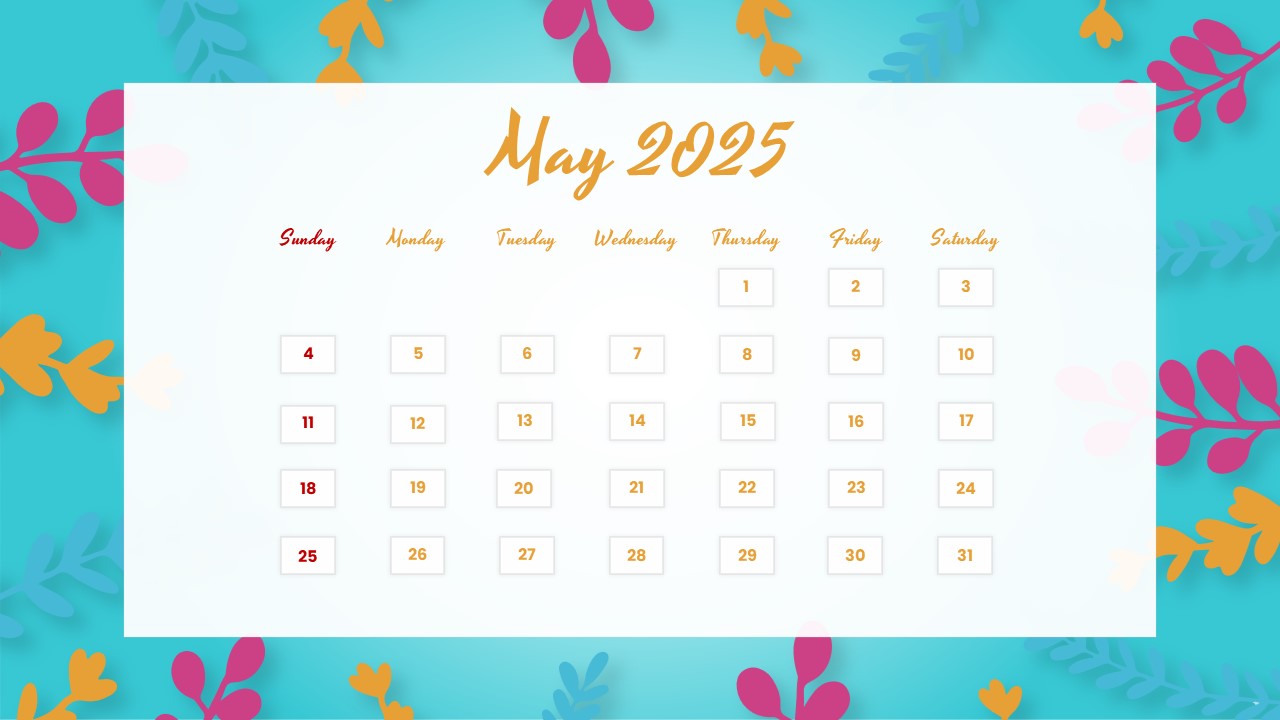
May 2025 Calendar Template for PowerPoint and Google Slides
-
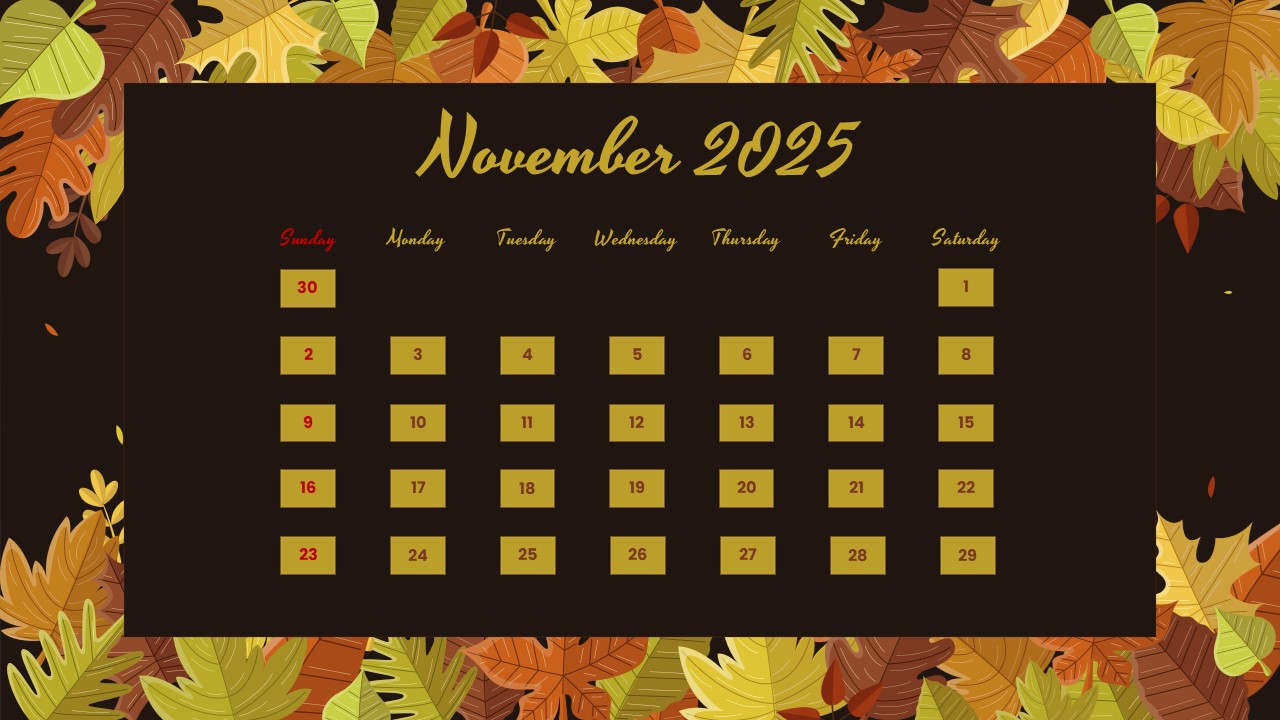
November 2025 Calendar template – Free PowerPoint and Google Slides
-
February 2025 Calendar Template for PowerPoint and Google Slides
-
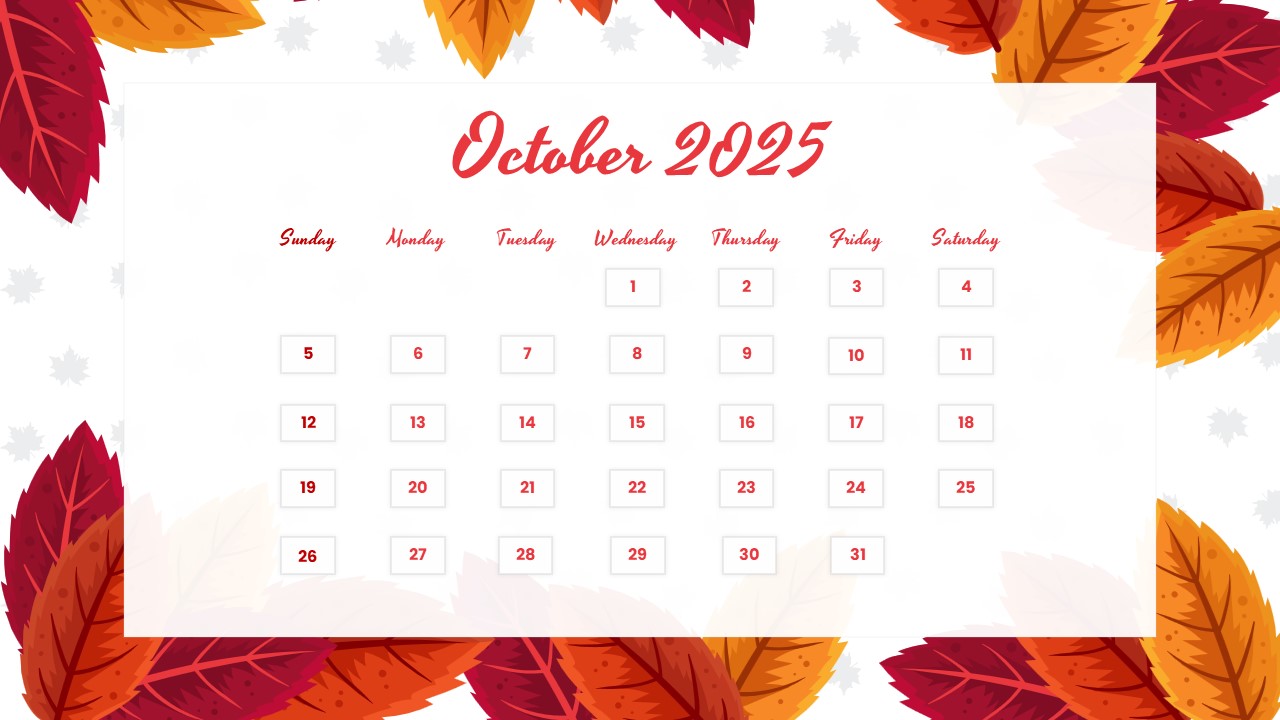
October 2025 Calendar Template for PowerPoint and Google Slides

Are you looking for Custom Presentation Template Designs?
It is a long established fact that a reader will be distracted by the readable content of a page when or randomised words which don’t look even slightly believable