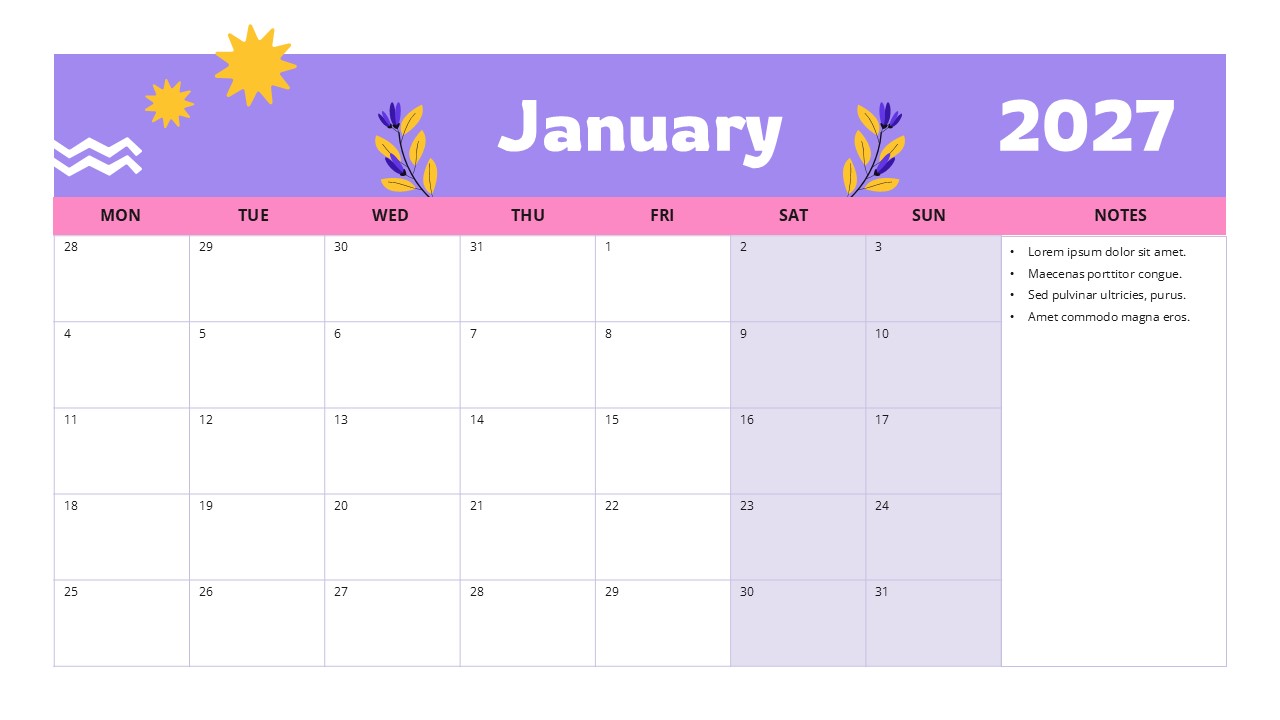
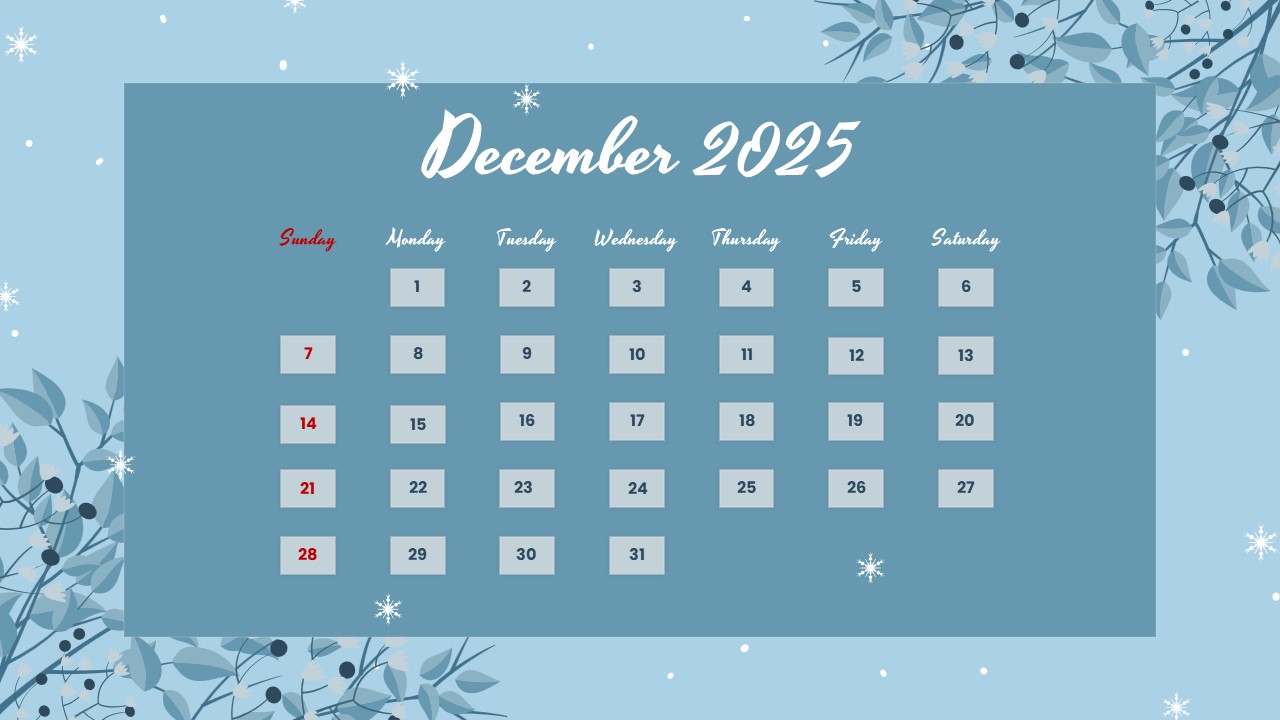
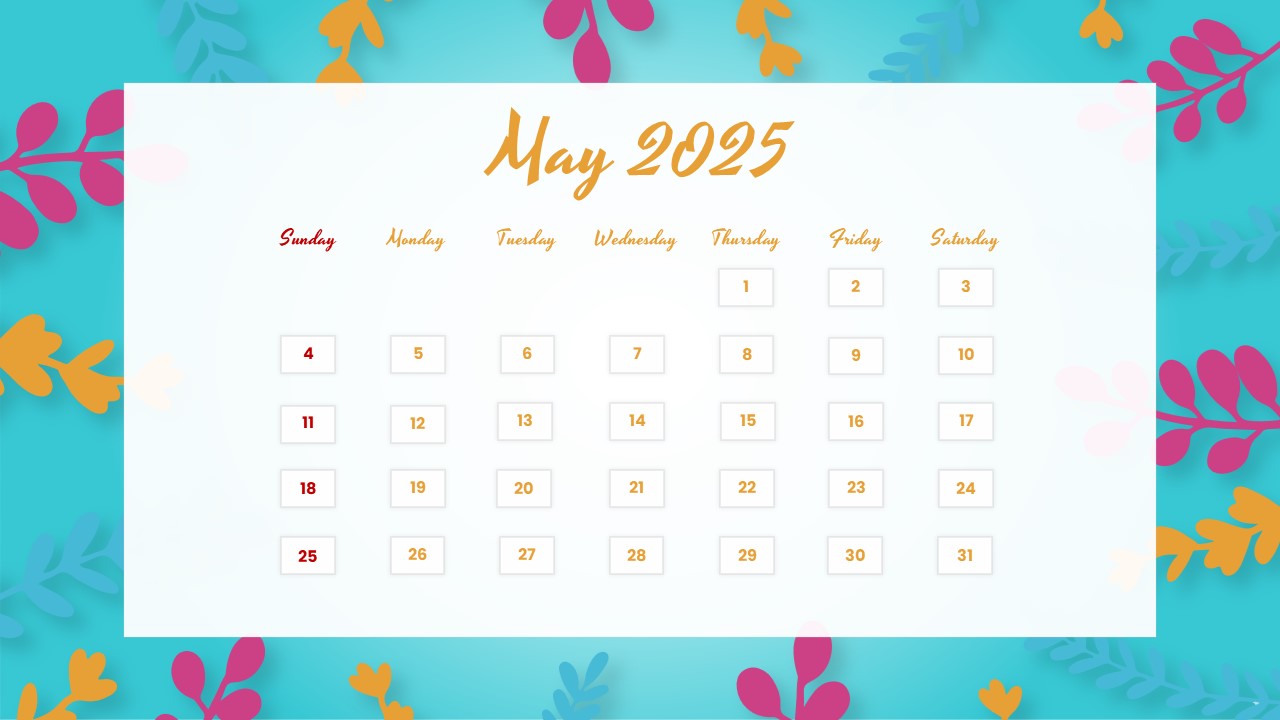
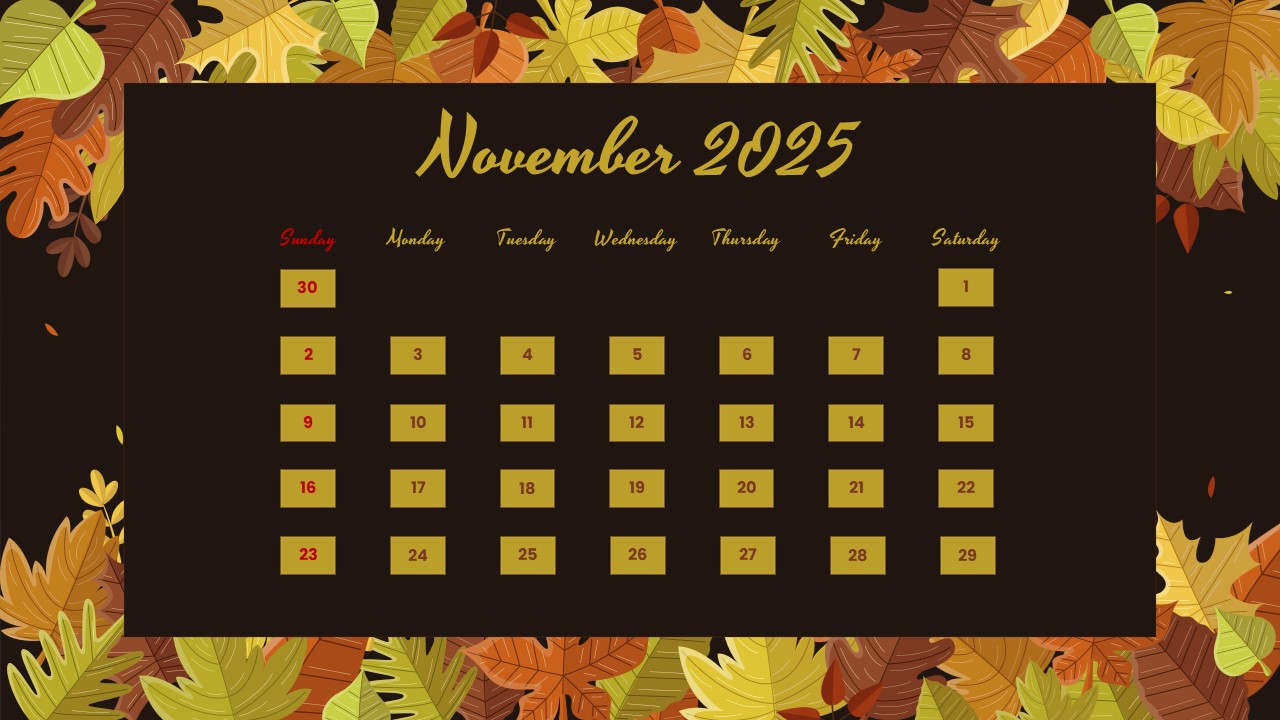
Download Event Schedule Template for PowerPoint & Google Slides
Item ID: SCF02025
Google Slide,PowerPoint
100% Fully Customizable
Free to use
Liked the template? Support SlideChef!
Give us Donation! Help to keep our Templates Free for ever
Hi there! We hope you’re enjoying SlideChef for your presentations. As a free platform, we rely on donations to keep things running. If you find our resources helpful, please consider a small donation. Thank you!
How to Edit the Event Schedule Template
This template is fully customizable in Microsoft PowerPoint and Google Slides. You can update the event information, change the design elements, and adapt the schedule to your organization's requirements.
Customize in Microsoft PowerPoint
- Download the PPT file: Open the downloaded presentation in Microsoft PowerPoint.
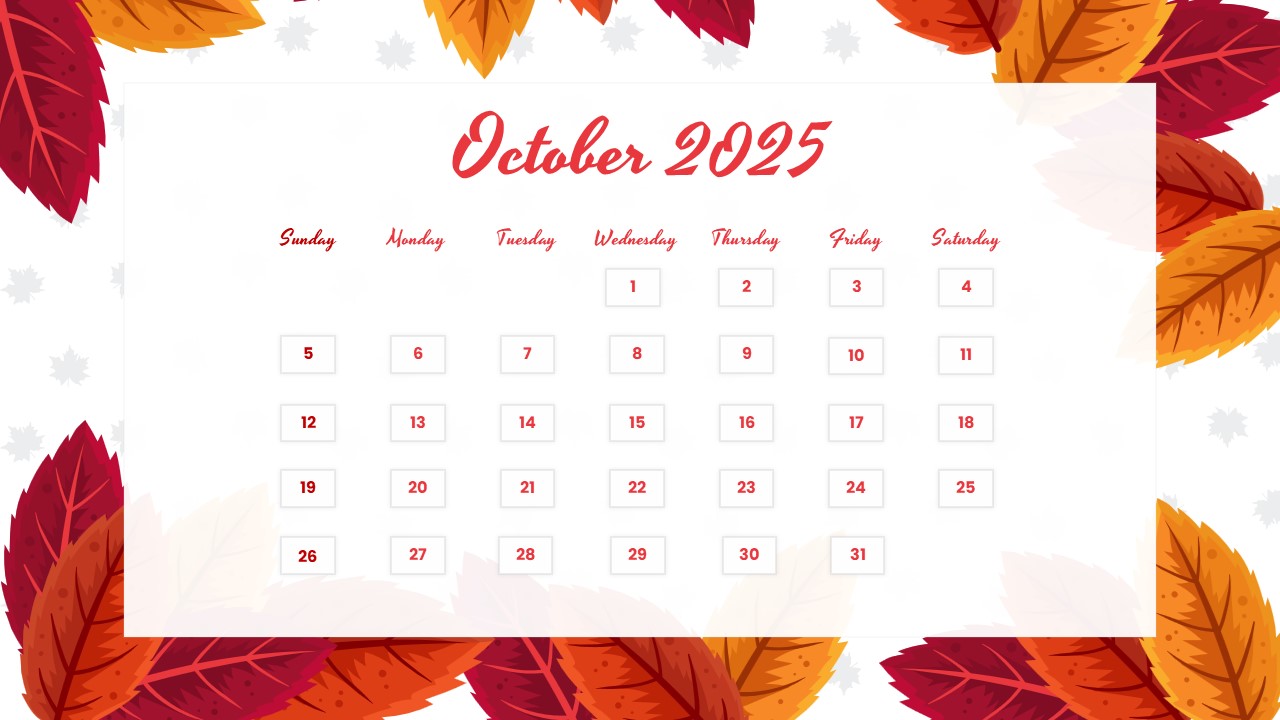
- Update the month and year: Replace the existing November 2025 heading with your preferred schedule period.
- Modify event dates: Change the highlighted date numbers to match your upcoming activities.
- Edit event details: Replace the sample event names, timings, and venue information with your own.
- Update weekday labels: Make sure each event displays the correct day of the week.
- Add or remove events: Duplicate event cards for additional activities or delete the ones you don't need.
- Personalize the design: Adjust the background colors, typography, and other visual elements to match your brand.
- Save and export: Keep your editable PPT file or export the finished schedule as a PDF or image.
Customize in Google Slides
- Open Google Slides: Visit Google Slides and upload the downloaded PowerPoint file through File → Open → Upload.
- Convert the presentation: Open the uploaded file and, if needed, choose File → Save as Google Slides to create a native editable copy.
- Change the schedule heading: Update the month and year according to your event calendar.
- Replace the sample information: Edit the dates, event titles, time slots, locations, and weekday labels.
- Adjust the event layout: Duplicate, reposition, or remove event cards to accommodate your activities.
- Customize the appearance: Modify fonts, colors, backgrounds, and other editable design elements.
- Download your final design: Go to File → Download and select Microsoft PowerPoint, PDF, or an image format to save your completed schedule.
Helpful Tip: Always verify the event dates and corresponding weekdays before sharing your schedule with attendees. This helps prevent confusion and keeps your event information accurate.