Download FiberMaxxing Theme PowerPoint Template
Item ID: SCF01751
PowerPoint,Canva
100% Fully Customizable
Free to use
Liked the template? Support SlideChef!
Give us Donation! Help to keep our Templates Free for ever
Hi there! We hope you’re enjoying SlideChef for your presentations. As a free platform, we rely on donations to keep things running. If you find our resources helpful, please consider a small donation. Thank you!
How to Use this FiberMaxxing Template
The Fibermaxxing Presentation Template is designed for seamless customization across both Microsoft PowerPoint and Canva. Whether you are building an evidence-based nutrition workshop, creating a health education deck for clients, or producing social media carousel content, follow this step-by-step guide to get started.
How to Use in Microsoft PowerPoint
- Unlock the Presentation: Open the downloaded .pptx file in Microsoft PowerPoint and click Enable Editing on the top yellow security banner to enable modifications.
- Set Your Topic and Title: Edit the cover slide and subtitle to frame your specific workshop or webinar theme.
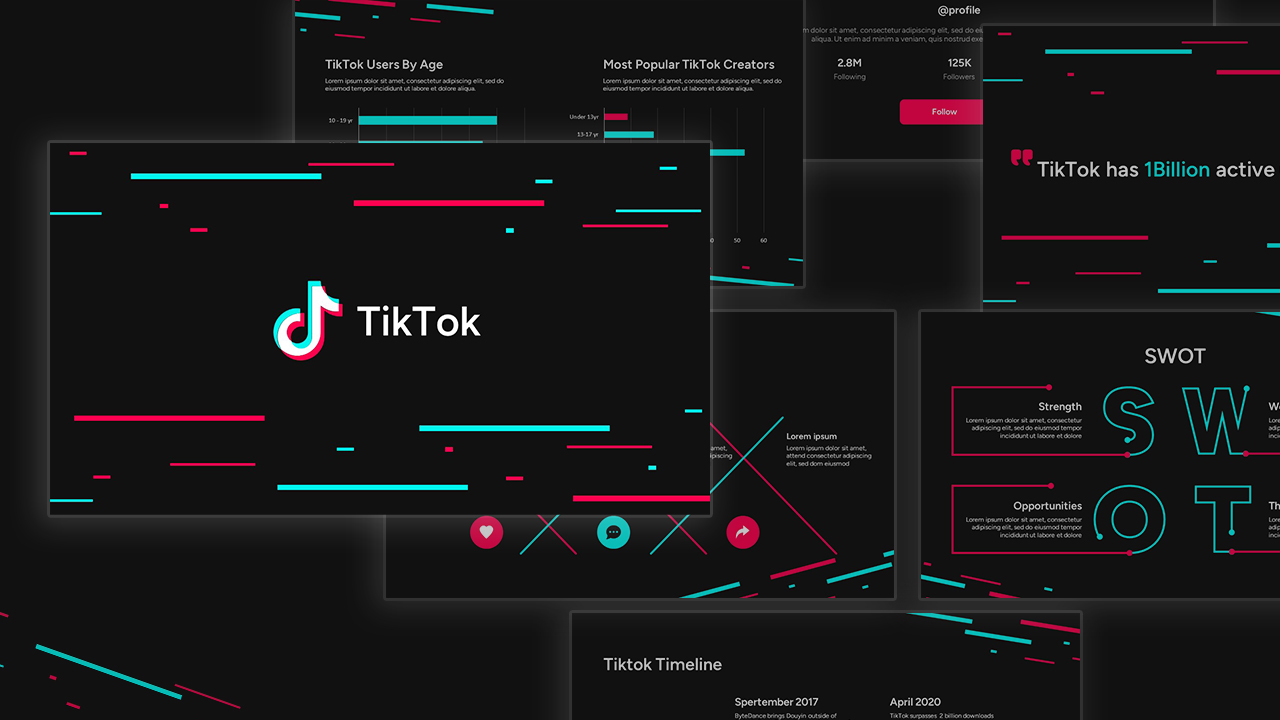
- Update Social Metrics & Growth Charts: Navigate to The Nutrient Having its Tiktok Moment and Almost Nobody Eats Enough Fiber slides to customize the bar charts and statistics with your latest research numbers.
- Customize Whole-Food Sources: Use the Where Fiber Should Come From slide to adjust the descriptions for legumes, whole grains, vegetables, fruits, and nuts & seeds to match your recommended meal plans.
- Highlight Science & Safety Rules: Tailor the 4-step actionable tips on How to Raise Your Fiber Intake Safely and the digestive health guidelines on the What the Science Actually Supports slide.
- Present or Export: Press F5 to run a full-screen presentation, or navigate to File > Export > Create PDF to create downloadable client handouts and meal guide summaries.
How to Use in Canva
- Access the Template Link: Click the provided Canva template link and select Use template for new design to generate an editable copy directly in your Canva workspace.
- Edit Text & Nutritional Targets: Double-click any text box to update dietary recommendations (such as the 25g female / 38g male targets) and add your custom dietary advice.
- Swap & Rearrange Food Photography: Drag and drop your own meal prep images, ingredient photos, or brand logos directly into the designated image containers.
- Adjust Interactive Data & Graphs: Click directly on the charts and stat containers (+9,500%, 90%, 97%) to adjust data points using Canva's left-hand chart editor panel.
- Collaborate in Real Time: Click the Share button in the top right corner to invite team members or nutrition colleagues to review and edit the deck with you.
- Present or Download: Deliver a live slideshow directly from your browser by clicking Present, or choose Share > Download > PDF Standard (or PNG) to export digital guides and social media carousels.