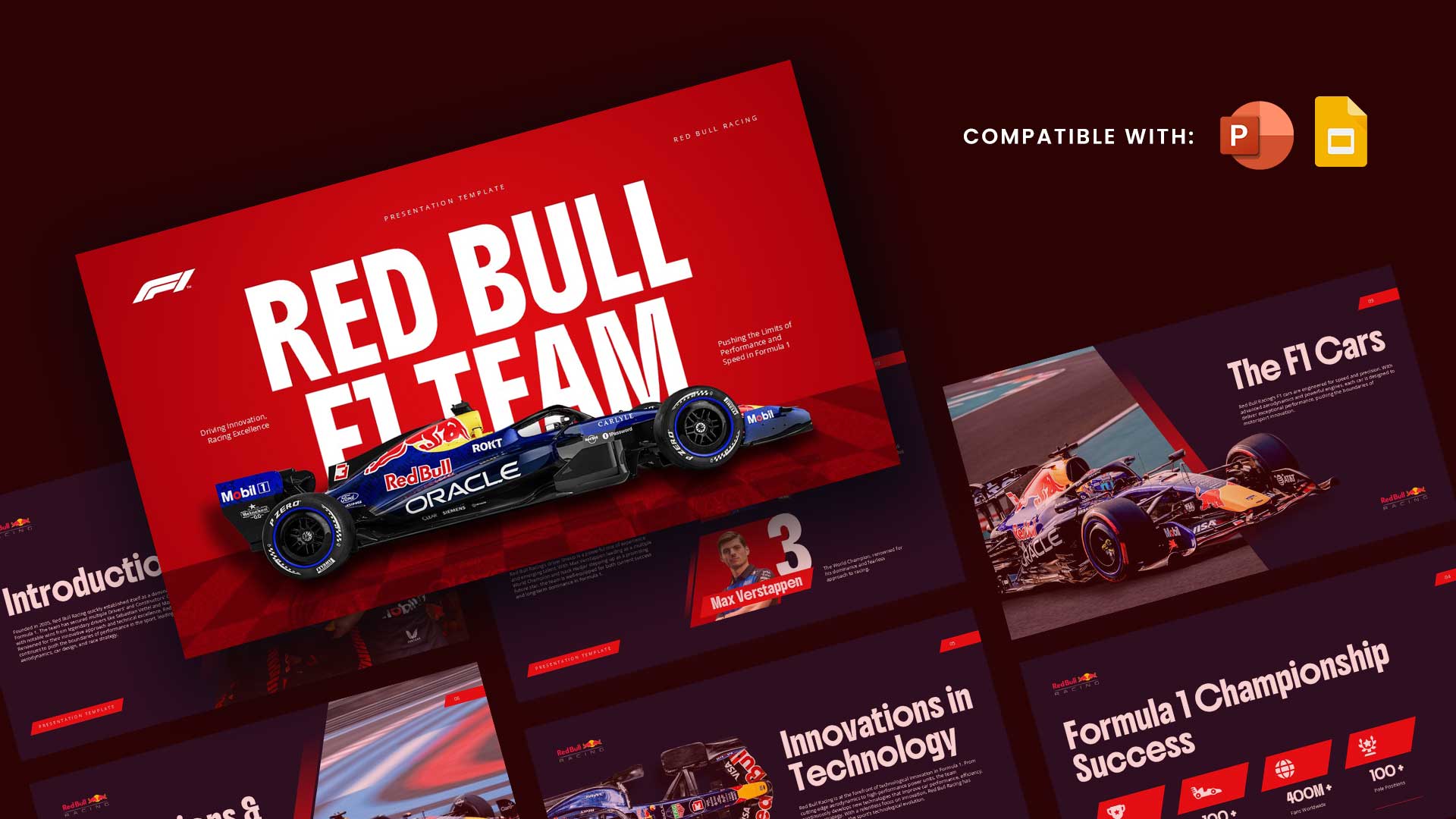
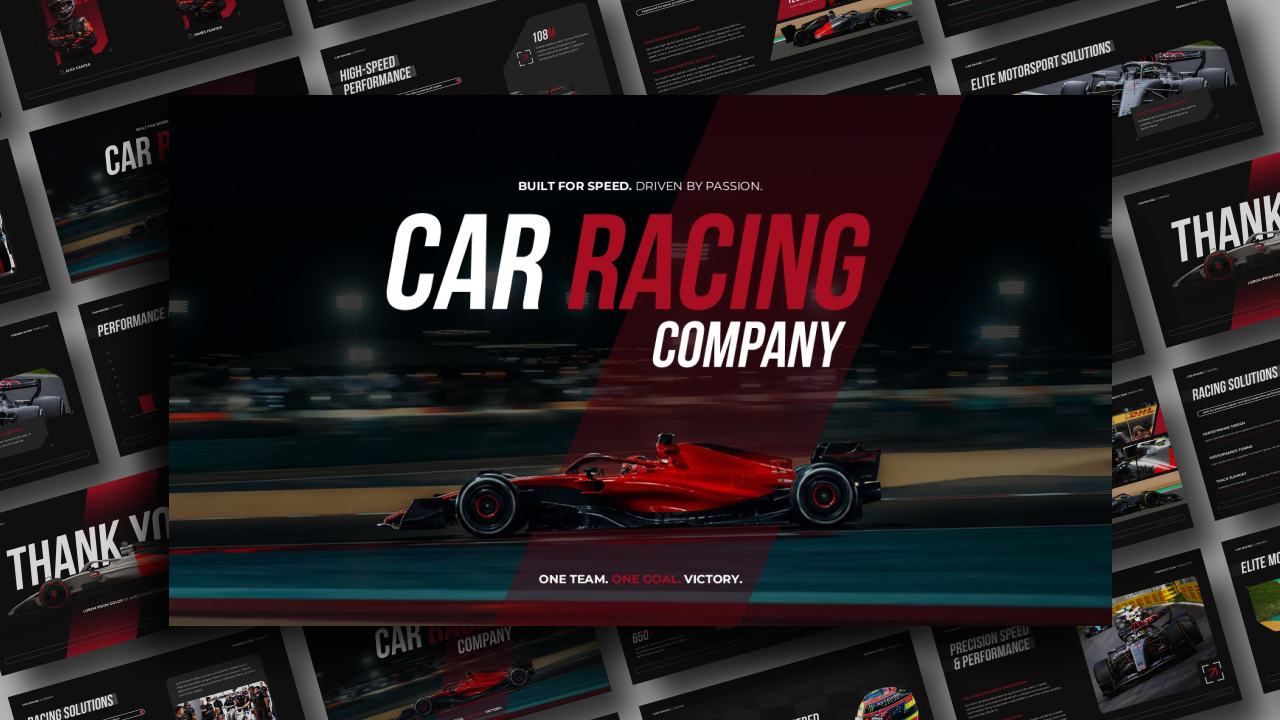
Download Formula 1 PowerPoint Template and Google Slides
Item ID: SCF01062
Google Slide,PowerPoint
100% Fully Customizable
Free to use
Liked the template? Support SlideChef!
Give us Donation! Help to keep our Templates Free for ever
Hi there! We hope you’re enjoying SlideChef for your presentations. As a free platform, we rely on donations to keep things running. If you find our resources helpful, please consider a small donation. Thank you!
Quick Guide: How to Use the F1 Theme Presentation Template
Bring the adrenaline rush and high-speed energy of Formula 1 straight to your screen! This sleek racing-inspired template is perfect for showcasing driver profiles, race highlights, and complex F1 data.
Here is a simple, step-by-step guide to customizing your slides for both PowerPoint and Google Slides:
For Microsoft PowerPoint Users
- Download and Open: Click the PowerPoint download button to save the file to your computer. Open it and click Enable Editing at the top of the window to unlock the racing layouts.
- Update Driver Profiles & Data: Click into any of the text boxes on the sleek, black, white, and checkered slides to quickly type in your own stats, race history, or project notes.
- Swap out Racing Visuals: To add your own photos of cars, tracks, or teams, right-click on a placeholder image, select Change Picture, and choose a file from your device.
- Reorder the Grid: Easily duplicate your favorite yellow-accented slides to add more content, or delete the ones you do not need to perfectly structure your presentation.
- Start the Race: Save your final file, head to the Slide Show tab at the top menu, and click From Beginning to go full screen.
For Google Slides Users
- Save to Your Drive: Click the provided Google Slides link and click Make a Copy when prompted. This instantly saves an editable version directly into your personal Google Drive account.
- Edit in Your Browser: Double-click on any text line to change headers, bullet points, or circuit data instantly without installing any external software.
- Replace the Images: Click once on a placeholder image, look at the top menu toolbar, click Replace image, and upload your own high-quality motorsport graphics or icons.
- Organize Your Slides: Right-click on the slide thumbnails in the left sidebar to duplicate, delete, or drag-and-drop the pages into a brand new order.
- Present Instantly: When your custom F1 deck is ready, simply click the Present button in the top right corner of your browser window to show your work.