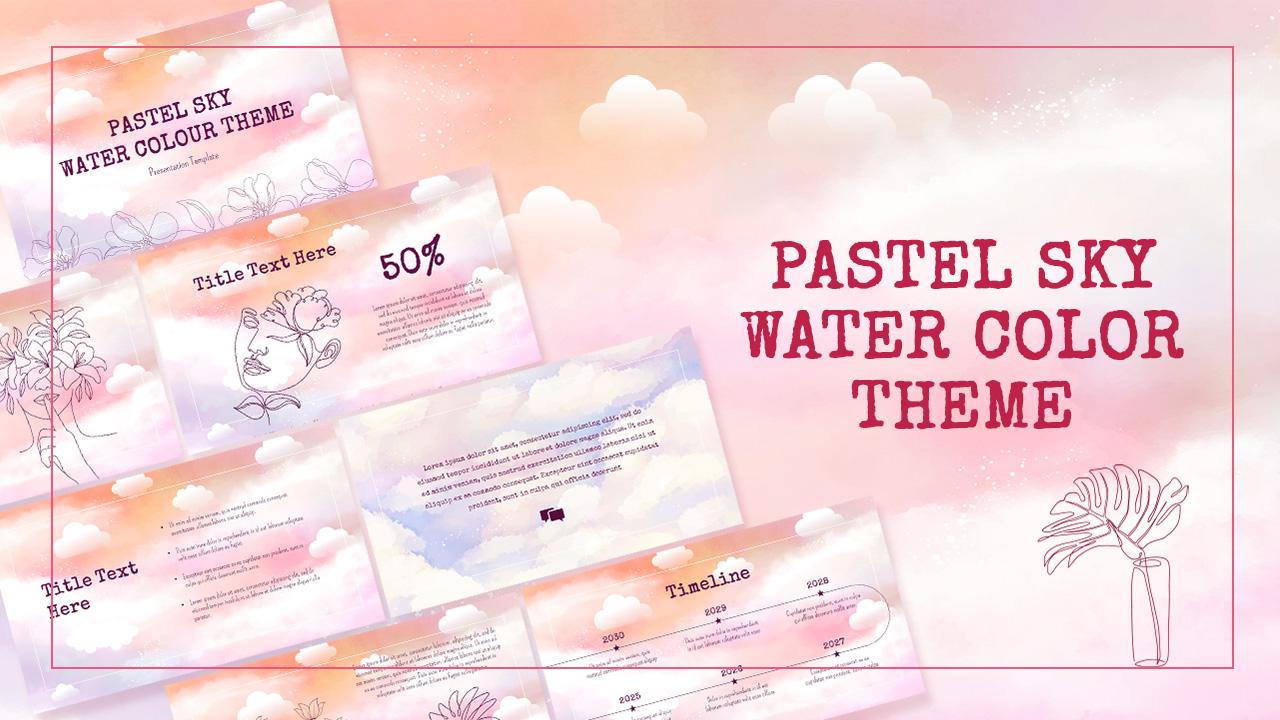
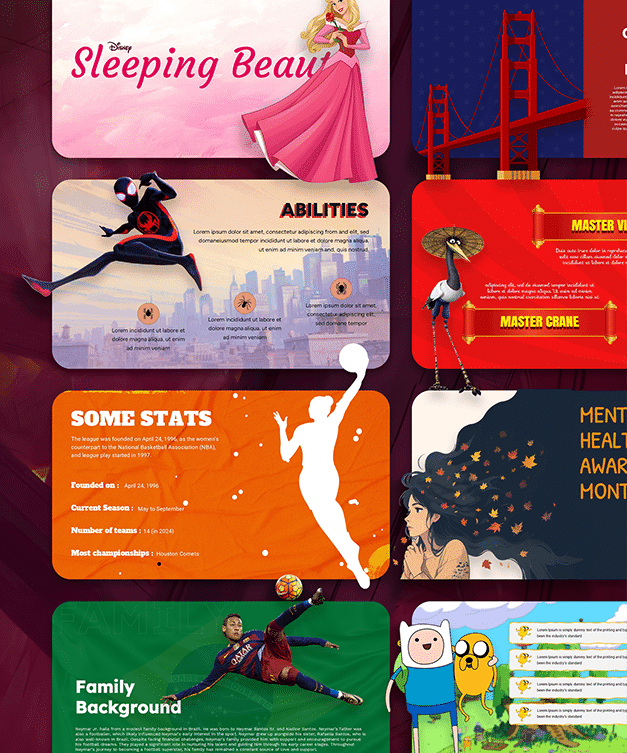
Download Free Brush Stroke Backgrounds for Google Slides & PowerPoint
Item ID: SCF00107
Google Slide,PowerPoint
100% Fully Customizable
Free to use
Liked the template? Support SlideChef!
Give us Donation! Help to keep our Templates Free for ever
Hi there! We hope you’re enjoying SlideChef for your presentations. As a free platform, we rely on donations to keep things running. If you find our resources helpful, please consider a small donation. Thank you!
How to Use This Brush Stroke Background Template
1. Download the Template: Choose your favorite design from the 10 brush stroke background variations and download it.
2. Open in PowerPoint or Google Slides: Add the downloaded background image to your presentation using the background formatting options.
3. Customize Your Slides: Insert your own text, images, logos, icons and other visual elements to personalize the design.
4. Adjust Text and Colors: Choose fonts and text colors that contrast with the background to keep your content readable.
5. Create Your Presentation: Use these artistic backgrounds for title slides, section dividers, creative projects, educational presentations and portfolio designs.
6. Save and Present: Once your slides are ready, save your presentation and share it with your audience.