Download Who Wants to Be a Millionaire – PowerPoint Quiz Template
Item ID: SCF00280
Google Slide,PowerPoint,Canva
100% Fully Customizable
Free to use
Liked the template? Support SlideChef!
Give us Donation! Help to keep our Templates Free for ever
Hi there! We hope you’re enjoying SlideChef for your presentations. As a free platform, we rely on donations to keep things running. If you find our resources helpful, please consider a small donation. Thank you!
How to Use the Interactive Who Wants to be a Millionaire Game Show Template
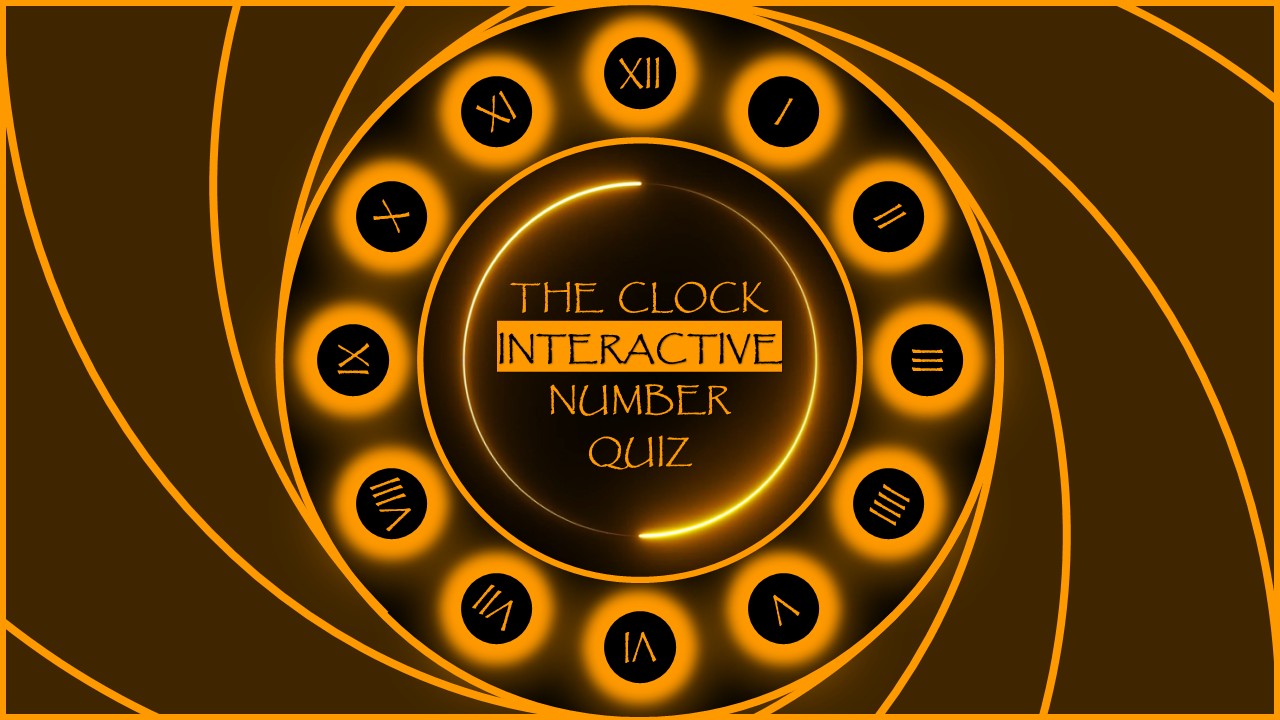
Bring the suspense, iconic theme, and high-stakes excitement of the classic TV quiz show straight to your next PowerPoint night! This fully playable template is designed exclusively for Microsoft PowerPoint, making it easy to build a custom trivia game with a functioning cash-prize ladder and interactive elements.
Here is how to set up your game show deck:
- Download and Open: Download the presentation file to your laptop or desktop. Launch it in Microsoft PowerPoint and click Enable Editing on the top notification bar to unlock the game setup.
- Input Your Trivia Questions: Click inside the pre-designed question boxes on each slide to delete the placeholder text and type in your own custom trivia questions.
- Fill in the Answer Choices: Overwrite the text for options A, B, C, and D. Be sure to place your correct and incorrect answers into the exact designated slots provided by the template to keep the game's built-in scoring logical.
- Configure the Lifelines: Review the dedicated lifelines slide (like 50:50 or Phone a Friend). You can type in specific rules or instructions on how your audience can use these lifelines during your quiz night.
- Keep Triggers Intact: Avoid deleting or moving the core background shapes. The template uses built-in PowerPoint triggers and hyperlinks to reveal correct answers or navigate the cash ladder when clicked during gameplay.
- Save and Launch the Show: Save your final customized quiz game. When your contestants are ready, head to the Slide Show tab at the top menu and select From Beginning to run the interactive game show in full screen.