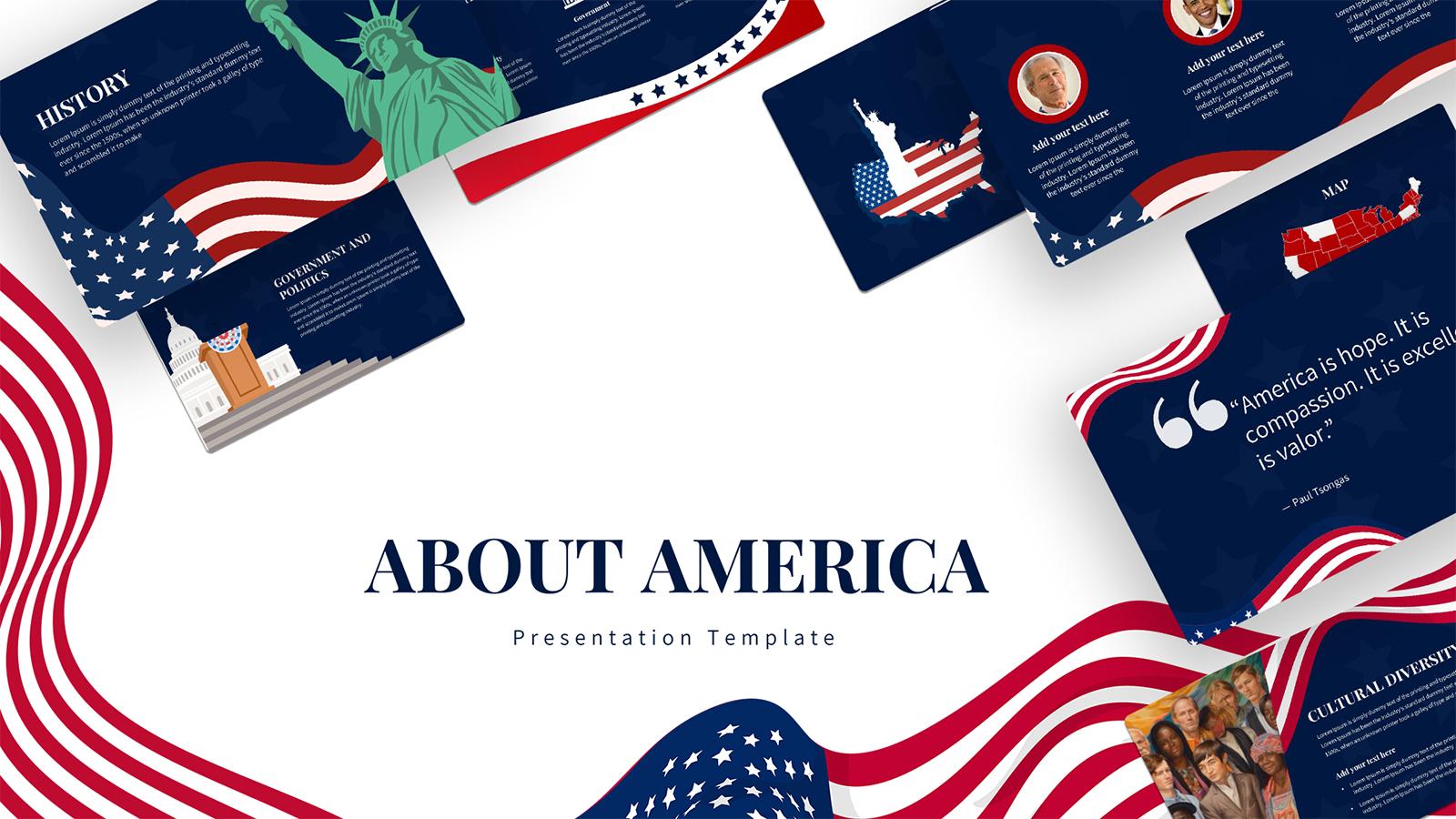
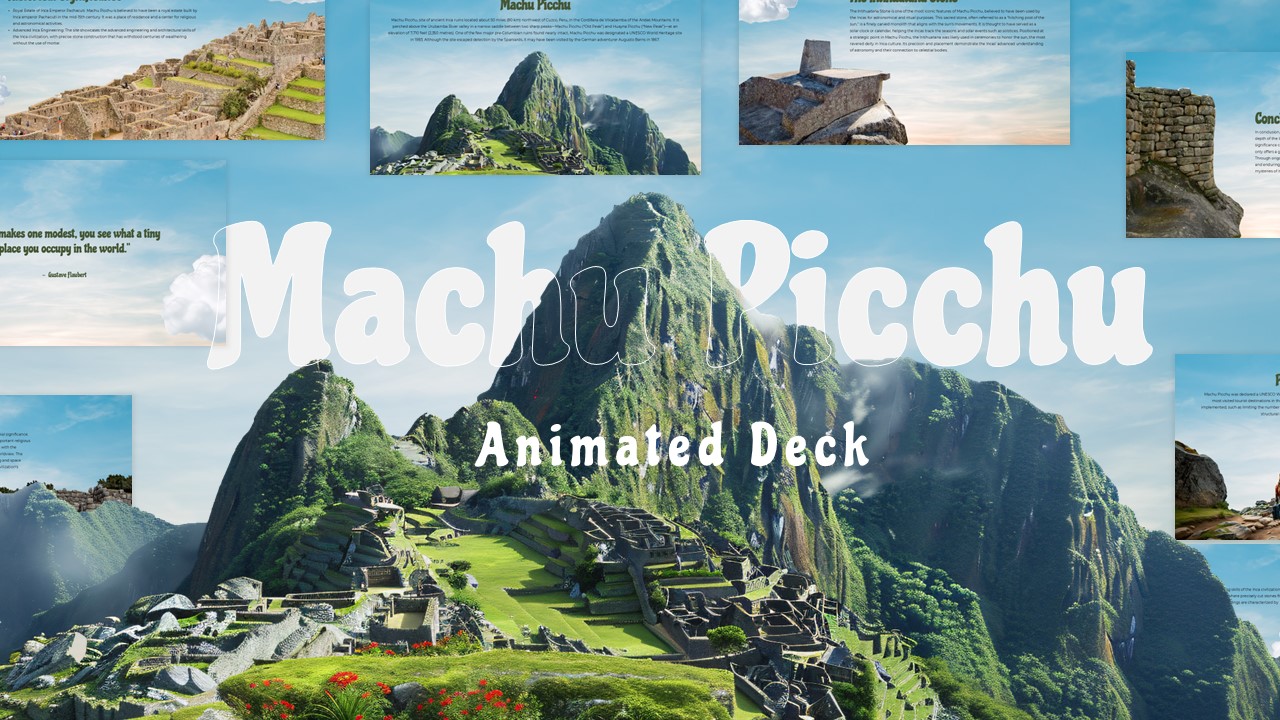
Download Great America Free Presentation Template
Item ID: SCF01685
PowerPoint,Canva
100% Fully Customizable
Free to use
Liked the template? Support SlideChef!
Give us Donation! Help to keep our Templates Free for ever
Hi there! We hope you’re enjoying SlideChef for your presentations. As a free platform, we rely on donations to keep things running. If you find our resources helpful, please consider a small donation. Thank you!
How to Use the Great America Presentation Template
Whether you want to customize your slides locally in Microsoft PowerPoint or edit them directly online using Canva, tailoring this deck to your topic is quick and simple. Follow this step-by-step guide to easily rewrite text, swap your images, update charts, and deliver a polished presentation with total confidence.
For Microsoft PowerPoint Users
- Download and Open: Save the presentation file to your computer, open it in PowerPoint, and click Enable Editing at the top of your screen to unlock the layouts.
- Edit Titles and Intro Text: Click inside any text block on the title cover or the main introduction layout to type your own title, subtitle, or presenter details.
- Swap the Pictures: Right-click any photo placeholder on the geography or culture layouts, select Change Picture, and upload your own high-quality landscape or team images.
- Customise the Timeline: Click the text fields next to the dates on the history slide to quickly map out your specific milestones, chronological events, or project phases.
- Organise Features and Cards: Overwrite the text inside the four distinct columns on the innovation slide to break down your main project pillars or core values.
- Update the Charts and Metrics: Click directly on the bar chart graphics in the economy layout to edit the data values, labels, and colors to reflect your own research.
- Arrange Multi-Panel Layouts: Use the clean structural blocks to display complex lists, regional facts, or category breakdowns without cluttering the screen.
- Save and Present: Save your finished file, head to the Slide Show tab, and click From Beginning to present full screen, finishing your talk on the striking closing slide.
For Canva Users
- Open and Copy the Template: Click the provided Canva link to open the presentation layout. Click on File in the top left menu bar and select Make a copy to save an editable version to your personal Canva dashboard.
- Rewrite Headers Instantly: Double-click any line of text to update the titles, quotes, and introductory paragraphs with your own wording.
- Drag-and-Drop Your Media: Upload your custom images to your Canva account, then drag and drop them directly into the pre-shaped photo frames on the geography and lifestyle slides.
- Adjust Text and Graphics: Click the individual text blocks on the historical timeline or the colored cards on the innovation page to scale the fonts, move assets, or change background colors.
- Format Your Data and Lists: Use Canva's side panel to tweak the graph points on the industry slide, and customise the text sections on the information blocks.
- Download or Present Live: Click the Present icon at the top of the page to display your work full screen directly from the web browser, closing seamlessly on the final slide, or click Share to download the deck to your device.