Download Halloween Family Feud Template
Item ID: SCF01757
PowerPoint,Canva
100% Fully Customizable
Free to use
Liked the template? Support SlideChef!
Give us Donation! Help to keep our Templates Free for ever
Hi there! We hope you’re enjoying SlideChef for your presentations. As a free platform, we rely on donations to keep things running. If you find our resources helpful, please consider a small donation. Thank you!
How to Use this Halloween Family Feud Template
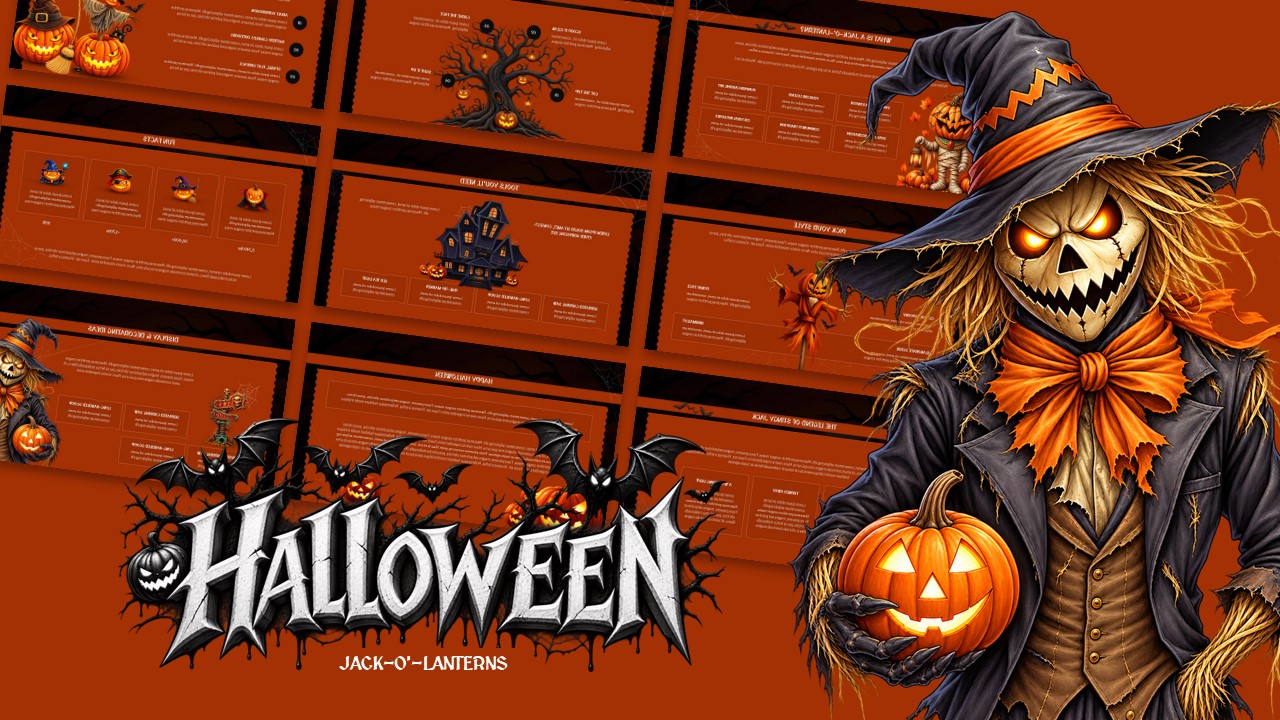
The Halloween Family Feud Edition Presentation Template is built for quick setup and smooth live hosting across both Microsoft PowerPoint and Canva. Follow this step-by-step guide to run an engaging game night for your party, classroom, or virtual event.
How to Use in Microsoft PowerPoint
- Unlock the File: Open the downloaded .pptx file in Microsoft PowerPoint and click Enable Editing on the yellow security bar at the top of your screen.
- Register Teams and Players: Navigate to the Who Dares to Feud? slide and type in custom team names along with player rosters for Team A and Team B.
- Customize Survey Questions: Move through Round 1 (Trick or Treat!), Round 2 (Monster Mash), and Round 3 (Costume Chaos) to customize or keep the pre-written Halloween survey questions.
- Manage Answers and Point Reveals: Set up click-to-reveal animations or remove cover shapes as contestants guess the top survey answers and score values.
- Play Double Points & Final Fright: Use the Double the Fright (x2) slide to escalate the competition, followed by the high-stakes Final Fright! lightning round.
- Crown the Champion: Update the And The Winner Is... slide with the winning team's name and press F5 to host the game full-screen.
How to Use in Canva
- Open the Project: Click the provided Canva link and select Use template for new design to generate an editable copy in your Canva workspace.
- Edit Rosters and Rules: Double-click the text boxes on the Game Begins! and Who Dares to Feud? slides to customize gameplay rules, strikes, and team lineups.
- Update Survey Boards: Click directly on the orange question boxes and purple answer slots across each round to input your preferred trivia prompts and survey totals.
- Animate Reveals During Live Play: Use Canva's Animate feature or layer elements to reveal hidden survey answers dynamically during your session.
- Collaborate and Co-Host: Use the Share button in the top-right corner to invite a co-host or scorekeeper to manage the slides and track points in real time.
- Present Full-Screen: Click Present in Canva to launch the interactive game show directly from your browser on a TV, projector, or video call screen share.