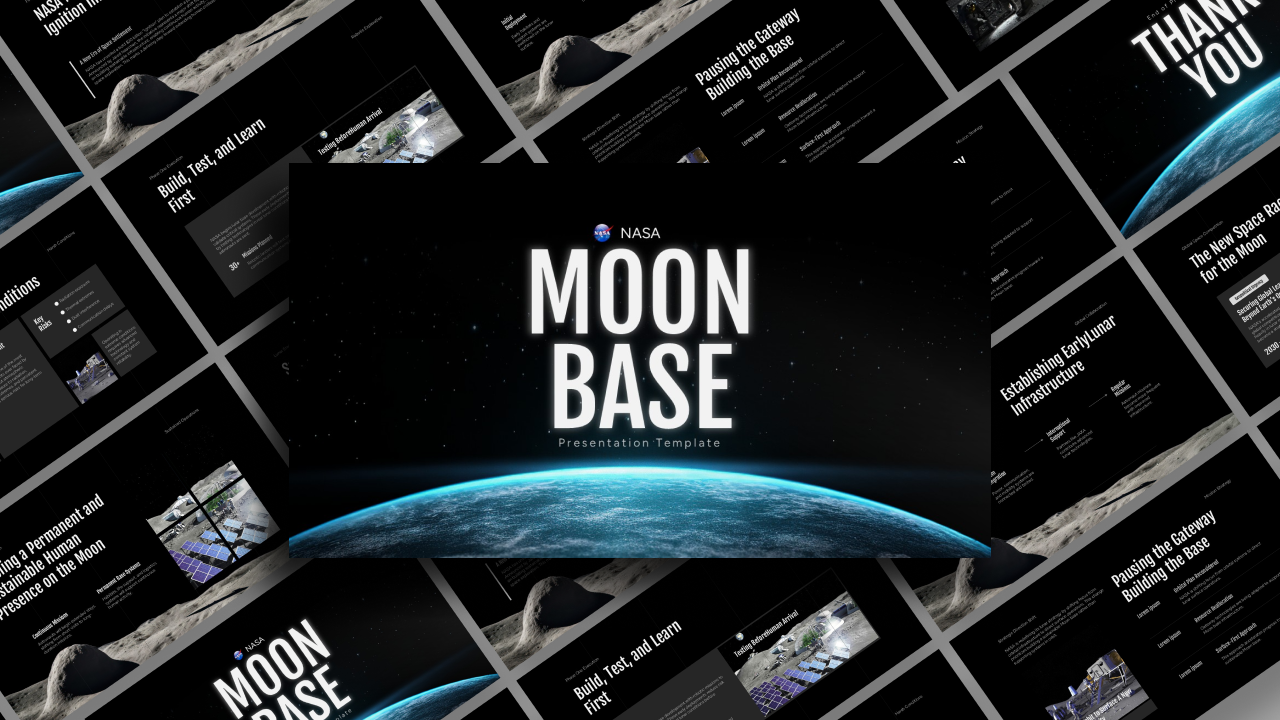
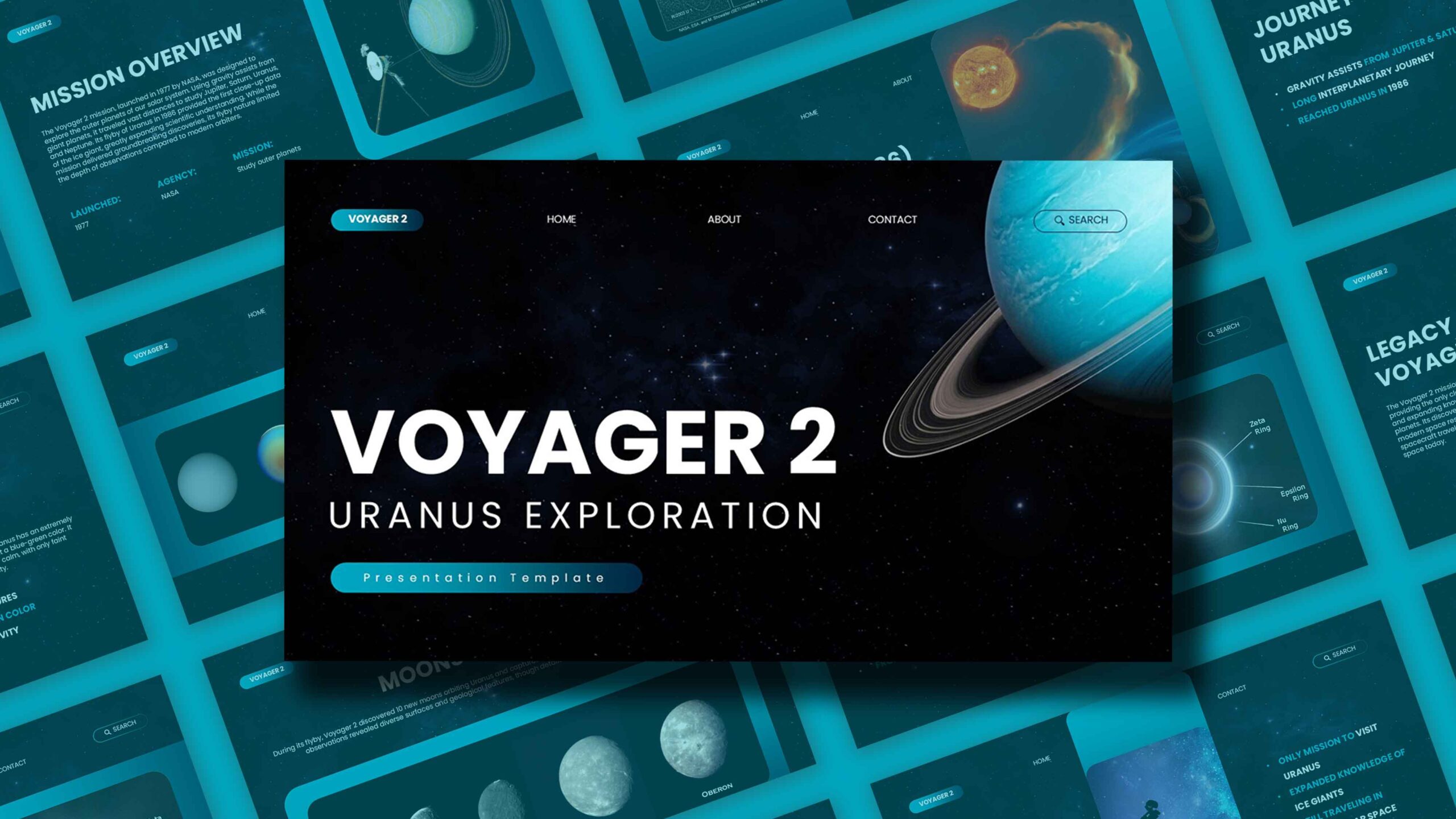
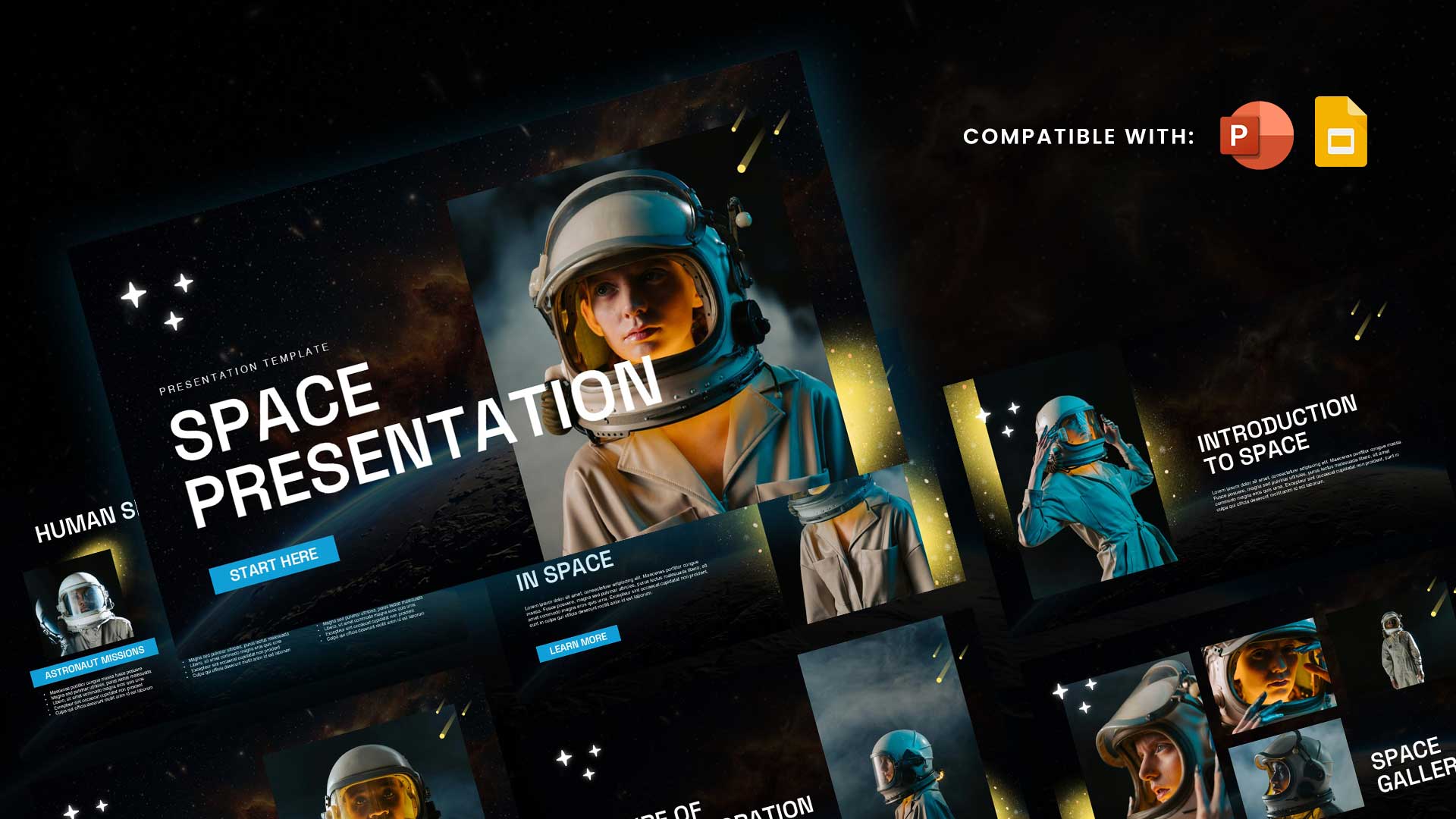
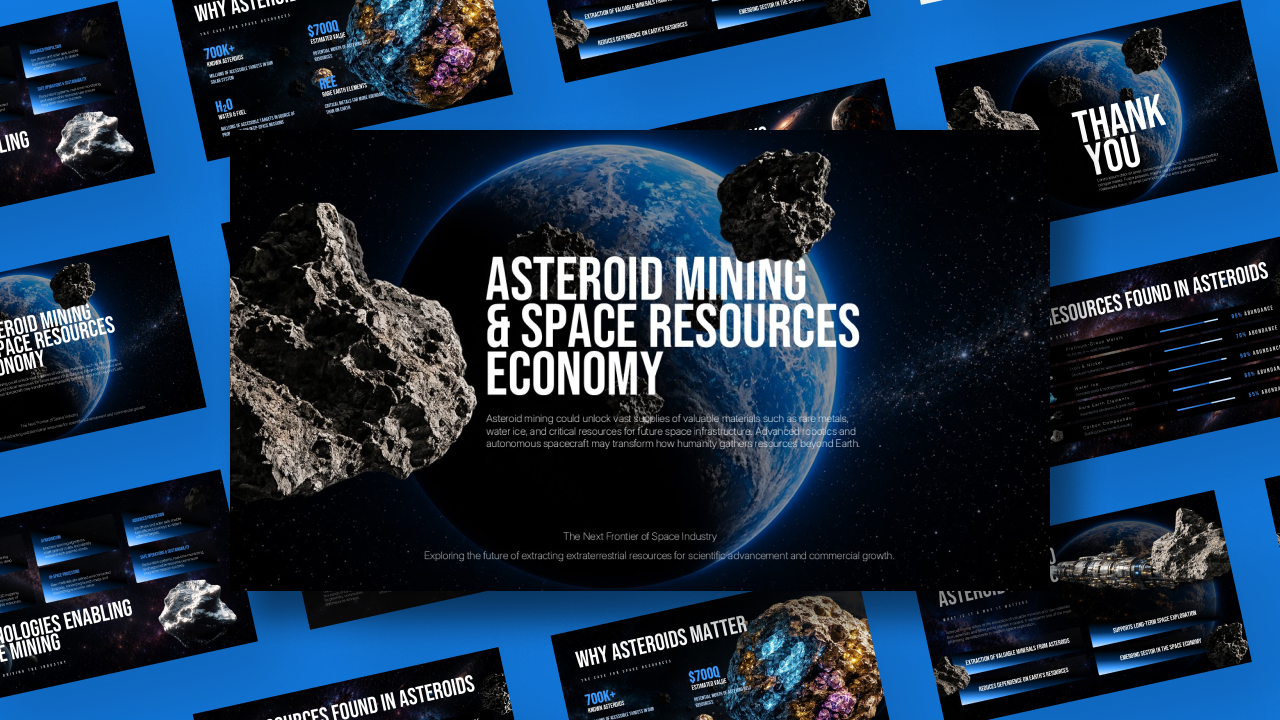
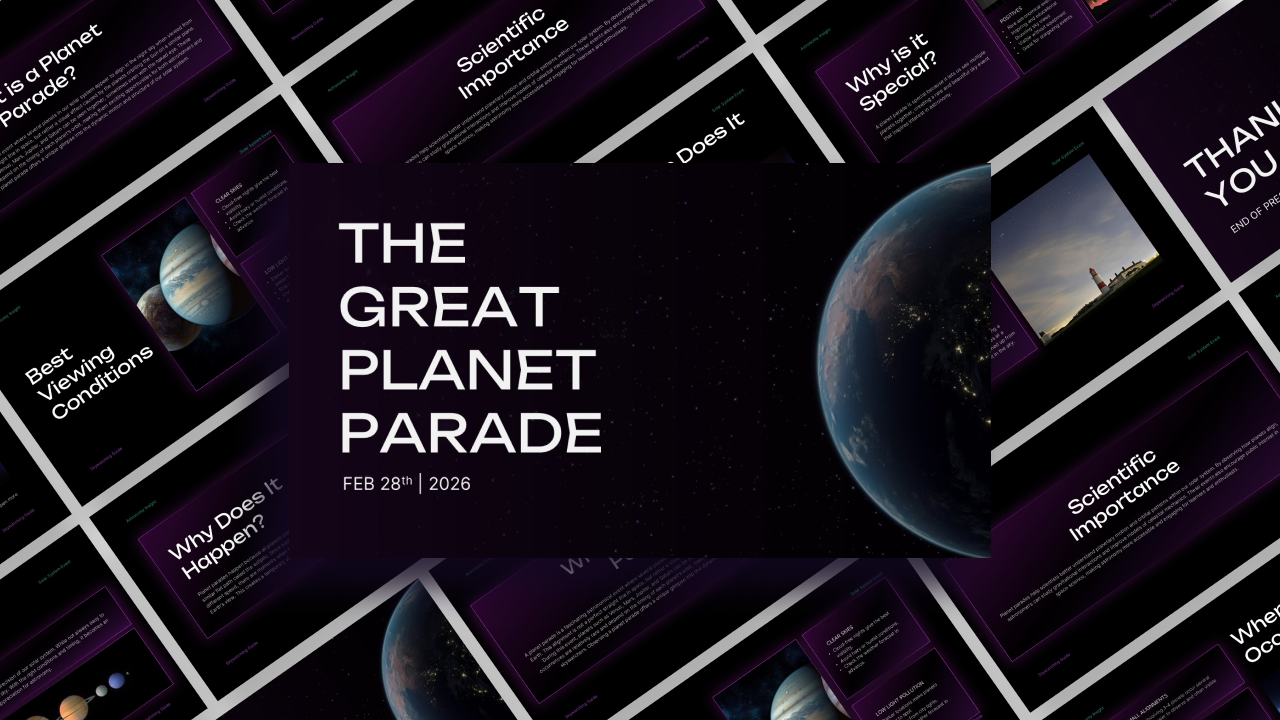
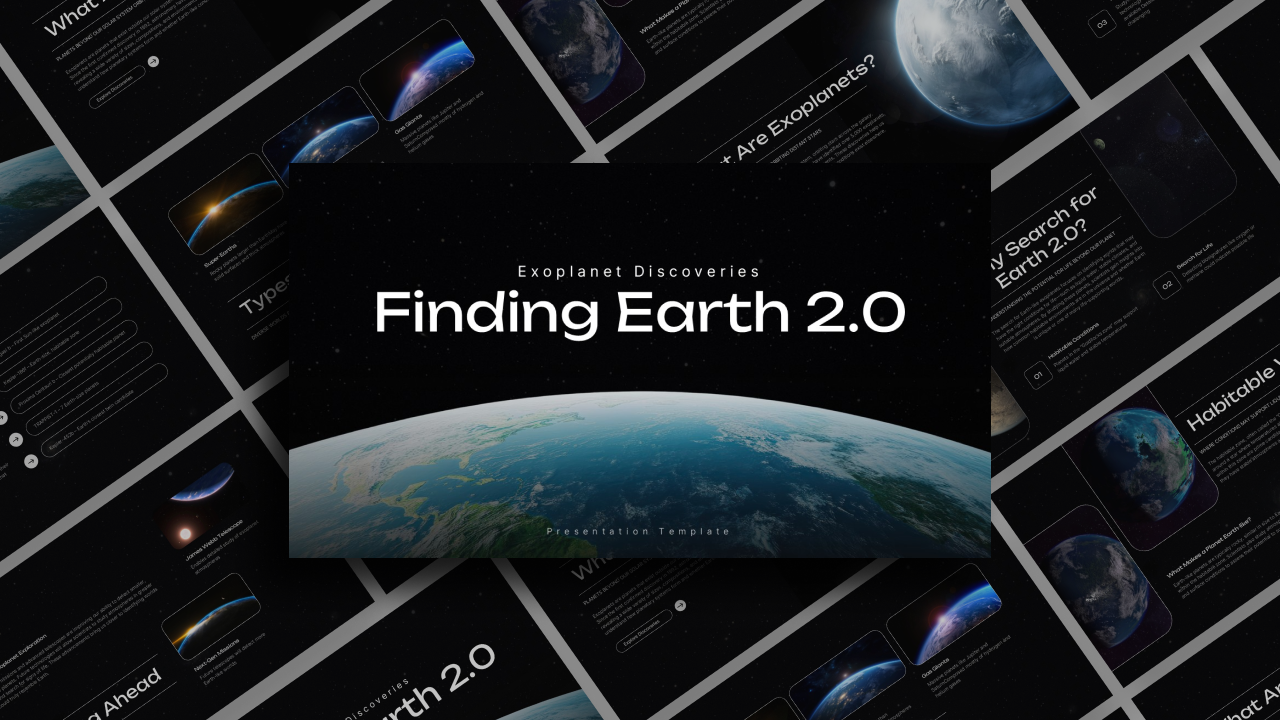
Download Humans In Space Presentation Template Free
Item ID: SCF01640
PowerPoint,Canva
100% Fully Customizable
Free to use
Liked the template? Support SlideChef!
Give us Donation! Help to keep our Templates Free for ever
Hi there! We hope you’re enjoying SlideChef for your presentations. As a free platform, we rely on donations to keep things running. If you find our resources helpful, please consider a small donation. Thank you!
How to Use the Humans in Space Presentation Template
Launch your presentation into orbit with this professionally designed space exploration template. Whether you are detailing the logistics of lunar living, the daily operations of a space station, or the future of human habitation among the stars, follow these steps to customize your deck for maximum impact.
For Microsoft PowerPoint
- Download and Unlock: Save the PPTX file to your computer. Open the file and click the yellow Enable Editing button on the notification bar to unlock the layouts.
- Input Your Content: Click inside any text box to replace the placeholder copy with your own research on space colonization, mission timelines, or technological requirements.
- Swap the Imagery: Right-click any placeholder image of space, astronauts, or lunar structures. Select Change Picture and choose your own high-resolution files from your computer to update the visuals.
- Customize Layouts: Use the Home tab to duplicate slides if you need more space for data, or delete slides that don't fit your specific presentation narrative.
- Prepare to Launch: Save your final file. Navigate to the Slide Show tab at the top of the window and select From Beginning to view your presentation in full screen.
For Canva Users
- Open and Copy the Template: Click the provided Canva link to open the design in your browser. Click on File in the top-left menu bar and select Make a copy to save an editable version directly to your personal Canva dashboard.
- Edit Text and Headings: Double-click any placeholder text box to type over it with your own research on space stations, lunar living, or astronaut missions.
- Drag-and-Drop Space Imagery: Upload your own astronomy photos, rocket diagrams, or mission graphics to your Canva library, then drag and drop them straight into the pre-shaped image frames.
- Adjust Graphic Elements: Click on individual background shapes or cosmic design assets to resize them, move them around the workspace, or change colors to match your theme.
- Present or Download: Click the Present icon in the top-right corner to display your slides full screen directly from your web browser, or click Share to download the completed deck to your device.