Download Non-Profit Board Meeting Agenda Template for PowerPoint & Google Slides
Item ID: SCF02046
Google Slide,PowerPoint
100% Fully Customizable
Free to use
Liked the template? Support SlideChef!
Give us Donation! Help to keep our Templates Free for ever
Hi there! We hope you’re enjoying SlideChef for your presentations. As a free platform, we rely on donations to keep things running. If you find our resources helpful, please consider a small donation. Thank you!
How to Use the Non-Profit Board Meeting Agenda Template
Follow these simple steps to customize and use this template in PowerPoint or Google Slides.
Step 1: Download the Template
Download the Non-Profit Board Meeting Agenda Template in your preferred format: Microsoft PowerPoint or Google Slides.
Step 2: Open Your Slides
Open the PPT file in Microsoft PowerPoint or access the Google Slides version to start editing.
Step 3: Add Meeting Details
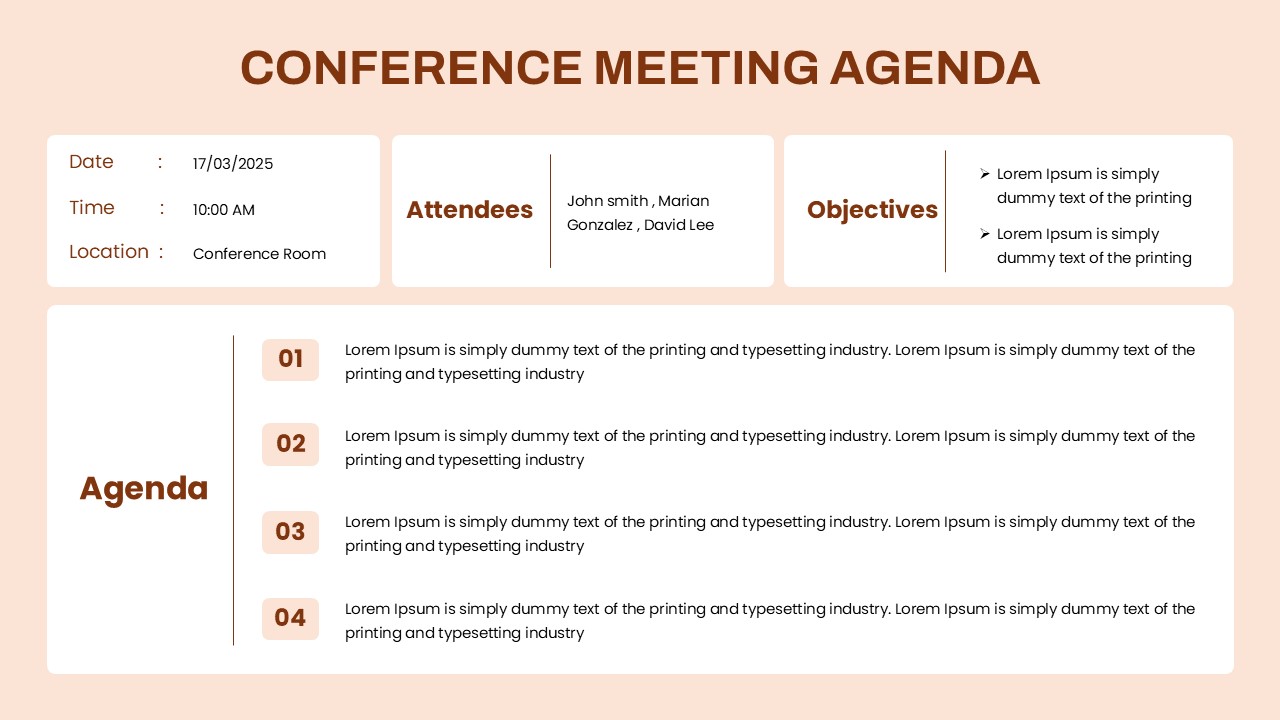
Update the meeting date, start and end time, and venue. Add your organization's name and other relevant details.
Step 4: Customize the Agenda Items
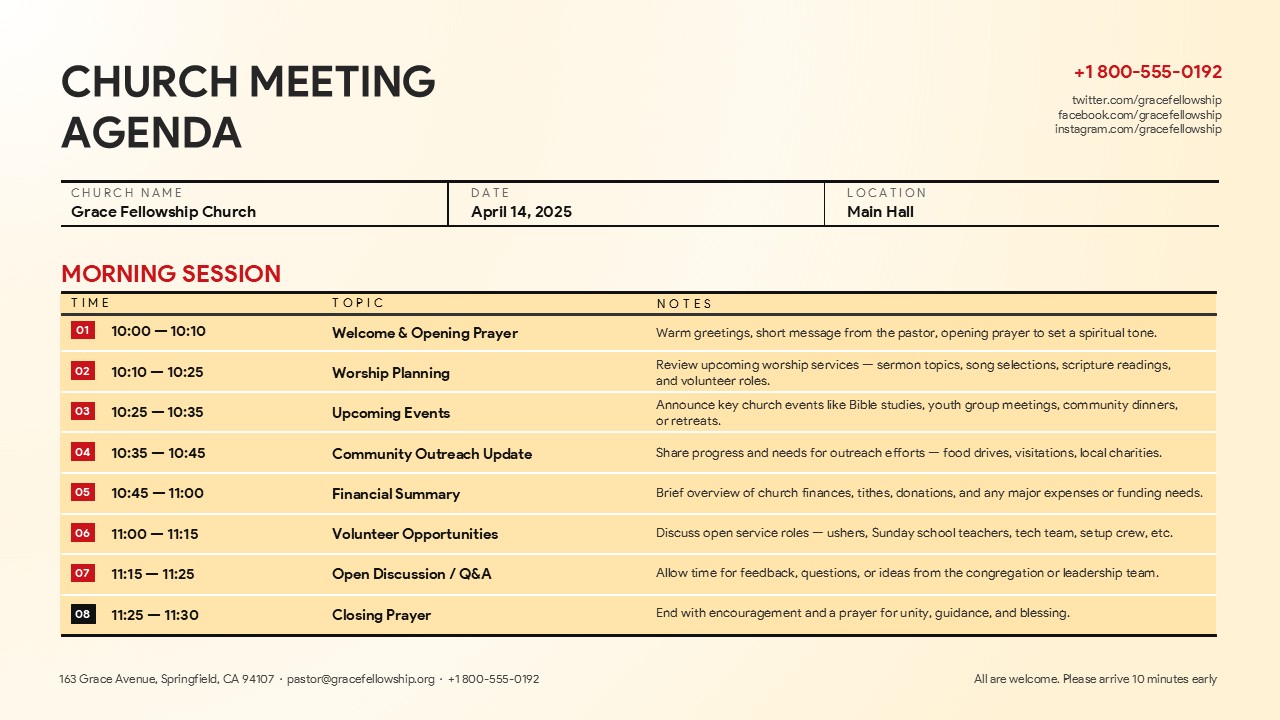
Edit the six agenda sections to include your meeting topics, such as approval of previous minutes, executive director reports, financial updates, committee discussions, and strategic planning.
Step 5: Add Discussion Points
Replace the placeholder bullet points with important updates, key decisions, questions, or action items for each agenda section.
Step 6: Personalize the Design
Customize the colors, fonts, text, and other design elements to match your organization's branding and presentation style.
Step 7: Present and Share
Review your final agenda, save your presentation, and share it with board members before the meeting or present it during your next board session.