Download Old Paper Theme Education Template
Item ID: SCF01572
PowerPoint
100% Fully Customizable
Free to use
Liked the template? Support SlideChef!
Give us Donation! Help to keep our Templates Free for ever
Hi there! We hope you’re enjoying SlideChef for your presentations. As a free platform, we rely on donations to keep things running. If you find our resources helpful, please consider a small donation. Thank you!
How to Use This Old Paper Theme Template
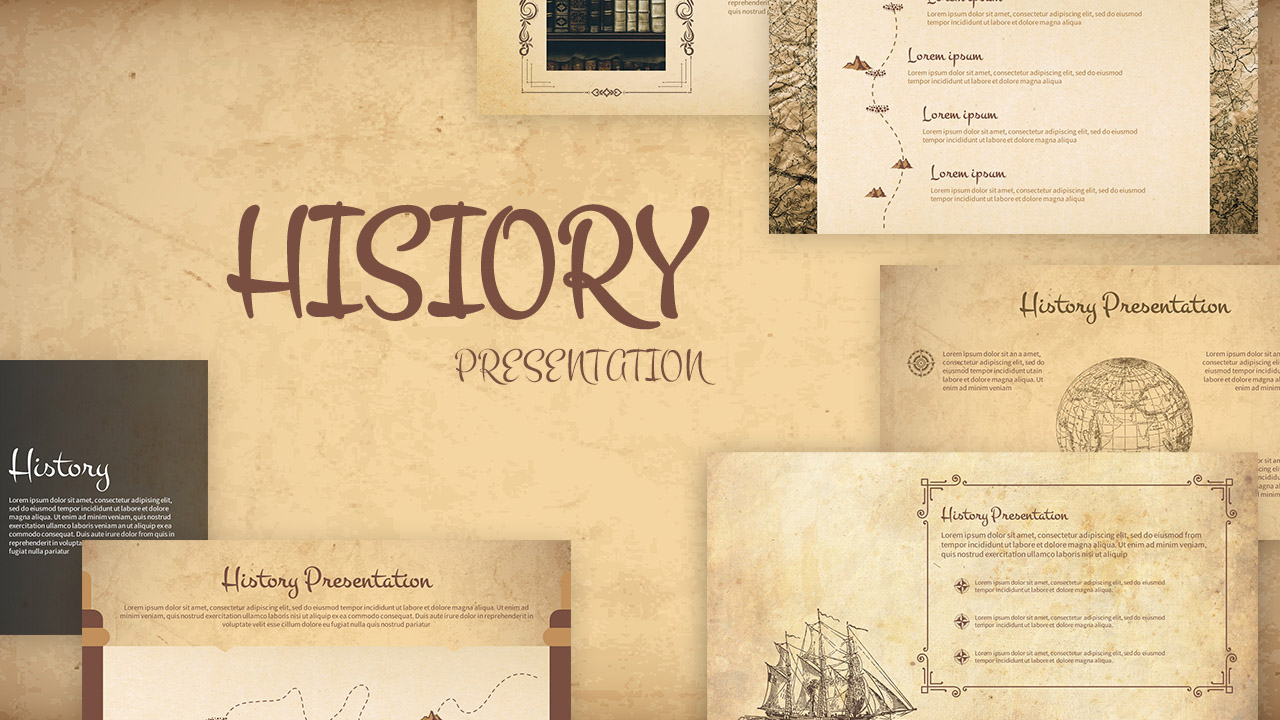
How to UBring a timeless, scholarly aesthetic to your history lectures, literature discussions, and academic presentations with the Old Paper Theme Template. Designed with rich parchment textures, deep sepia color blocks, and classic vintage photography, this PowerPoint template provides a structured and captivating framework for presenting educational heritage, historical timelines, and classical principles.
How to Use the Old Paper Theme Template
- Step 1: Download and Unlock the File: Save the .pptx file to your computer, open it in Microsoft PowerPoint, and click the yellow Enable Editing button at the top banner to unlock all text containers, image frames, and brown accent blocks.
- Step 2: Edit Text and Lesson Content: Click directly inside any text container across slides like Principles of Classical Education, Core Values, or Evolution of Traditional Education to replace the placeholder copy with your course syllabus, history lesson notes, or research findings.
- Step 3: Swap Vintage Photos and Archival Media: Replace the default images of ancient libraries, manuscripts, and traditional classrooms with your own photos or historical illustrations by right-clicking any picture placeholder and choosing Change Picture > From a File.
- Step 4: Update Stat Callouts and Grid Layouts: Click on individual numbers within the dark brown stat cards (such as the 500+ Historical Academic Texts or 2,000+ Educational Records callouts) and the 4-pillar quadrant containers to customize your key metrics, dates, or core learning principles.
- Step 5: Present Live or Export for Students: Review your slides in grid view to verify layout alignment, press F5 to launch your lecture full-screen, or go to File > Export to save the presentation as a high-quality PDF handout for your students.