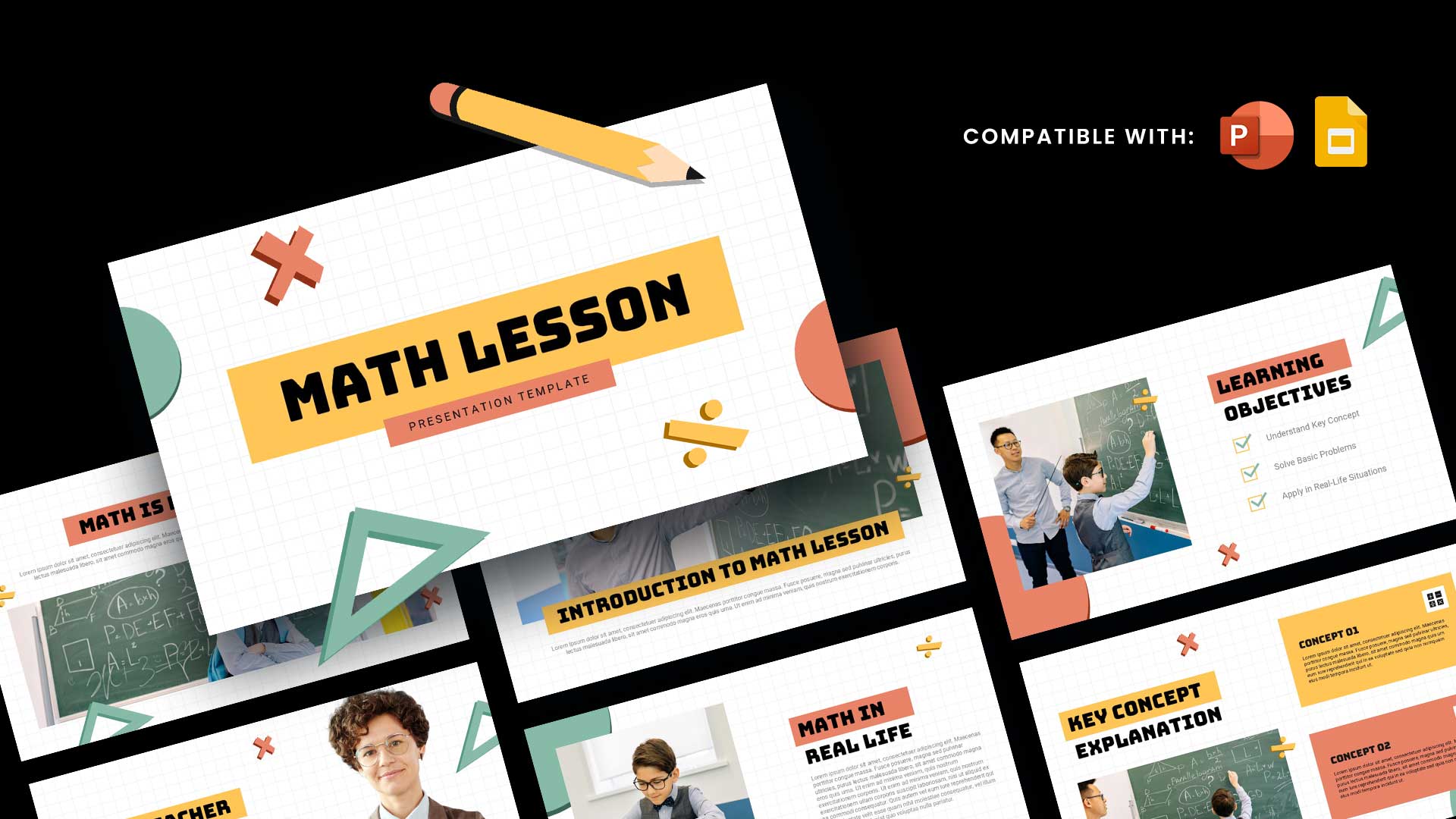
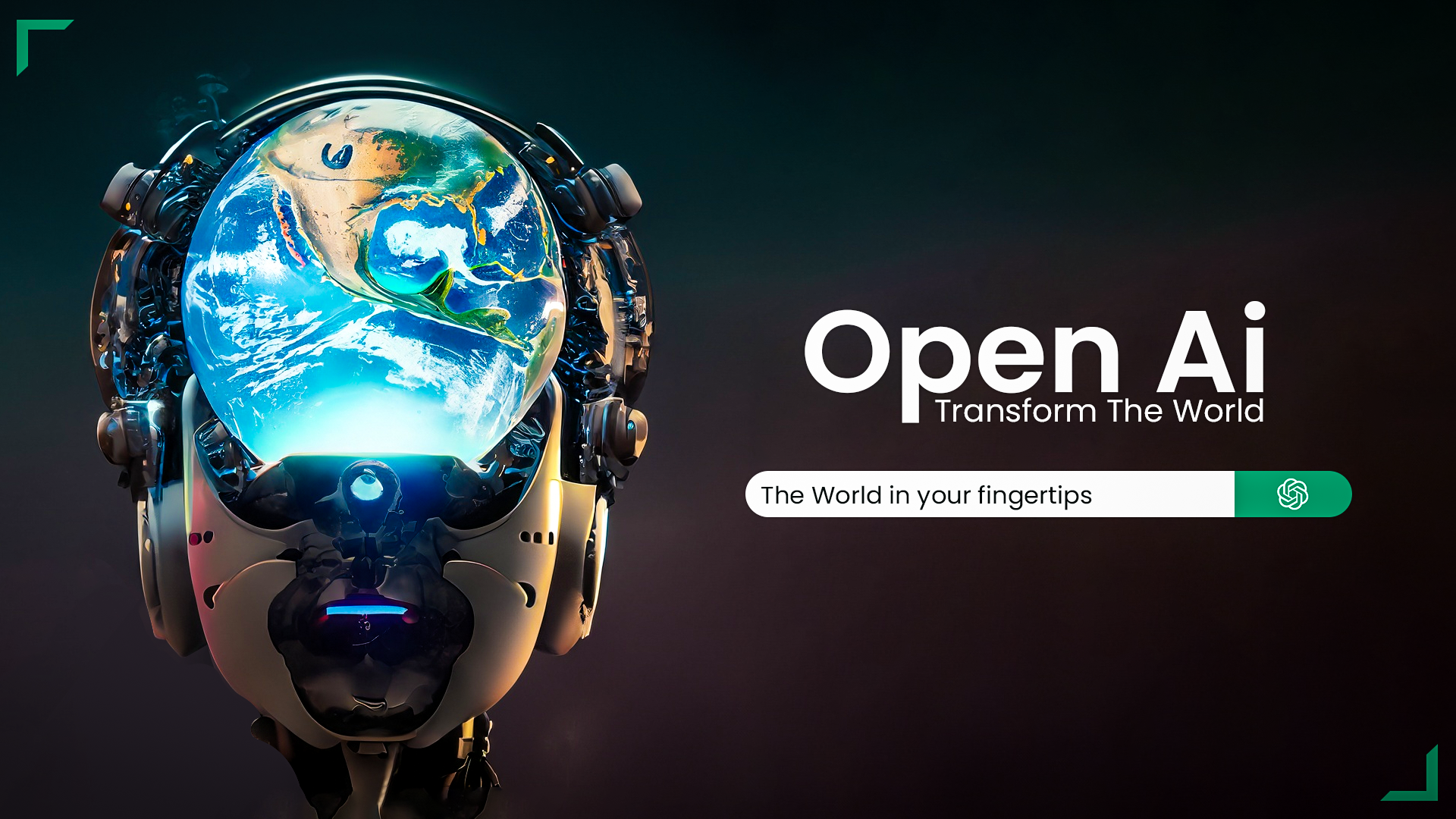
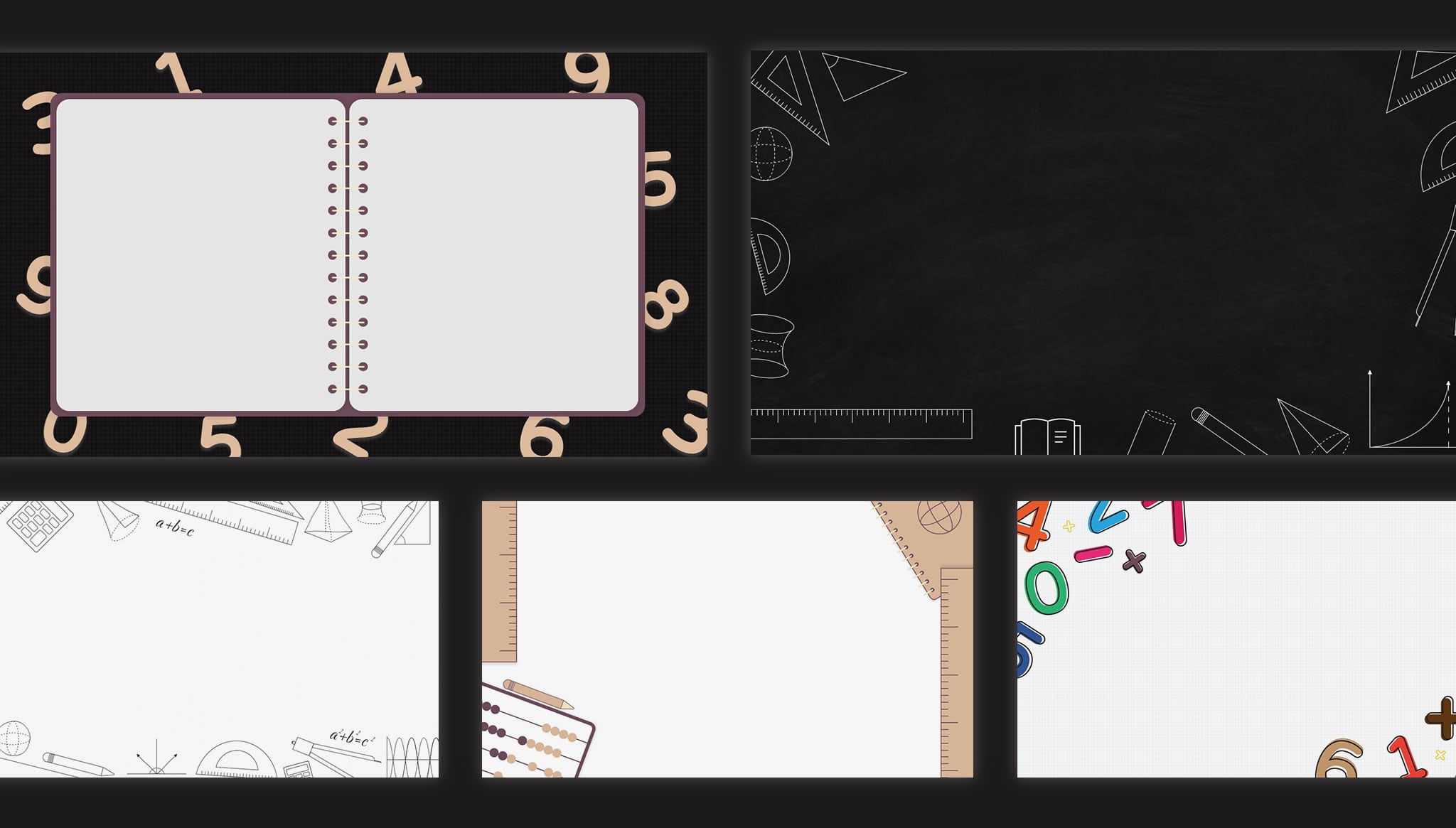
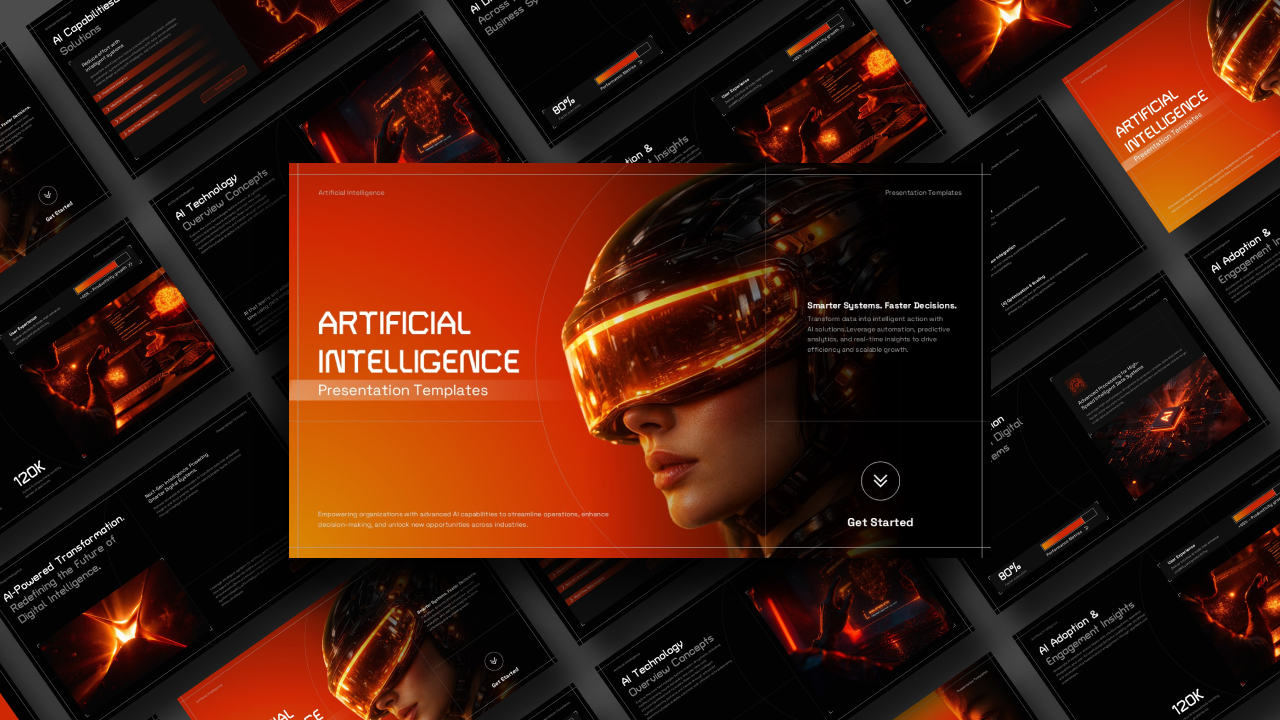
Download OpenAI Math PowerPoint Template
Item ID: SCF02047
PowerPoint,Canva
100% Fully Customizable
Free to use
Liked the template? Support SlideChef!
Give us Donation! Help to keep our Templates Free for ever
Hi there! We hope you’re enjoying SlideChef for your presentations. As a free platform, we rely on donations to keep things running. If you find our resources helpful, please consider a small donation. Thank you!
How to Use and Edit This OpenAI Math Template
Create an engaging presentation about artificial intelligence and mathematics using this customizable OpenAI Math Template. Whether you use Microsoft PowerPoint or Canva, you can easily edit the text, update visuals, add research findings, and personalize the slides to suit your presentation needs.
How to Use the Template in PowerPoint
-
Download the Template: Click the PowerPoint download option on SlideChef and save the PPTX file to your computer.
-
Open the Presentation: Launch Microsoft PowerPoint and open the downloaded OpenAI Math template.
-
Edit the Text: Replace the existing headings, descriptions, mathematical explanations, and sample content with your own information.
-
Customize the Visuals: Change the illustrations, mathematical graphics, images, and backgrounds to match your presentation topic.
-
Update the Content: Add your own research findings, mathematical examples, AI developments, charts, and relevant statistics.
-
Personalize the Design: Modify fonts, colors, layouts, and other design elements while maintaining a consistent visual style.
-
Add or Remove Slides: Duplicate existing layouts or delete unnecessary slides to create a presentation that fits your requirements.
-
Save and Present: Save your customized presentation as a PPTX file or export it as a PDF. Use slideshow mode to present your work.
How to Use the Template in Canva
-
Open the Canva Template: Click the Canva editing link provided on SlideChef to access the OpenAI Math presentation.
-
Create an Editable Copy: Sign in to your Canva account and select the option to use the template or create an editable copy.
-
Edit the Text: Update the headings, mathematical explanations, descriptions, and other content according to your requirements.
-
Customize Images and Graphics: Replace the existing visuals with your preferred mathematical illustrations, AI-related images, icons, and diagrams.
-
Personalize the Slides: Adjust the background colors, fonts, gradients, layouts, and other design elements using Canva's editing tools.
-
Add Your Own Information: Include additional slides, research findings, mathematical examples, charts, and supporting information.
-
Download or Share: Once your presentation is ready, download it in PowerPoint (PPTX), PDF, or another supported format. You can also share your presentation directly through Canva.
Make your next AI and mathematics presentation stand out! Download the OpenAI Math Presentation Template from SlideChef, customize the slides, and communicate complex mathematical concepts through clear, modern, and visually engaging presentations.