Download Parent Teacher Conference Template for PowerPoint & Canva
Item ID: SCF01893
PowerPoint,Canva
100% Fully Customizable
Free to use
Liked the template? Support SlideChef!
Give us Donation! Help to keep our Templates Free for ever
Hi there! We hope you’re enjoying SlideChef for your presentations. As a free platform, we rely on donations to keep things running. If you find our resources helpful, please consider a small donation. Thank you!
How to Use the Parent-Teacher Conference Presentation Template
Streamline your conference prep and deliver a polished presentation with ease! Whether you prefer editing offline with traditional presentation software or collaborating dynamically online, our Parent-Teacher Conference template is fully optimized for both PowerPoint and Canva. Follow the quick guides below to customize your slides and welcome families with confidence.
How to Use in PowerPoint (PPT)
Take full control of your slide deck offline with complete ownership over text, colors, and bold typographic blocks.
- Download and Open: Download the template package from SlideChef, unzip the files if needed, and open the .pptx file directly in Microsoft PowerPoint, Keynote, or Google Slides.
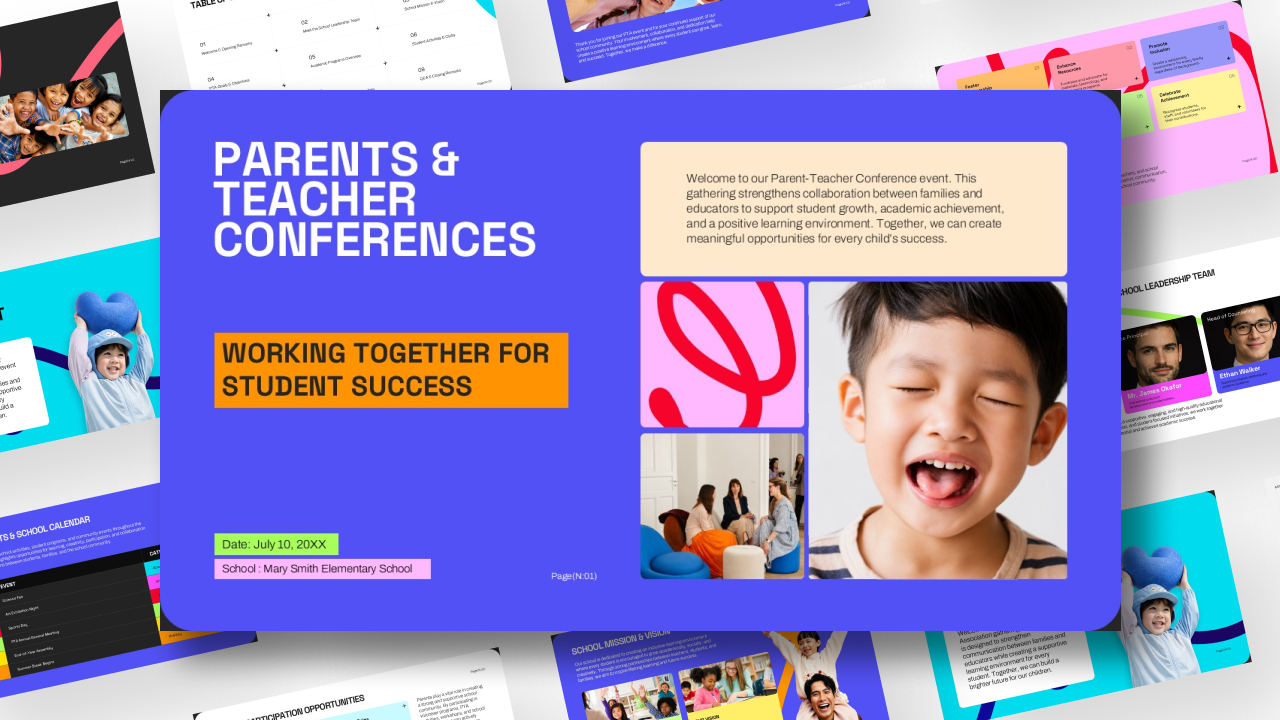
- Install Custom Fonts (Optional): To match the clean, bold sans-serif header style seen in the previews, ensure you have modern sans-serif fonts installed on your computer.
- Edit Content and Placeholders: Click on any text box to update grade levels, teacher names, classroom statistics, agenda items, or grading policies with your own specific classroom data.
- Customize Colors and Layouts: Easily adjust the high-contrast accent blocks, background tones, or image frames to match your school colors or personal preference.
- Present or Export: Run your slideshow in Full Screen mode during your conference night, or export your presentation as a high-resolution PDF to email directly to parents as a summary handout.
How to Use in Canva
Harness Canva’s cloud-based platform for effortless drag-and-drop editing, instant media swaps, and real-time collaboration with fellow teachers or co-educators.
- Open the Template Link: Click the direct Canva access link provided in your SlideChef download instructions to open the design instantly inside your browser or Canva mobile app.
- Make a Copy: Go to File > Make a copy to save your own fully editable version directly into your personal or school Canva account.
- Drag, Drop, and Swap Media: Replace background photos or classroom image placeholders using Canva’s vast stock library, or upload real snapshots of your own students and classroom activities.
- Collaborate in Real-Time: Invite your grade-level team members or co-teachers to review slides, leave notes, and edit content simultaneously.
- Present and Share: Use Canva’s built-in Presenter View for a smooth delivery, or download your finished masterpiece as a standard PDF Print or PowerPoint file for distribution.