


Questions Slide Template for PPT, Google Slides & Canva

0


About the Template
Question Slide for Professional Q&A Sessions
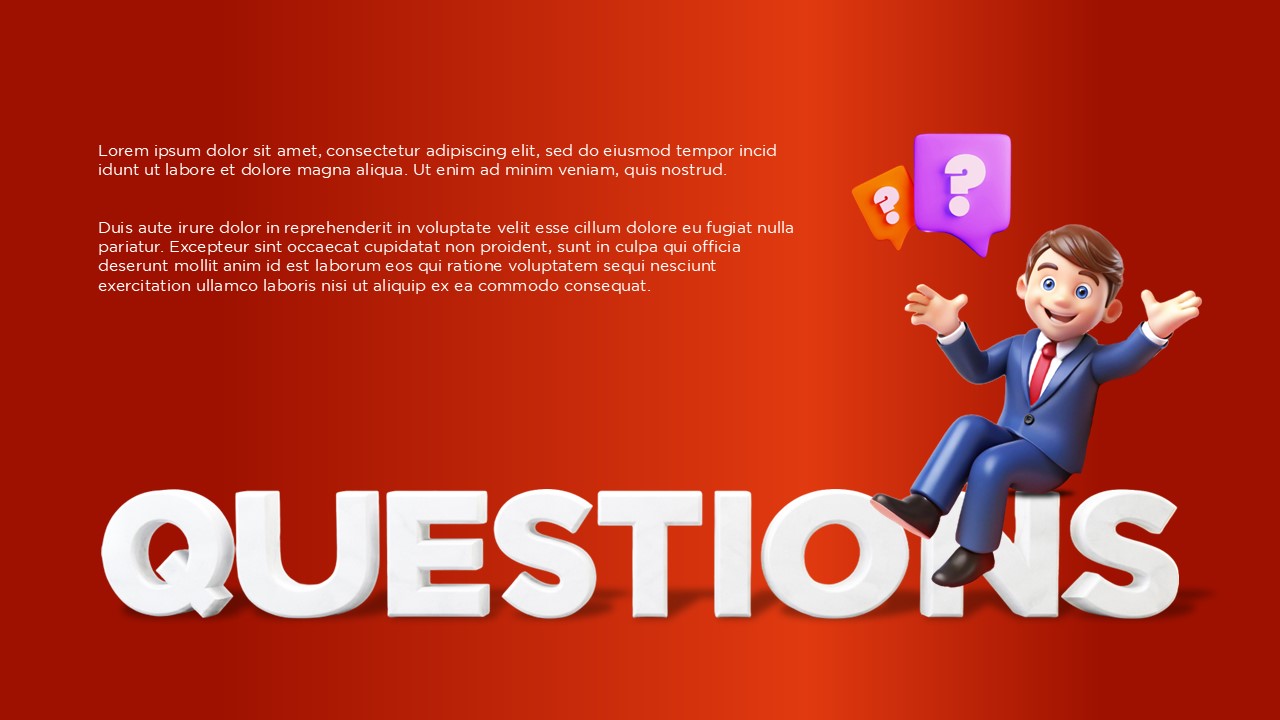
Download our professional Questions slide templates to transform your Q&A sessions into an interactive highlight. These professional infographics are specifically designed to evoke interest and gain the undivided attention of your audience at the end of a deck.
These question slide features a striking balance between modern 3D illustrations and clean, professional vector icons. The vibrant backgrounds and bold “QUESTIONS” typography are crafted to stand out even in large conference rooms or during virtual meetings.
Features of this Question Mark Infographic
- Eye-Catching 3D Illustrations: Our slides feature high-quality 3D characters and vibrant 3D typography that instantly grab your audience’s attention.
- Professional Iconography: Each template includes clean and modern question mark icons, perfect for maintaining a sleek, professional look throughout your deck.
- Fully Customizable Layouts: You can easily modify colors, fonts, and graphic elements to ensure the slide aligns perfectly with your brand identity.
- Multi-Platform Compatibility: These templates are designed to work seamlessly across PowerPoint, Google Slides, and Canva for a hassle-free editing experience.
- Optimized for Readability: The bold text and high-contrast backgrounds ensure your Q&A prompt is clearly visible even from the back of a large room.
Who Should Download These Questions Slides?
- Public Speakers and Educators: These slides are ideal for presenters who want to encourage participation and make their Q&A sessions more interactive and visually stimulating.
- Corporate Professionals: Business leads can use these templates to maintain a polished, professional look while transitioning into team discussions or stakeholder inquiries.
- Marketing and Sales Teams: The bold 3D designs help keep potential clients engaged and focused during the critical final moments of a pitch or proposal.
- Students and Researchers: These layouts provide a creative way to conclude academic presentations, ensuring the audience feels invited to ask questions about the data.
- Webinar Hosts: The high-contrast visuals and clean layouts are perfect for digital screens, helping remote viewers clearly identify the start of the discussion phase.
Don’t let your presentation end on a flat note when you can spark a great conversation instead.
Download our Questions slide templates today and make your next Q&A session truly unforgettable!


Related
-

Download Free Family Feud PowerPoint Template
-
Family Feud Online Game Template PPT & Google Slides
-
American Football Template PowerPoint & Google Slides
-
Who Wants to Be a Millionaire – PowerPoint Quiz Template
-

Free Apple PowerPoint Presentation Template, Google Slides & Canva
-
Free McDonalds PowerPoint Template & Google Slides



Are you looking for Custom Presentation Template Designs?
It is a long established fact that a reader will be distracted by the readable content of a page when or randomised words which don’t look even slightly believable


