Sticky Note Template for PPT & Google Slides
0
About the Template
Editable Sticky Notes – Virtual Sticky Note Board
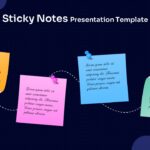
Some ideas deserve more than a plain bullet-point slide. If you want your audience to feel the energy of a brainstorming session, follow a process flow with genuine visual clarity, or present a timeline that actually holds attention, a sticky notes layout is one of the most effective creative choices you can make. This Sticky Note Template brings that tactile, collaborative energy directly into your slides, blending playful design with structured content areas that guide your audience through every step of your message.
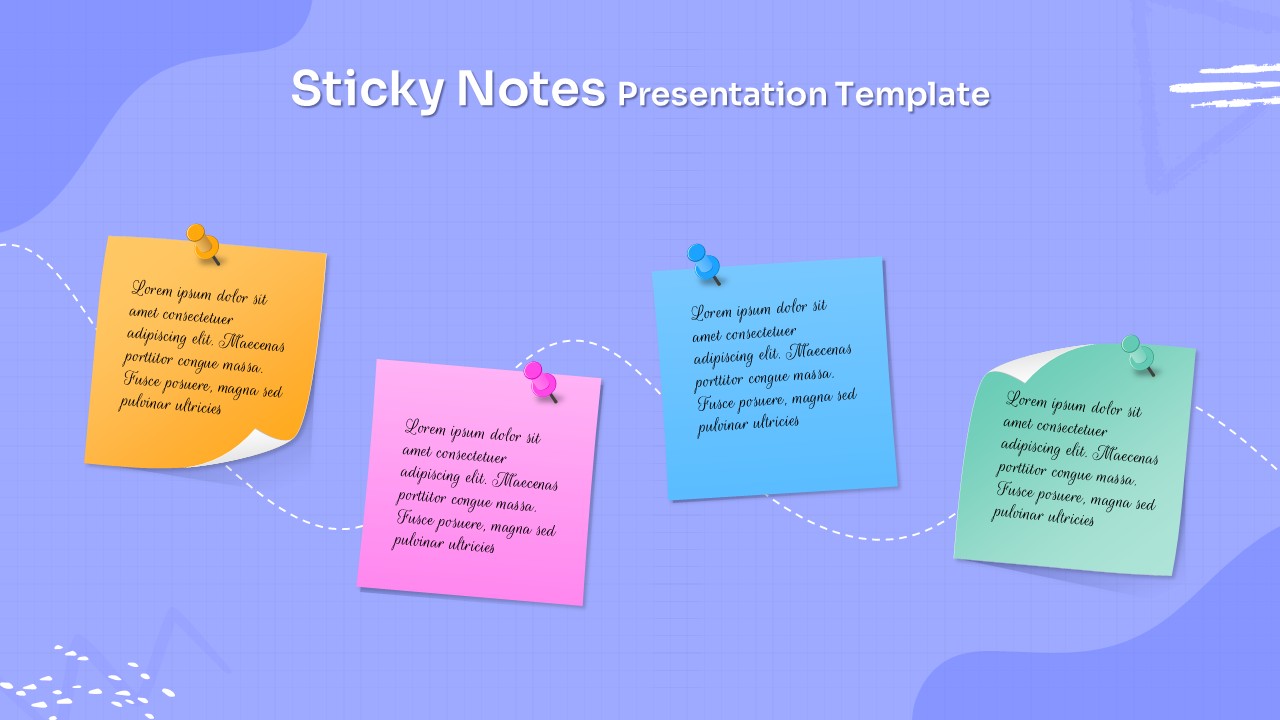
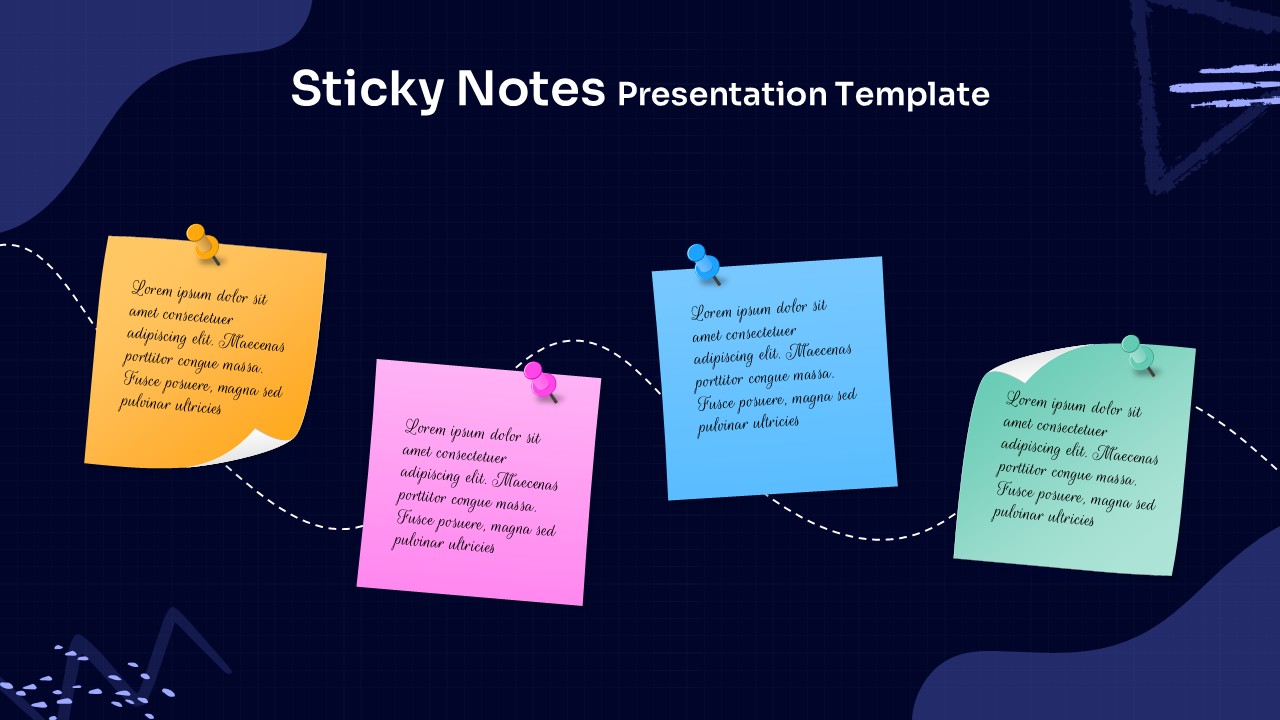
This creative presentation templates ships with two fully designed slides, each featuring four sticky notes arranged in a staggered wave pattern connected by a flowing dashed curved line. The result is an intuitive left-to-right visual journey that works equally well as a timeline, a process flow, or a set of parallel ideas. Each sticky note is rendered with a 3D push-pin detail in matching colors, giving the layout a tactile, real-world feel that immediately distinguishes it from generic presentation designs. Handwritten-style italic fonts add warmth and personality without sacrificing readability.
Use of this Sticky Notes Presentation Template
- Project Timeline Presentations: Map out key milestones or phases of a project using the four sticky notes as chronological checkpoints connected by the flowing dashed path.
- Brainstorming Session Summaries: Capture and present the top ideas from a workshop or ideation session in a visually engaging format that mirrors the actual sticky-note experience.
- Step-by-Step Process Documentation: Walk your audience through a four-step workflow, onboarding process, or operational procedure with clear visual separation between each stage.
- Marketing Campaign Overviews: Break down campaign phases, awareness through conversion, using each sticky note to represent a distinct funnel stage or strategic pillar.
- Educational Lesson Plans: Teachers and instructors can use the layout to present learning objectives, key concepts, or activity sequences in a way that feels approachable and engaging for students.
- Product Roadmap Sharing: Product managers can communicate upcoming feature releases or sprint goals in a format that feels collaborative and easy to digest for cross-functional teams.
- Corporate Training Materials: Use the two theme variants to create a consistent visual language across training decks, with the dark theme for executive audiences and the light theme for general staff sessions.
No matter your role or industry, this template gives you a professional head start. If you enjoy this design, explore the full range of modern presentation templates available on SlideChef to find more layouts that match your style. Download this Sticky Notes Presentation Template today and give your next presentation the visual edge it deserves.


Related
-

Animated Brainstorming Infographics – Free PowerPoint Template and Google Slides
-
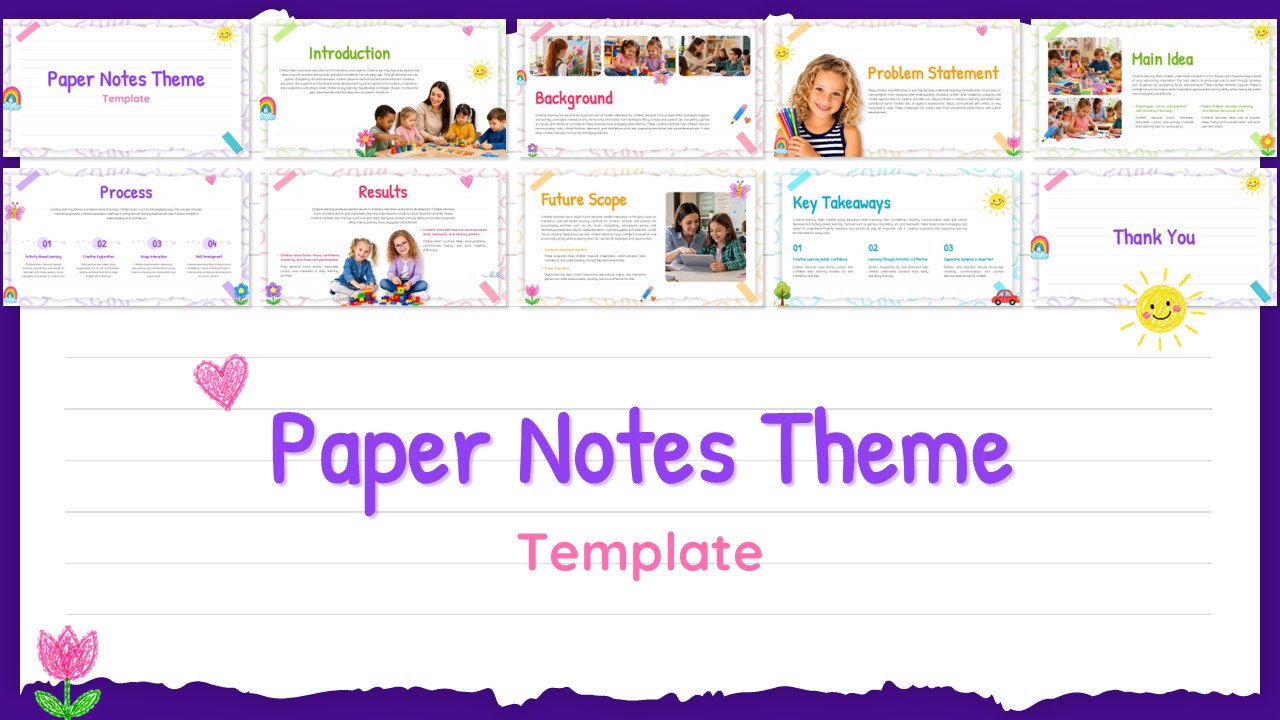
Paper Notes Theme Template PPT & Canva
-
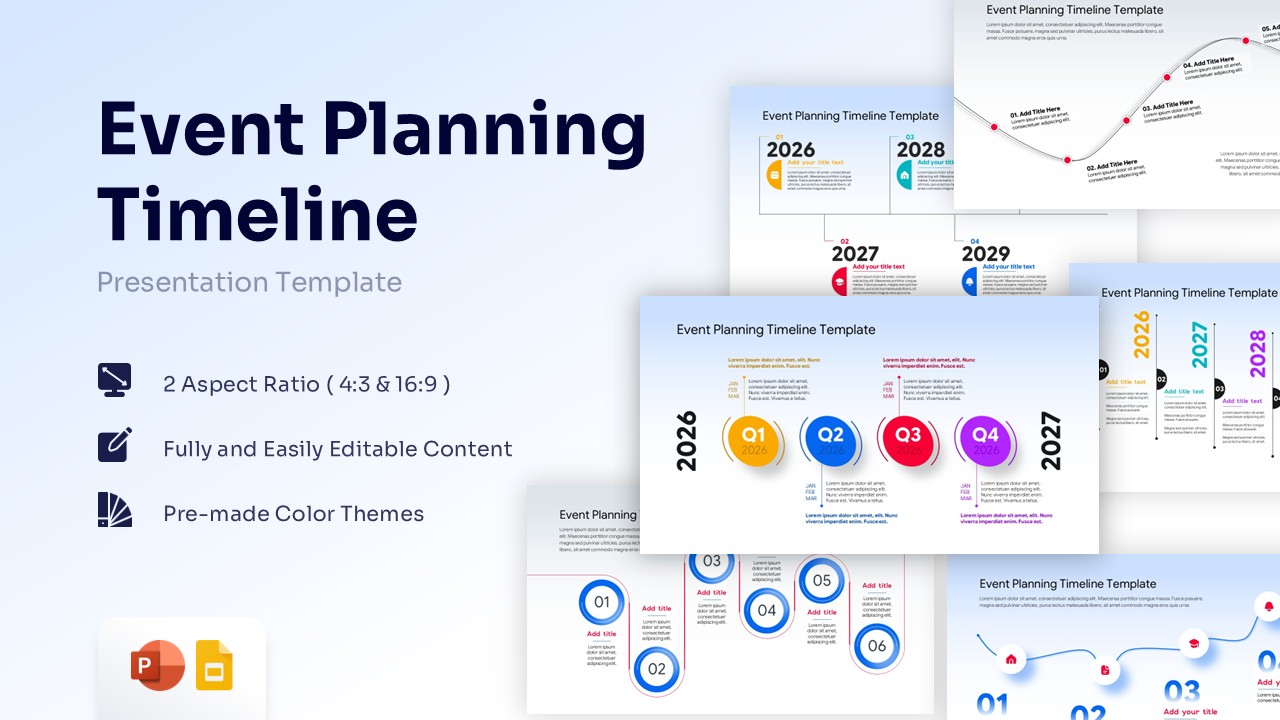
Event Planning Timeline Infographic PowerPoint Template
-
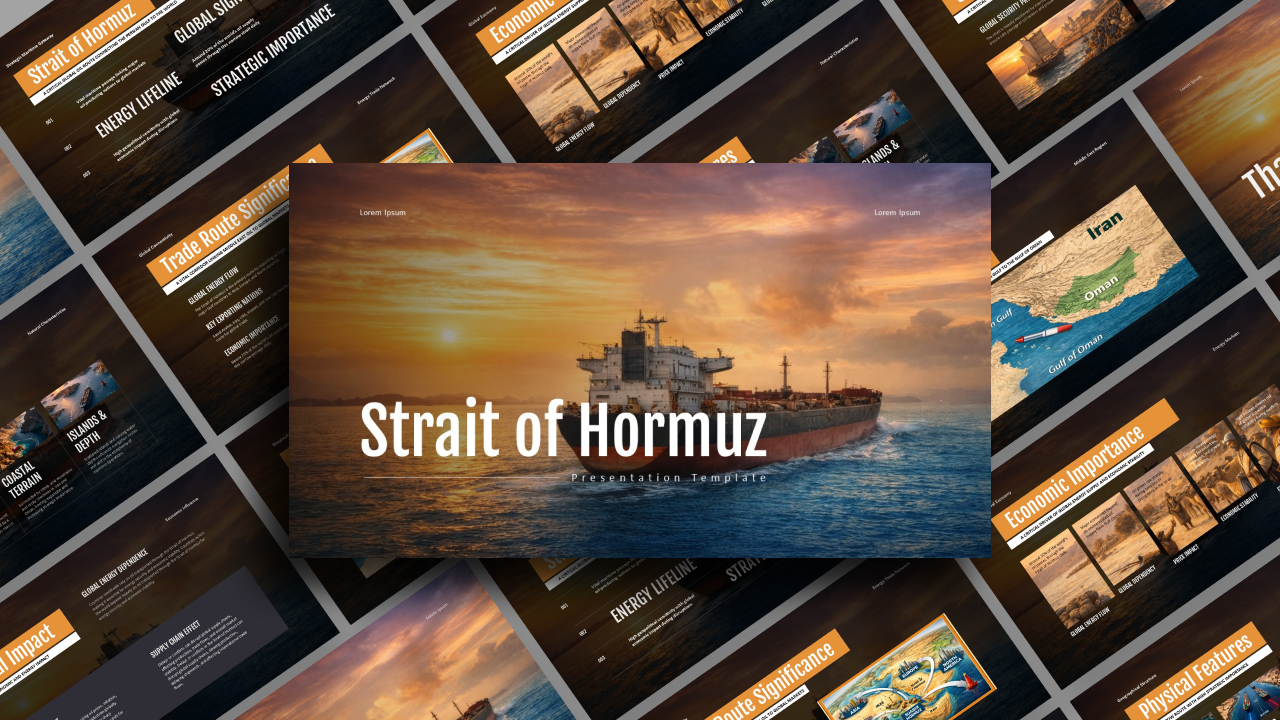
Strait of Hormuz Presentation Template PPT & Google Slides
-
Fantastic Four 2025 Movie Template
-
Free Thank You Slide for PowerPoint & Google Slides



Are you looking for Custom Presentation Template Designs?
It is a long established fact that a reader will be distracted by the readable content of a page when or randomised words which don’t look even slightly believable