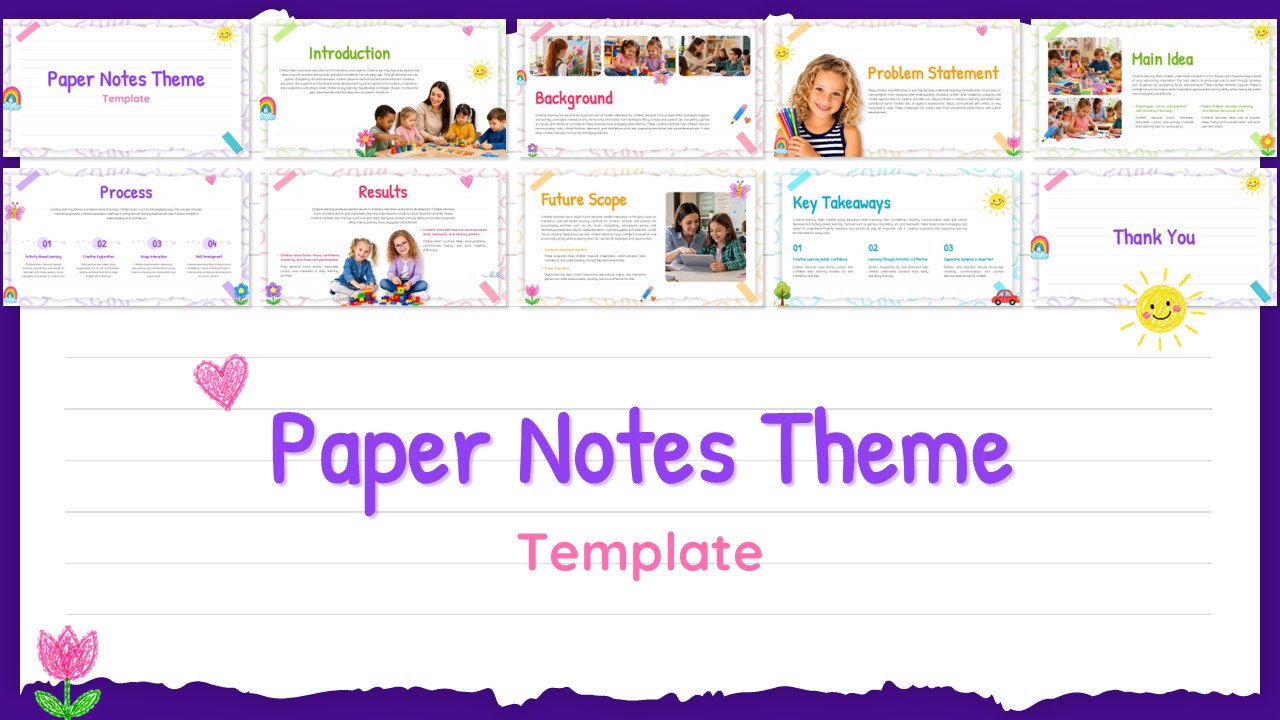
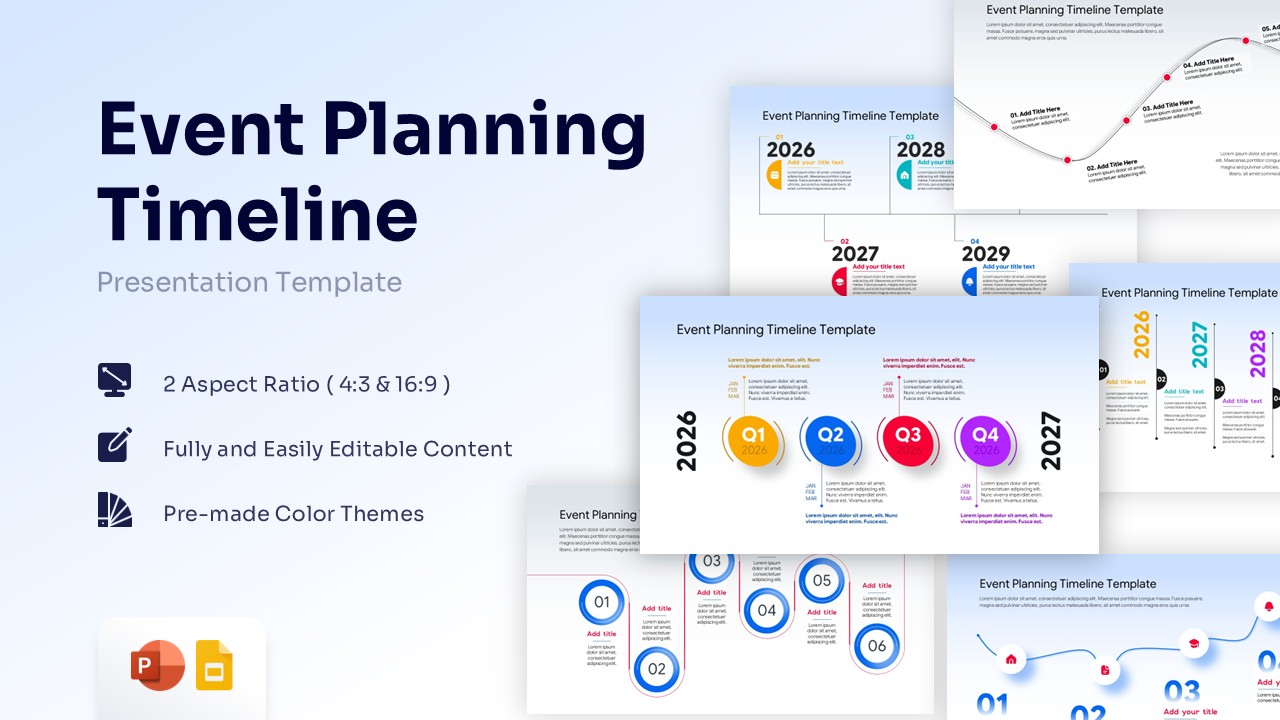
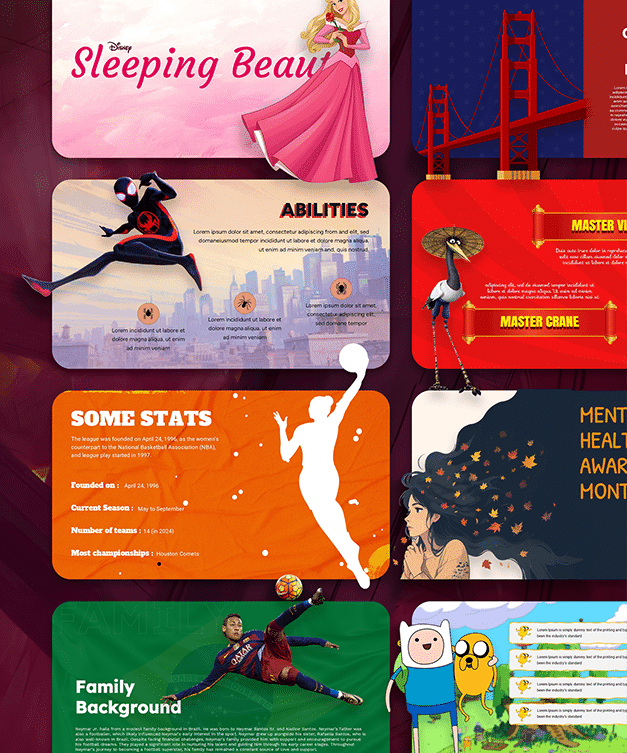
Download Sticky Note Template for PPT & Google Slides
Item ID: SCF02023
Google Slide,PowerPoint
100% Fully Customizable
Free to use
Liked the template? Support SlideChef!
Give us Donation! Help to keep our Templates Free for ever
Hi there! We hope you’re enjoying SlideChef for your presentations. As a free platform, we rely on donations to keep things running. If you find our resources helpful, please consider a small donation. Thank you!
How to Use This Template
Customize the Sticky Notes Presentation Template in a few simple steps using your preferred platform:
For PowerPoint & Google Slides:
-
Download the Package: Click the download button on SlideChef to save the
.pptxfile to your device. -
Open the File: Launch the presentation in Microsoft PowerPoint, Apple Keynote, or upload it to your Google Drive to open in Google Slides.
-
Choose Your Theme: Select either the midnight navy dark-mode slide or the bright periwinkle light-mode slide based on your presentation setting.
-
Edit the Notes: Click inside the yellow, pink, blue, and green sticky notes to replace the placeholder script text with your own action items, workflow steps, or reminders.
-
Save and Present: Press F5 to launch your slideshow, or go to File > Export to save your board as a PDF handout.