Gradient Presentation Templates and Themes
Give your slides a fresh visual identity with gradient presentation templates from SlideChef. Combining beautiful color transitions, layered tones and contemporary design elements, gradient themes offer an easy way to make presentations more visually interesting. Explore a variety of gradient PowerPoint templates, Google Slides themes and Canva presentation designs, ranging from subtle pastel blends to vibrant color combinations and futuristic backgrounds. Whether you’re building a business pitch, showcasing a creative portfolio or preparing an engaging classroom presentation, find a design that brings your ideas and visuals together.
Filter
-

0 Upvoted
Free Groovy Presentation Template PowerPoint & Google Slides
-
0 Upvoted
Free Alien Theme Deck Template PowerPoint and Google Slides
-
0 Upvoted
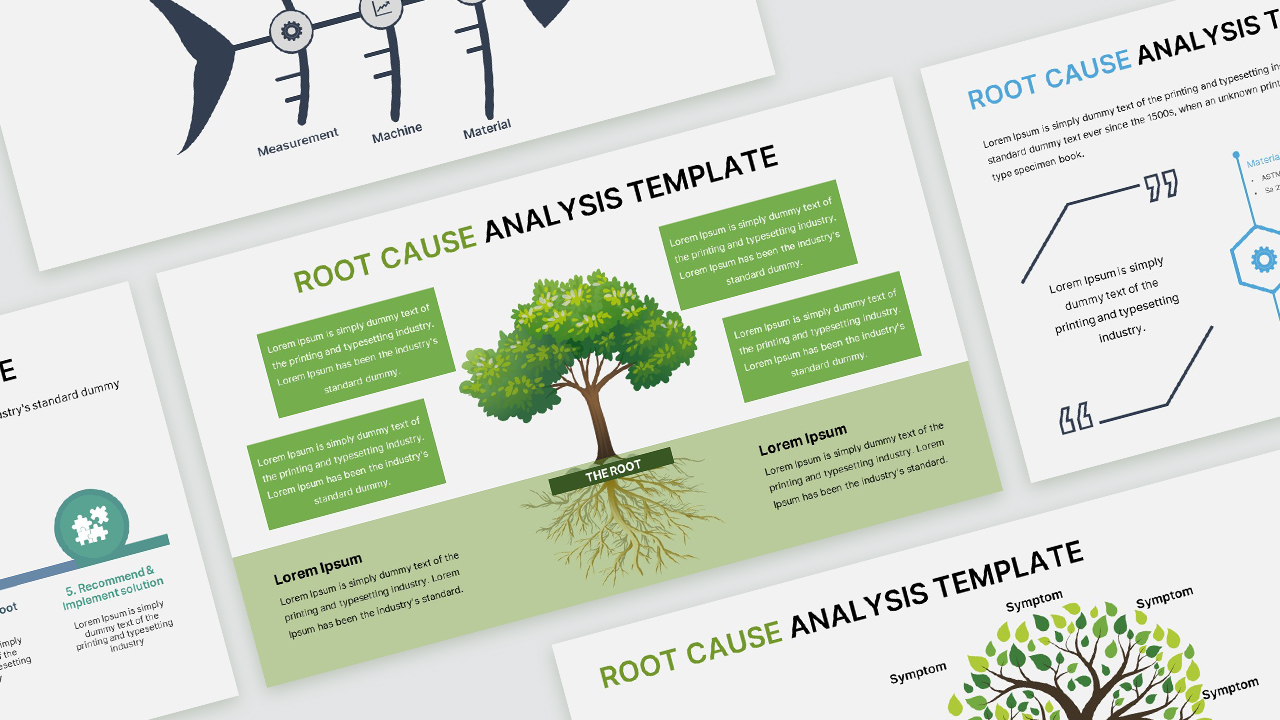
Free Root Cause Analysis Template PowerPoint & Google Slides
-
0 Upvoted
Free Restaurant Business Plan Template PowerPoint & Google Slides
-
0 Upvoted
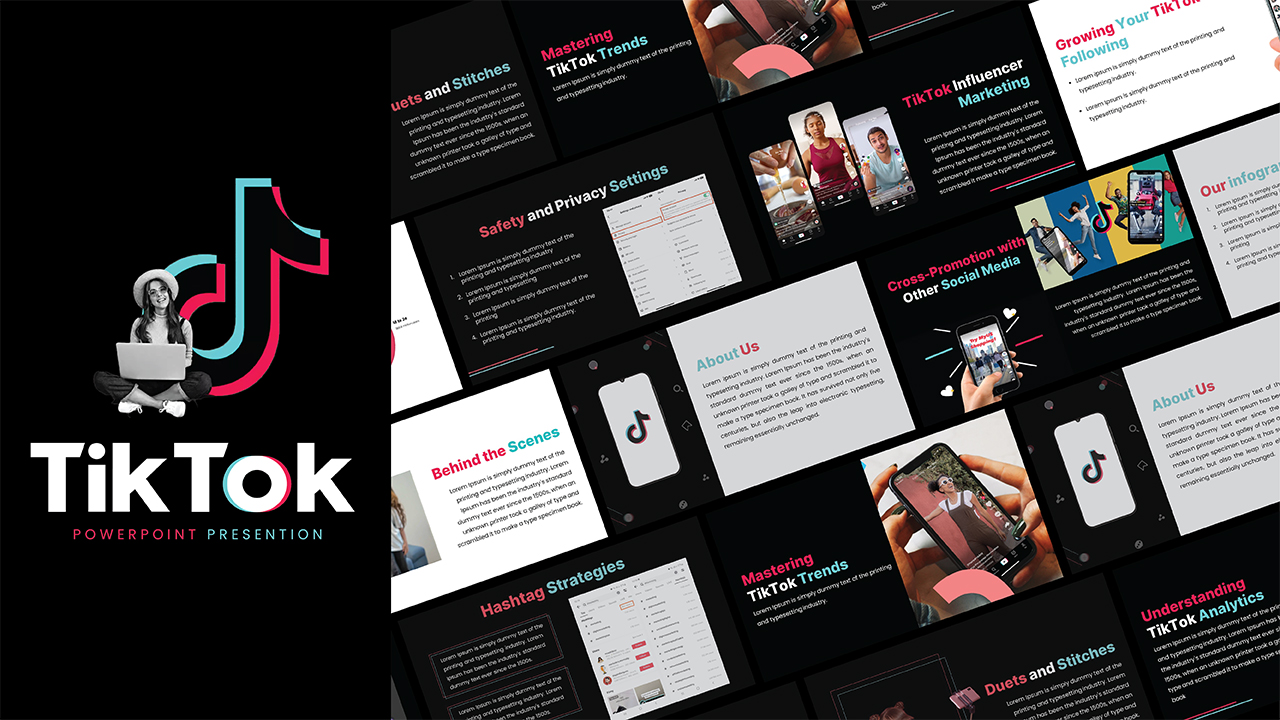
Free TikTok Theme Presentation Template PowerPoint & Google Slides
-

0 Upvoted
Free Jeff Bezos Theme Template PowerPoint & Google Slides
-
0 Upvoted
Free Break Slide Template PowerPoint & Google Slides
-
0 Upvoted
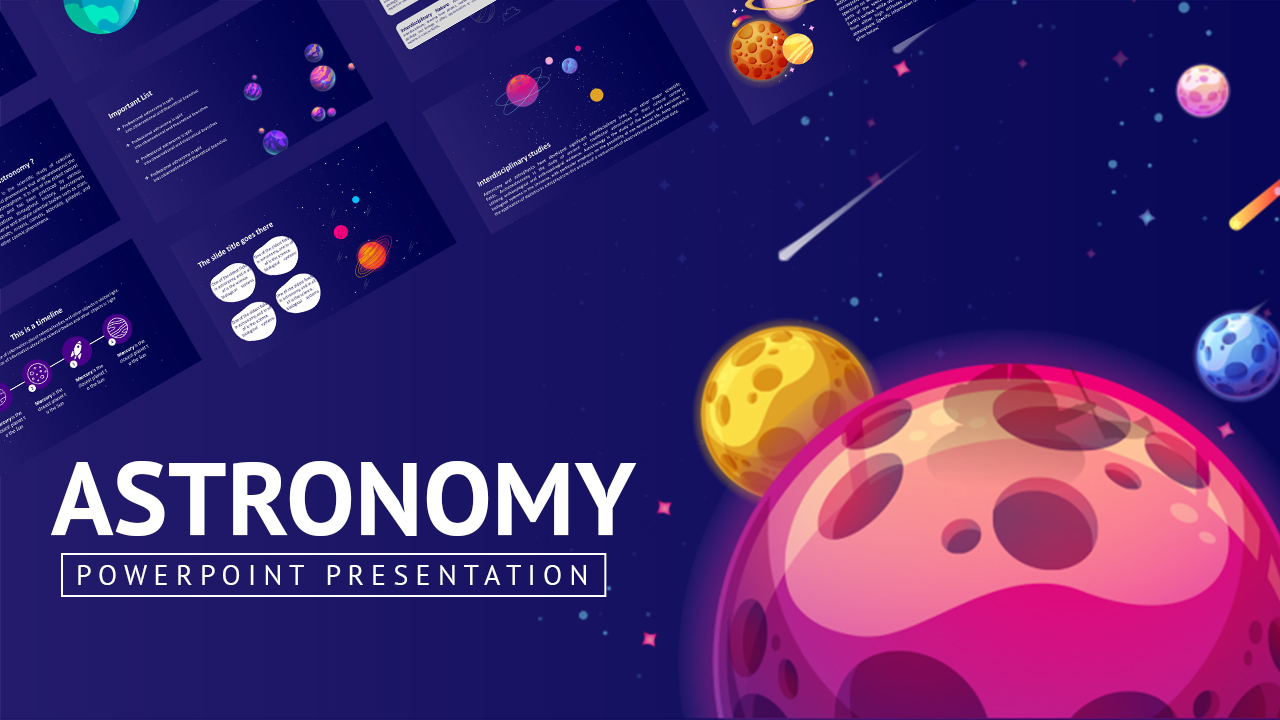
Free Creative Astronomy Google Slides and PowerPoint Template
-
0 Upvoted
Free Animated YouTube Template PowerPoint & Google Slides
-
0 Upvoted
Free International Education Presentation Template
-
0 Upvoted
Free Chandrayaan 3 Template PowerPoint & Google Slides
-

0 Upvoted
Free Animated FIFA World Cup 2022 Template PowerPoint and Google Slides
-
0 Upvoted
Free Animated Google Slides Old Paper Education Templates for Teachers
-
0 Upvoted
Free Spider verse Glitch Template PowerPoint & Google Slides
-
0 Upvoted
Free Meta Threads Theme Template PowerPoint & Google Slides
-
0 Upvoted
Free Titanic Theme Template PowerPoint and Google Slides
-
0 Upvoted
Free Electronic Press Kit Template PowerPoint & Google Slides
-
0 Upvoted
Free Google Slides Summer Theme PowerPoint Template









More Than a Background: Discover the Art of Gradient Design
A gradient is more than two colors blending into one another. It can influence the mood of a presentation, create visual depth and give different slides a consistent appearance. A soft pink-to-purple transition can create an elegant and artistic atmosphere, while electric blue and violet combinations often complement technology-focused presentations. Warm orange, red and yellow blends can bring energy to creative projects, promotional decks and marketing slides.
Explore different gradient aesthetics, including:
- Minimalist Gradients: Subtle color transitions, clean layouts and plenty of whitespace for a sophisticated presentation.
- Abstract and Mesh Gradients: Fluid color combinations, organic shapes and layered visual effects for creative projects.
- Pastel Gradients: Soft pink, lavender, mint, peach and other gentle tones for elegant and aesthetic slideshows.
- Dark Gradients: Deep blues, purples and blacks that create a dramatic backdrop for technology, business and futuristic themes.
- Vibrant and Multicolor Gradients: Bold color blends that bring energy and personality to presentations.
- Modern Duotone Gradients: Two-tone color combinations that create a distinctive and coordinated visual style.
Give Every Idea a Different Visual Direction
Gradient designs work across a surprising range of presentation subjects. Their versatility makes them suitable for more than just creative or artistic slideshows.
Use gradient-themed layouts to create startup pitch decks, company profiles, business proposals, marketing strategies, project reports, digital transformation presentations and technology showcases. They can also complement design portfolios, photography presentations, educational lessons, research projects, product launches and personal branding decks.
For a professional look, pair subtle gradients with structured layouts, readable typography and simple charts. If you're creating something more expressive, experiment with colorful backgrounds, abstract shapes, layered elements and bold headings. The right combination can make even information-heavy slides feel more engaging.
Color Combinations That Set the Mood
Not sure which gradient style to choose? Start with the atmosphere you want your presentation to communicate.
- Blue and Purple: A modern combination suited to technology, artificial intelligence, software and innovation topics.
- Pink and Orange: A warm, energetic palette for creative portfolios, branding and marketing presentations.
- Green and Teal: A refreshing choice for sustainability, business growth, nature and wellness topics.
- Purple and Pink: An expressive blend for artistic projects, fashion, lifestyle and contemporary design.
- Black and Neon: A dramatic visual direction for gaming, digital technology and futuristic presentations.
- Peach and Lavender: A soft aesthetic combination for personal portfolios, education and elegant presentations.
Create Your Next Presentation on Your Favorite Platform
Choose a gradient presentation theme that fits your workflow. SlideChef offers designs for PowerPoint, Google Slides and Canva, so you can work with the platform that suits your creative process.
Replace sample text, add your own photographs, adjust colors and personalize slide layouts to make the presentation your own. Whether you prefer a subtle background for a corporate meeting or a bold gradient design for a creative pitch, you can adapt compatible templates to your content and presentation style.
Explore the collection and discover how the right blend of colors can change the way your ideas are presented.
Frequently Asked Questions
What are gradient presentation templates?
Gradient presentation templates are pre-designed slides featuring smooth transitions between two or more colors. They use blended backgrounds, shapes and visual elements to create modern and visually appealing presentations.
Where can I download free gradient PowerPoint templates?
You can explore free gradient PowerPoint templates in SlideChef's Gradient collection. Browse different styles, select a suitable design and check its available download options.
Can I use gradient presentation templates in Google Slides and Canva?
Yes. SlideChef offers gradient presentation designs for Google Slides and Canva, as well as PowerPoint. Check individual template pages to confirm the supported formats.
Are you looking for Custom Presentation Template Designs?
It is a long established fact that a reader will be distracted by the readable content of a page when or randomised words which don’t look even slightly believable