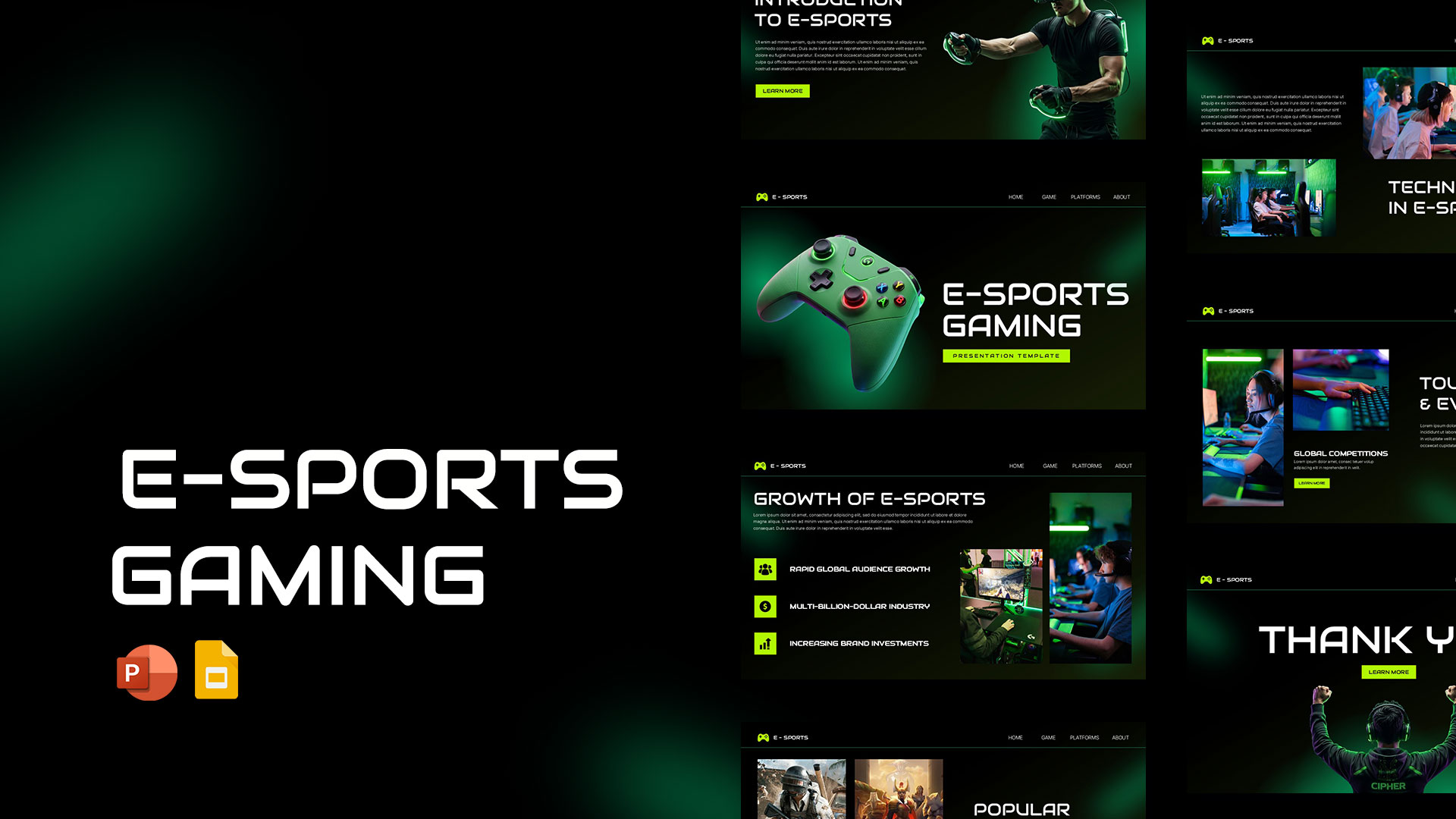
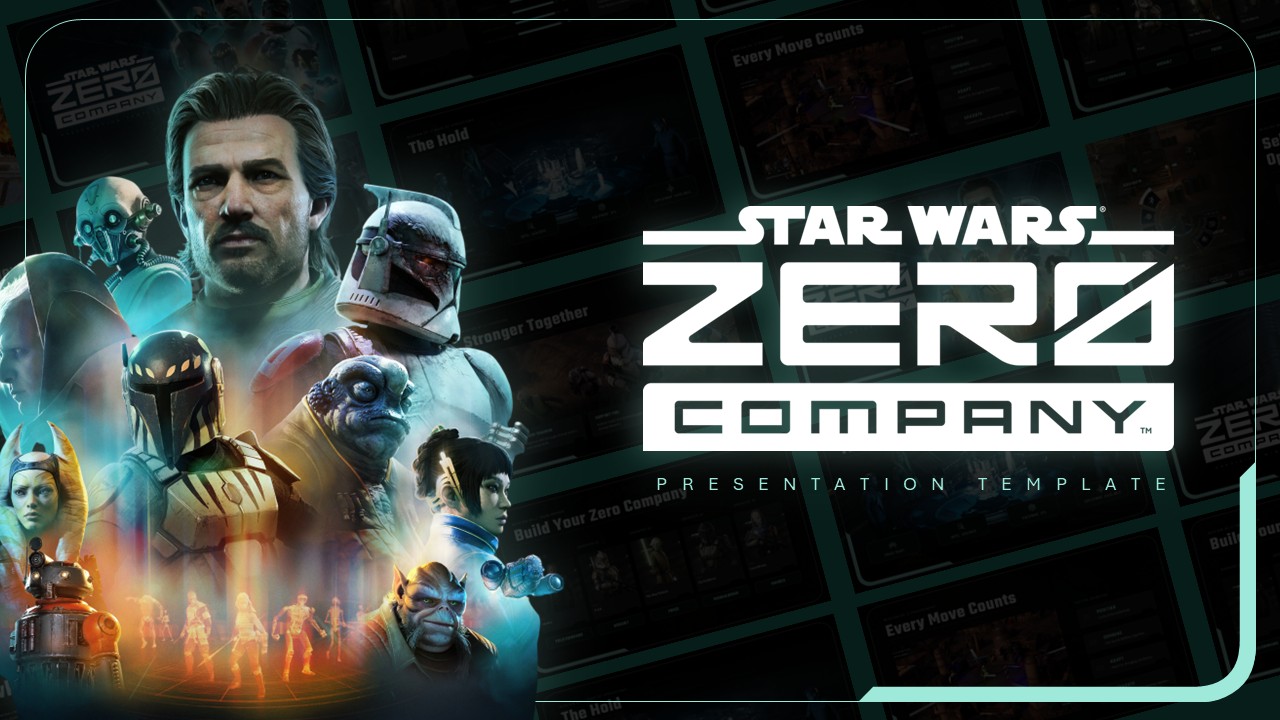
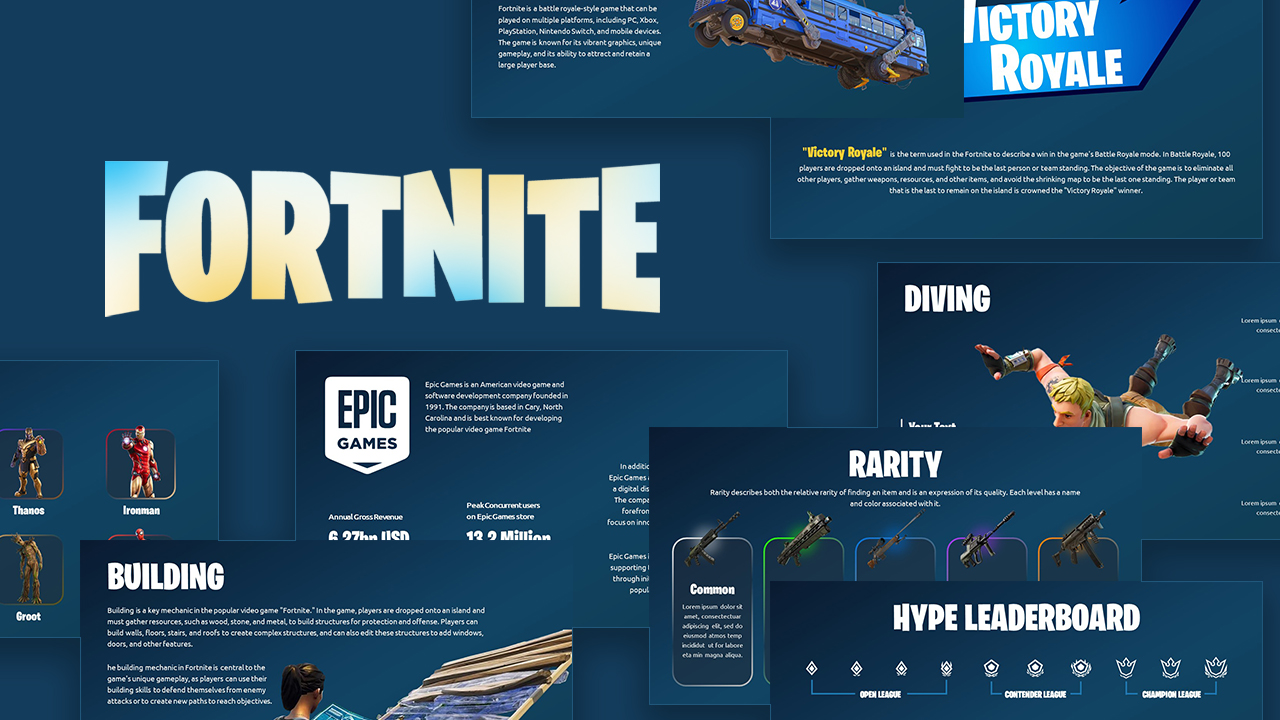
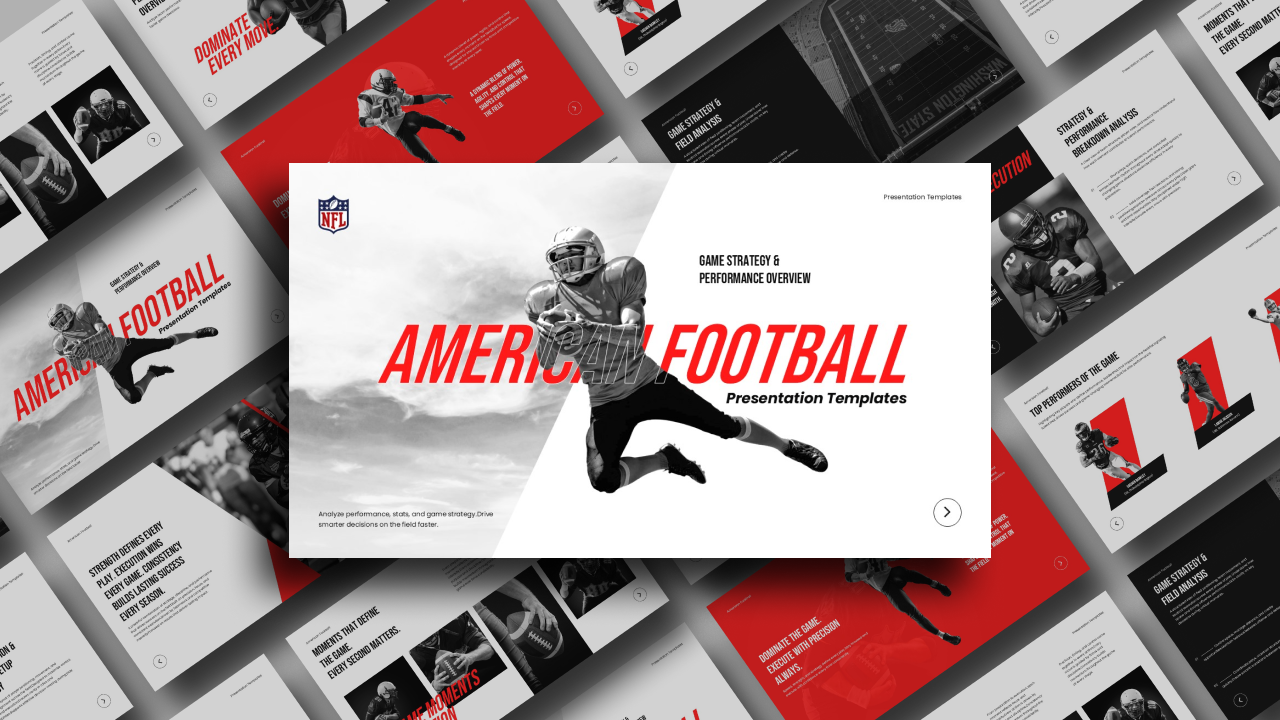
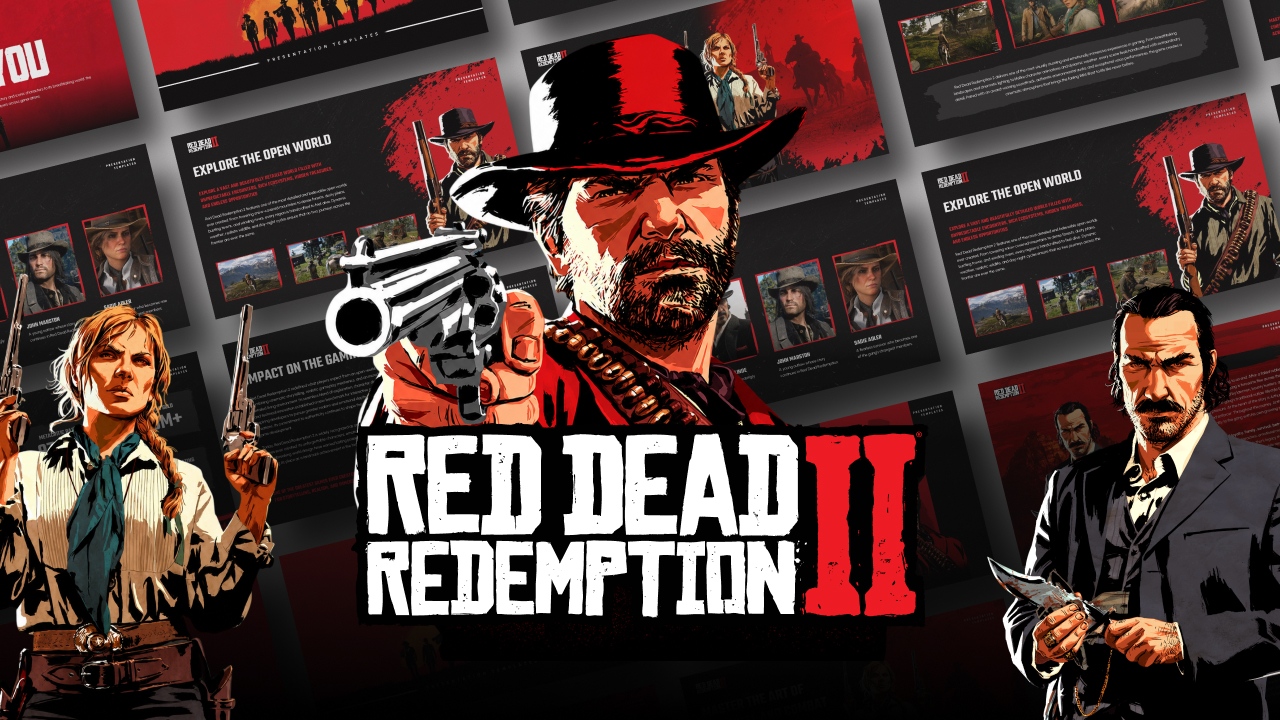
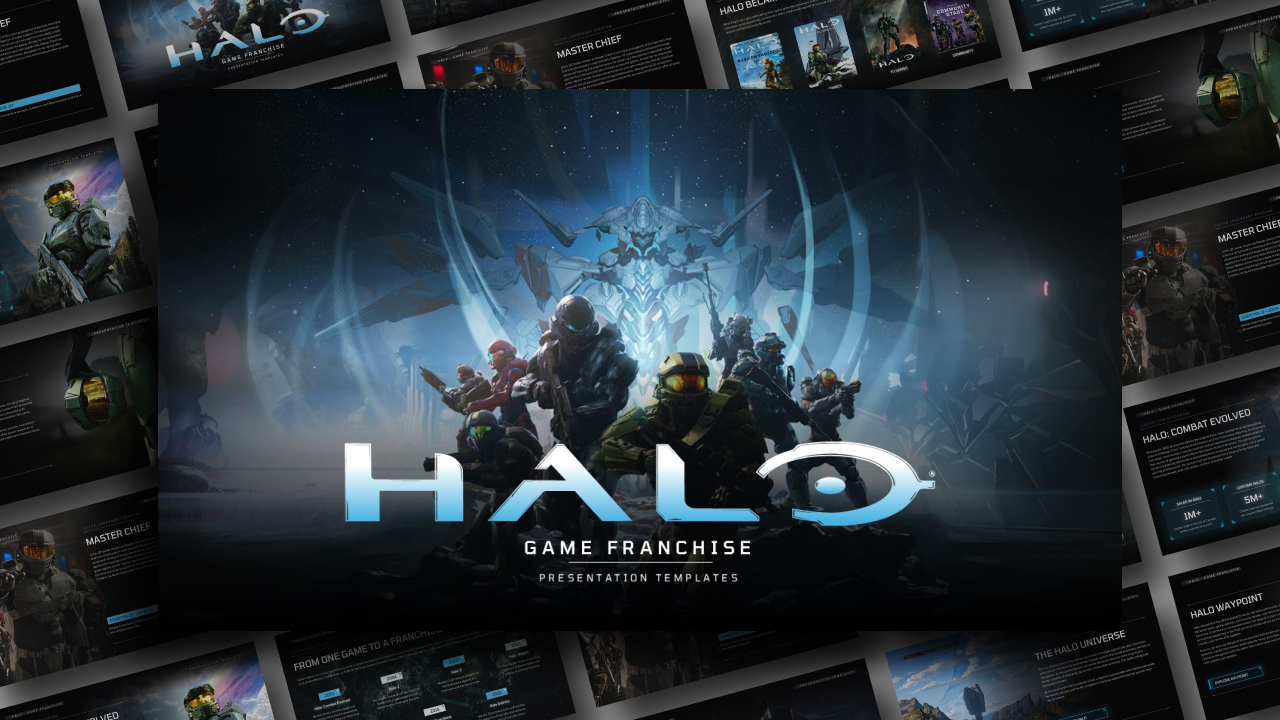
Download Free Video Game Presentation Template
Item ID: SCF01684
PowerPoint,Canva
100% Fully Customizable
Free to use
Liked the template? Support SlideChef!
Give us Donation! Help to keep our Templates Free for ever
Hi there! We hope you’re enjoying SlideChef for your presentations. As a free platform, we rely on donations to keep things running. If you find our resources helpful, please consider a small donation. Thank you!
How to Use the Video Game Theme Presentation Template
Get ready to deploy your next presentation. Whether you are pitching a new title in PowerPoint or breaking down esports tournament metrics live via Canva, customizing this tactical layout is quick and simple. Follow this step-by-step guide to drop in your agent art, adjust your community statistics, and launch your deck:
For Microsoft PowerPoint Users
- Download and Unlock: Save the template file to your computer. Open it in PowerPoint and click the yellow Enable Editing button on the top notification bar to fully unlock all text fields, character shapes, and background layers.
- Input Game Details: Click directly inside any of the bold text boxes on slides like the "Game Overview" or "Table of Contents" to overwrite the placeholder copy with your specific game modes, patch notes, or pitch objectives.
- Swap Character Art: To update the placeholders with your own game screenshots or character artwork, right-click the image asset, select Change Picture, and choose a file from your device to automatically fit the tactical layout shape.
- Update Player Statistics: Navigate to the data and community slides. Click inside the large numeric fields to type in your specific player ratings, active user counts, or player retention percentages.
- Launch the Presentation: Save your customized file, click the Slide Show tab on the top menu ribbon, and select From Beginning to run your gaming deck full screen.
For Canva Users
- Copy the Template: Click your provided Canva access link to view the presentation in your web browser. Go to File in the top-left menu bar and select Make a copy to save the editable slides directly to your personal account dashboard.
- Customize Your Headers: Double-click any typography block to instantly type over the placeholder text with your esports team names, developer bios, or gameplay features.
- Drag and Drop Media: Upload your choice of high-resolution video game wallpapers, character art, or studio team photos into your Canva sidebar library, then simply drag and drop them directly into the pre-set image frames.
- Adjust Brand Colors: Click any red paint slash, background line, or button graphic, tap the color square icon on the top toolbar, and choose a new color from the panel to perfectly match your game’s brand guidelines.
- Stream the Slides Live: Review your complete deck layout, click the Present icon in the upper right corner to go full screen straight from your browser, and start your presentation.