Table of Contents
- SlidesGo or SlideChef – Which Presentation Platform Offers Best PowerPoint and Google Slides
- What is Slidesgo? (The Industry Heavyweight)
- What is SlideChef? (The Best Free Slidesgo Alternative)
- Slidesgo vs. SlideChef: Head-to-Head Comparison
- Feature Comparison Table
- Which Platform Should You Choose?
- Final Words
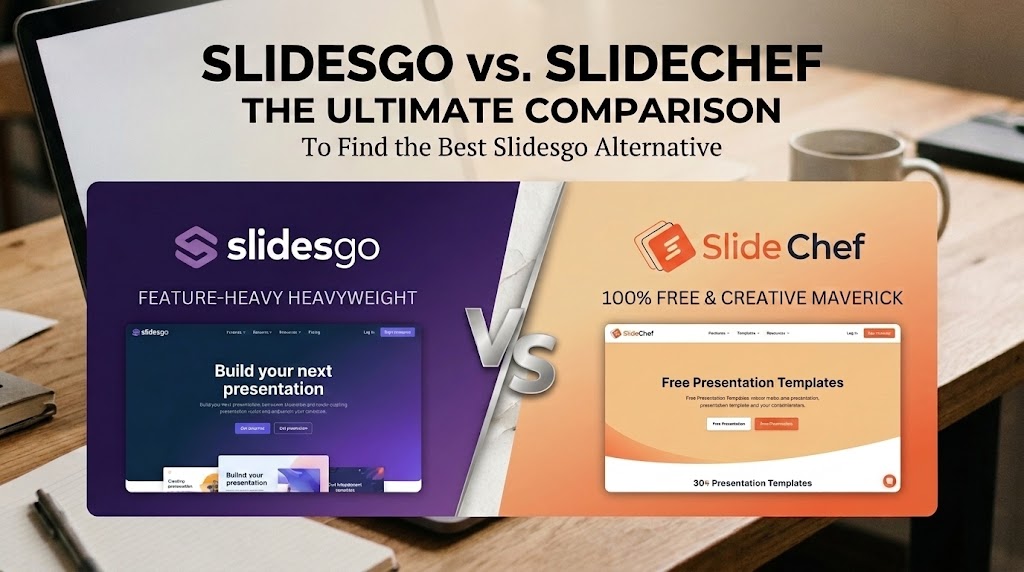
SlidesGo vs. SlideChef: The Ultimate Comparison to Find Best Slidesgo Alternative
SlidesGo or SlideChef – Which Presentation Platform Offers Best PowerPoint and Google Slides
Staring at a blank slide canvas while a deadline looms is a universal headache. Building compelling presentations from scratch eats up valuable hours, which is why pre-designed template platforms have become essential productivity engines for professionals, educators, and creators alike. While SlidesGo has long dominated the market as an established industry titan, SlideChef has rapidly emerged as a powerful contender, shaking up the space with fresh design aesthetics and accessible creative assets. Both platforms can elevate your visual storytelling, but they cater to fundamentally different presentation needs, budgets, and creative workflows.
Quick Answer: Slidesgo vs. SlideChef at a Glance
- Slidesgo is best for users seeking an all-in-one ecosystem with paid access to an AI presentation maker, PDF editing tools, and PPT file compression.
- SlideChef is the premier free Slidesgo alternative, providing 100% unrestricted access to highly creative Google Slides and PowerPoint templates centered on modern aesthetics and real-time trending topics.
What is Slidesgo? (The Industry Heavyweight)
Launched by the company Freepik, Slidesgo has established itself as the default search destination for millions of people seeking slide templates. Because it is backed by one of the largest graphic resource companies in the world, the platform benefits from a massive, highly standardized infrastructure. It is designed to be a one-stop-shop, moving beyond simple template hosting into the realm of presentation software and document management.
Key Features of Slidesgo
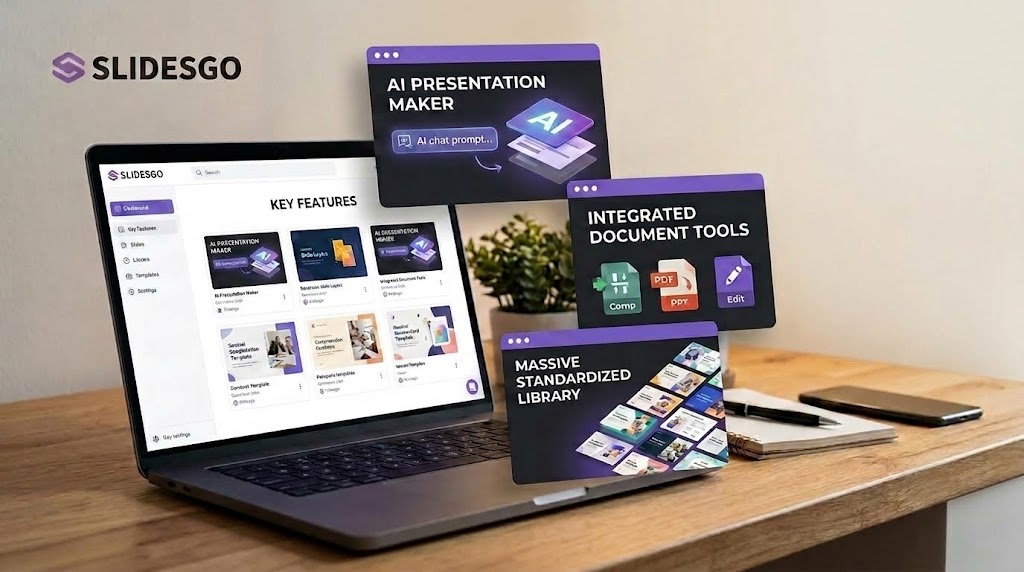
1. The AI Presentation Maker One of Slidesgo’s most heavily promoted features is its AI-powered presentation generator. Users can input a text prompt detailing their topic, select a preferred tone or style, and let the tool handle the structure and visuals. Within minutes, the AI generates a complete slide deck that can be downloaded as an editable PPTX format. This is highly appealing for users who are starting with absolutely zero content and need an immediate structural framework to build upon.
2. Integrated Document Tools Slidesgo has aggressively expanded its utility by integrating a suite of document management tools directly into its ecosystem. Users don’t just download templates; they can utilize AI-driven tools to turn existing documents into presentations, such as the AI PDF to PPT converter. This allows users to seamlessly transform written reports into visual slide decks without ever leaving the website.
3. Massive, Standardized Library Because it has been around for years, Slidesgo’s library is staggeringly large. You can find a template for almost any standard corporate, medical, or educational need. Their categorization system is robust, allowing users to filter by color, style, and industry, which makes navigating their vast repository straightforward.
The Catch: Premium Limitations and Paywalls
Despite its incredible utility, Slidesgo’s business model is built on a “freemium” structure that often frustrates casual users. The platform strictly limits the number of free downloads; unregistered users cannot download any templates, while registered free users are capped at just 3 template downloads per month. Even premium users face a cap of 150 downloads and 150 AI generations per month for security reasons. Furthermore, free users are required to keep the attribution slide to credit the platform.
More importantly, the vast majority of Slidesgo’s highest-quality, most modern designs—as well as the full, ad-free capabilities of its tools—are locked behind a premium paywall. When you search for a template, you will frequently find that the most attractive options require a monthly or annual paid subscription. For students, educators, and budget-conscious professionals, hitting this paywall mid-search is a significant workflow disruption.
What is SlideChef? (The Best Free Slidesgo Alternative)
While Slidesgo operates like a massive corporate software suite, SlideChef operates like an agile, modern design studio. Built specifically to solve the biggest pain point users experience on freemium sites—restricted access to premium-quality design—SlideChef focuses entirely on delivering stunning, ready-to-use visual assets. It strips away the software bloat to provide a streamlined, high-quality repository of templates tailored for users who want premium aesthetics without the paywall.
Key Features of SlideChef
1. 100% Free, Unrestricted Access The most significant advantage of SlideChef is its pricing model: everything is completely free. There are no hidden premium tiers, no icons blocking your favorite designs, and no credit card requirements. You do not have to worry about hitting a monthly download limit or paying to remove watermarks while you test out different aesthetic options for your project. This frictionless, open-access experience firmly positions SlideChef as the absolute best free Slidesgo alternative on the market.
2. Highly Creative and Modern Design Aesthetics Many legacy presentation platforms suffer from a rigid “corporate template” feel—slides that are perfectly functional but visually uninspired. SlideChef intentionally leans into creative, out-of-the-box aesthetics. Their templates utilize modern typography, bold color palettes, immersive image masking, and unique vector layouts that you rarely find outside of expensive premium subscriptions. Whether you are building a vibrant educational module, a creative portfolio, or a minimalist pitch deck, the designs are crafted to break the mold and command audience attention.
3. Agile Publishing for Trending Topics and Pop Culture This is where SlideChef truly separates itself from traditional libraries. While massive platforms update their offerings based on broad, predictable categories (like “Business” or “Back to School”), SlideChef operates with unique agility. The platform continuously publishes templates based on recent global trends, viral pop culture moments, breaking industry shifts, and highly specific niche subjects. If there is a new tech trend dominating the news cycle, a highly anticipated global sporting event, or a shift in digital culture, you will likely find a custom-designed SlideChef template for it. This allows presenters to easily make their content feel fresh, timely, and hyper-relevant to their audience.
Slidesgo vs. SlideChef: Head-to-Head Comparison
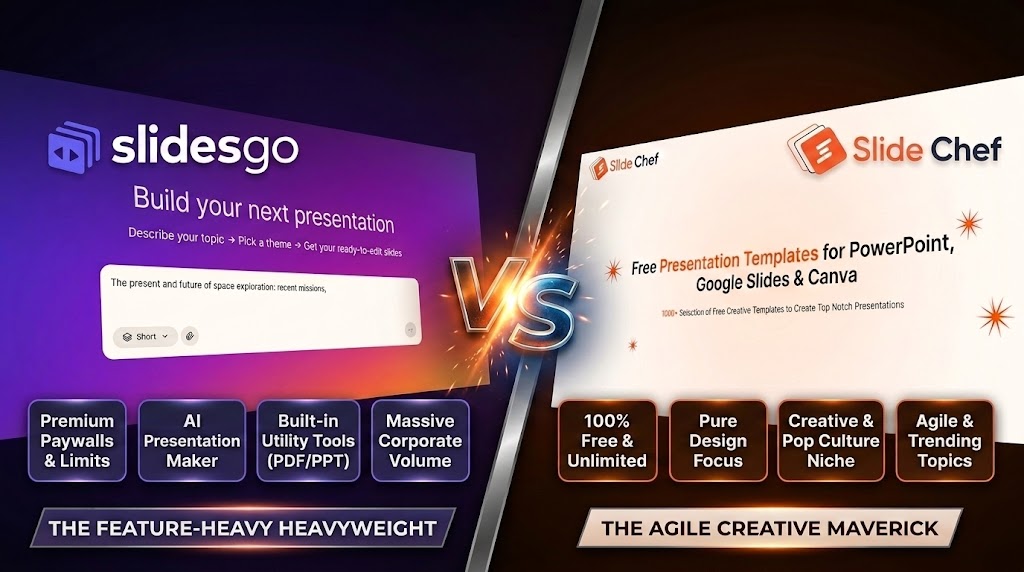
Choosing between Slidesgo and SlideChef comes down to how you approach creating presentations: do you want an expansive, feature-heavy software suite, or an agile, frictionless library of high-impact visual designs? While both platforms serve the overarching goal of rescuing users from bland default slides, their workflows, monetization models, and artistic directions diverge significantly when put side-by-side.
Advanced Tools vs. Pure Design Focus
Slidesgo positions itself as more than just a template repository; it aims to function as an all-in-one presentation production hub. Its marquee addition is the built-in AI presentation maker, which drafts slide decks from raw text prompts, complete with structure, copy, and layout suggestions. Alongside conversion tools like AI PDF-to-PPT generators, Slidesgo caters to users looking to automate initial drafting and administrative document management within a single browser tab.
SlideChef, by contrast, takes a stripped-back, pure-design approach. Instead of attempting to be an automated copywriter or a multi-tool utility, SlideChef pours all of its creative resources into presentation artistry. The platform is engineered on the premise that presenters usually know their core message—they just need visually compelling slides to communicate it. By eliminating tool bloat, SlideChef ensures that every template is meticulously pre-formatted, lightweight, and fully editable in both Google Slides and Microsoft PowerPoint without formatting glitches or software dependencies.
Premium Paywalls vs. Frictionless Freedom
The browsing and downloading experience highlights the starkest contrast between the two services. Slidesgo follows a strict freemium model. Free users face tight monthly download caps (typically limited to three downloads per month for registered accounts) and must retain mandatory attribution slides to credit the site. Furthermore, the platform’s most polished, modern layouts are frequently locked behind premium paywalls marked with gold crown badges. This often leads to browsing friction, where users find the perfect slide only to hit a subscription barrier at the point of download.
SlideChef offers complete, frictionless freedom. There are no download tiers, no premium badges, and no credit card gates. Every single template in the library is 100% free to access, download, and customize without attribution demands or hidden restrictions. This open-access philosophy makes SlideChef an indispensable resource for students, early-stage startup founders, educators, and creative professionals who need high-caliber design assets on a tight budget without navigating paywall obstacles.
Corporate Volume vs. Creative Relevance
Because of its long tenure and corporate backing from Freepik, Slidesgo boasts an enormous volume of templates. If you need a traditional corporate presentation, a standardized quarterly financial overview, or a clinical medical briefing, Slidesgo provides vast arrays of clean, corporate-standard layouts. However, this massive scale can sometimes feel formulaic, with many decks relying on repetitive structures and generic corporate illustration styles.
SlideChef counters massive volume with agile creative relevance. SlideChef specializes in out-of-the-box, modern aesthetics that break away from sterile boardroom cliches, utilizing bold typography, expressive color theory, and dynamic layouts. More importantly, SlideChef capitalizes on cultural immediacy. Its library frequently introduces creative templates centered on viral pop culture moments, current digital trends, tech innovations, and timely real-world topics. For presenters seeking to hook an audience with visual immediacy and cultural relevance, SlideChef delivers decks that feel alive and current rather than pulled from a generic archive.
Feature Comparison Table
Here is a quick breakdown of how both platforms stack up across their pricing models, download limits, and overall library offerings:
| Feature | Slidesgo | SlideChef |
| Monthly Subscription | $5.99 / month | $4.99 / month |
| Annual Subscription | $3.00 / month ($35.99 billed annually) | $2.00 / month ($24 billed annually) |
| Free Tier Limits | 3 template downloads per month | 3 template downloads per month |
| Premium Tier Limits | Unlimited template downloads | 50 template downloads per month |
| Template Library Size | Access to 30,000+ templates | Access to 7,000+ templates |
| Ad-Free Experience | Yes (Premium only) | Yes (Premium only) |
| Attribution Requirement | None (for Premium users) | None (for Premium users) |
Which Platform Should You Choose?
Choose Slidesgo if you are a budget-backed professional needing AI and workflow automation. Slidesgo is the heavy hitter for users who prioritize software utility and sheer volume over specialized artistic design. If you are an educator with a school budget, a corporate team member, or a professional who regularly needs to convert existing PDFs or Word documents into slide decks, their premium subscription is a worthwhile investment. It is the ideal choice when you are starting from a blank page and need the built-in AI Presentation Maker to generate an immediate structural outline and draft copy. With Slidesgo, you are essentially paying for speed, document management tools, and access to a massive archive of standardized, corporate-safe templates.
Choose SlideChef if you are a budget-conscious creator needing highly visual, culturally relevant, and free design assets. SlideChef is the definitive platform for startup founders, students, marketers, and creative professionals who want premium, out-of-the-box aesthetics without navigating restrictive paywalls. If you already have your core message outlined and simply need a striking, modern design to elevate it, SlideChef delivers without the friction of strict download limits. It is exceptionally well-suited for presenters who want their content to feel timely and unique, capitalizing on the platform’s agile library of pop-culture, aesthetic, and trending templates. When pure design quality, cultural relevance, and frictionless access are your top priorities, SlideChef is the superior choice.
Final Words
Ultimately, the right choice depends on your immediate needs and budget. If you are a corporate user with a paid subscription budget looking for an all-in-one software ecosystem with AI generation and document converters, Slidesgo remains a powerhouse. However, if you are a student, educator, startup founder, or creative professional who wants frictionless access to modern, highly visual slide decks without hitting a paywall or a download cap, SlideChef is the undisputed winner. It strips away the bloat and delivers exactly what presenters need most: striking design.
Ready to upgrade your next presentation without spending a dime? Drop the restrictive subscriptions and start browsing the latest pop culture, business, and highly creative designs directly at SlideChef’s trending templates library. Your audience—and your wallet—will thank you.
About The Author





Related Blogs