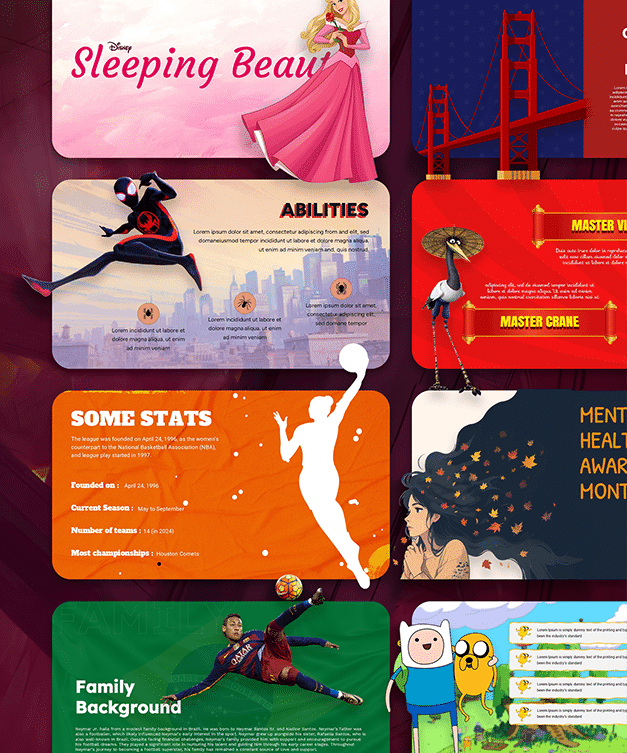
Free Canva Templates – 1000+ Editable Designs & Slide Decks
Stop fighting rigid design software or paying for expensive monthly subscriptions just to make your projects look professional. SlideChef’s library brings you over 1,000 free Canva templates built specifically to bypass paywalls and give you immediate, one-click access to agency-quality visuals.
Whether you need a polished investor pitch deck, eye-catching social media graphics, or a standout resume, our hand-crafted layouts open directly in your browser for fast, drag-and-drop editing.
Filter
-

0 Upvoted
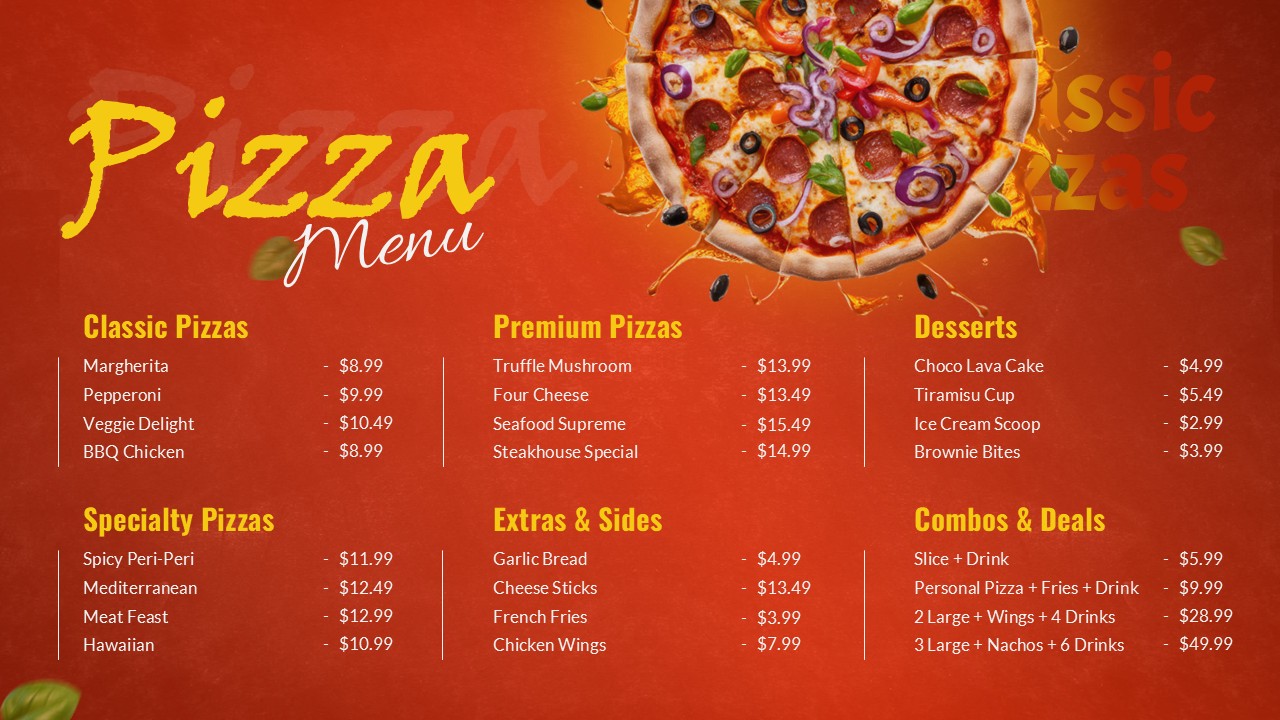
Free Pizza Menu Board Template – PPT, Google Slides & Canva
-
0 Upvoted
Free United States of America Template – PPT, Google Slides & Canva
-

0 Upvoted
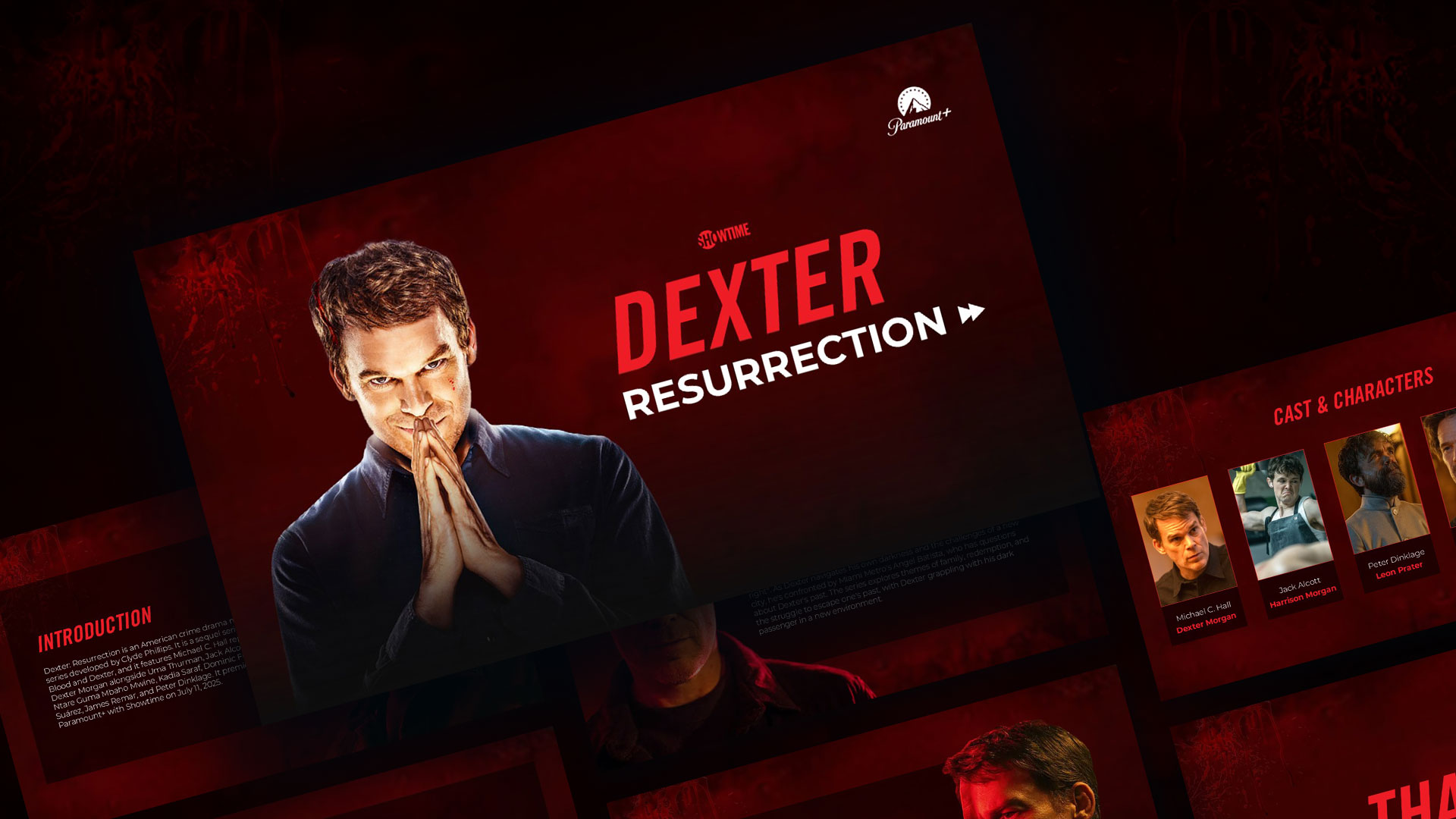
Free Dexter: Resurrection Template PowerPoint, Google Slides & Canva
-
0 Upvoted
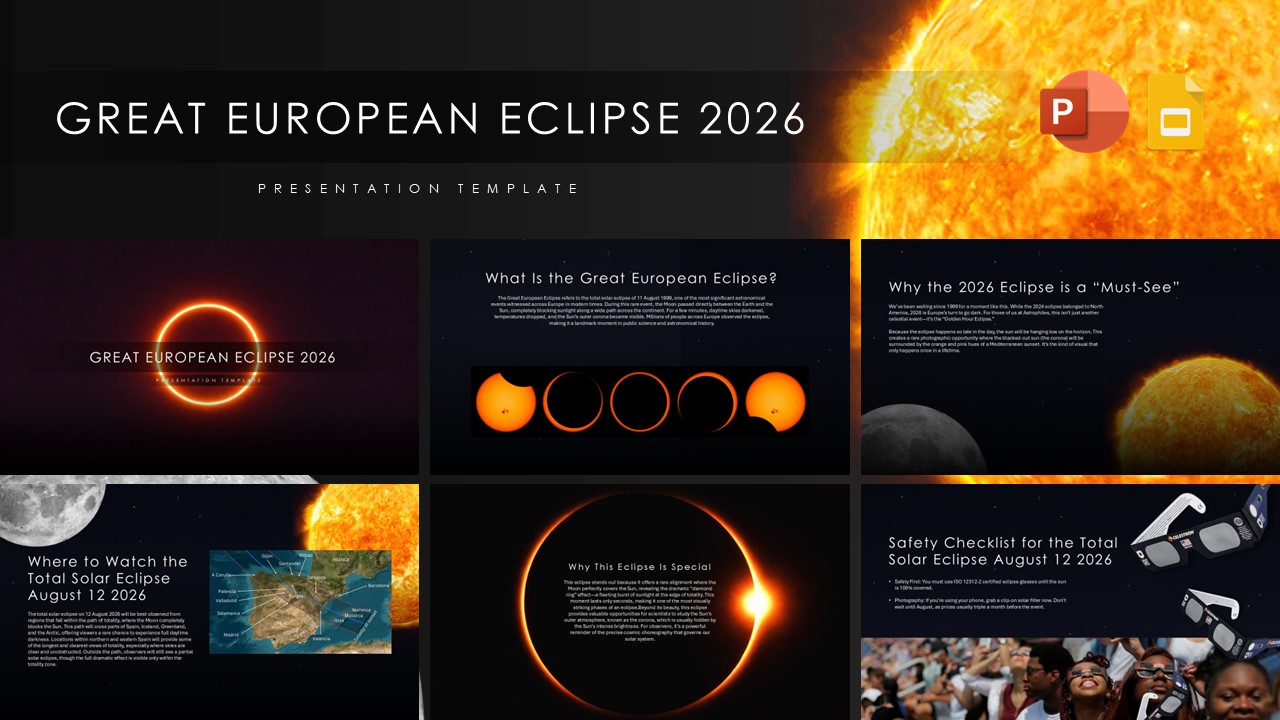
Free Great European Eclipse 2026 Template PPT, Google Slides & Canva
-
0 Upvoted
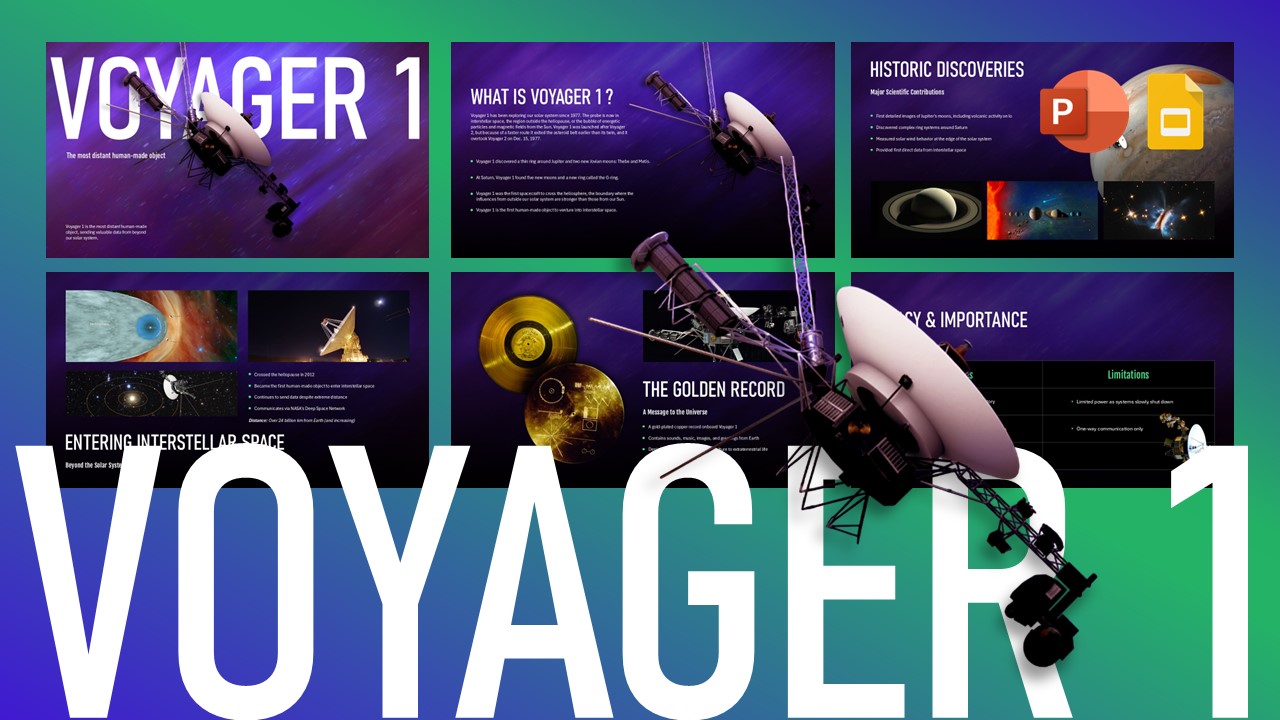
Free Voyager 1 Template | Space Presentation Template
-
0 Upvoted
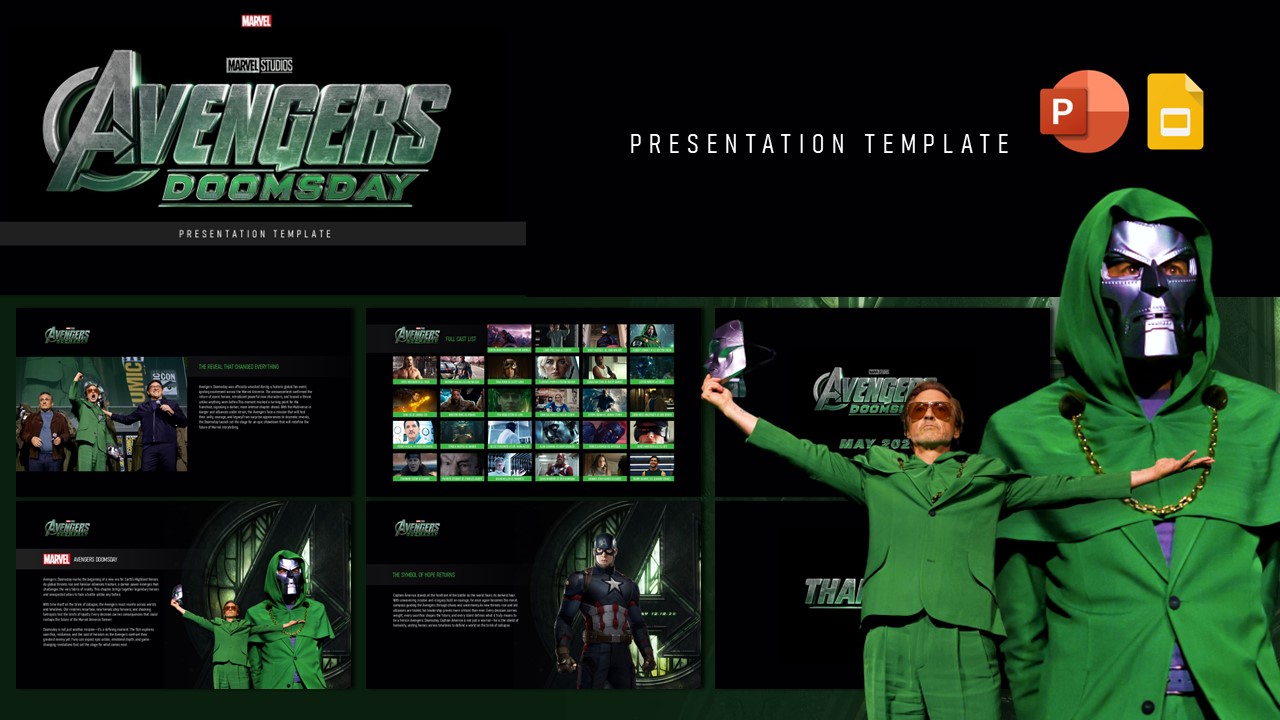
Free Avengers Doomsday Theme Template for PPT, Google Slides & Canva
-
0 Upvoted
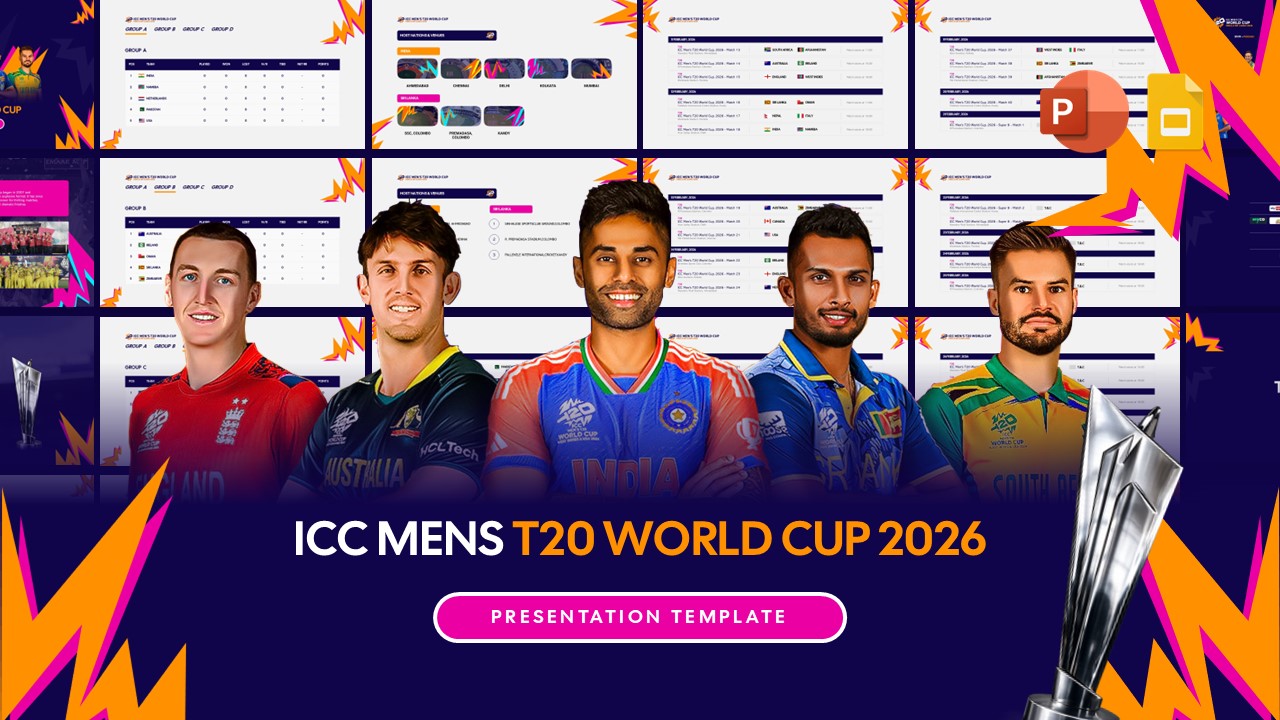
ICC T20 World Cup 2026 Template PPT, Google Slides & Canva
-
0 Upvoted
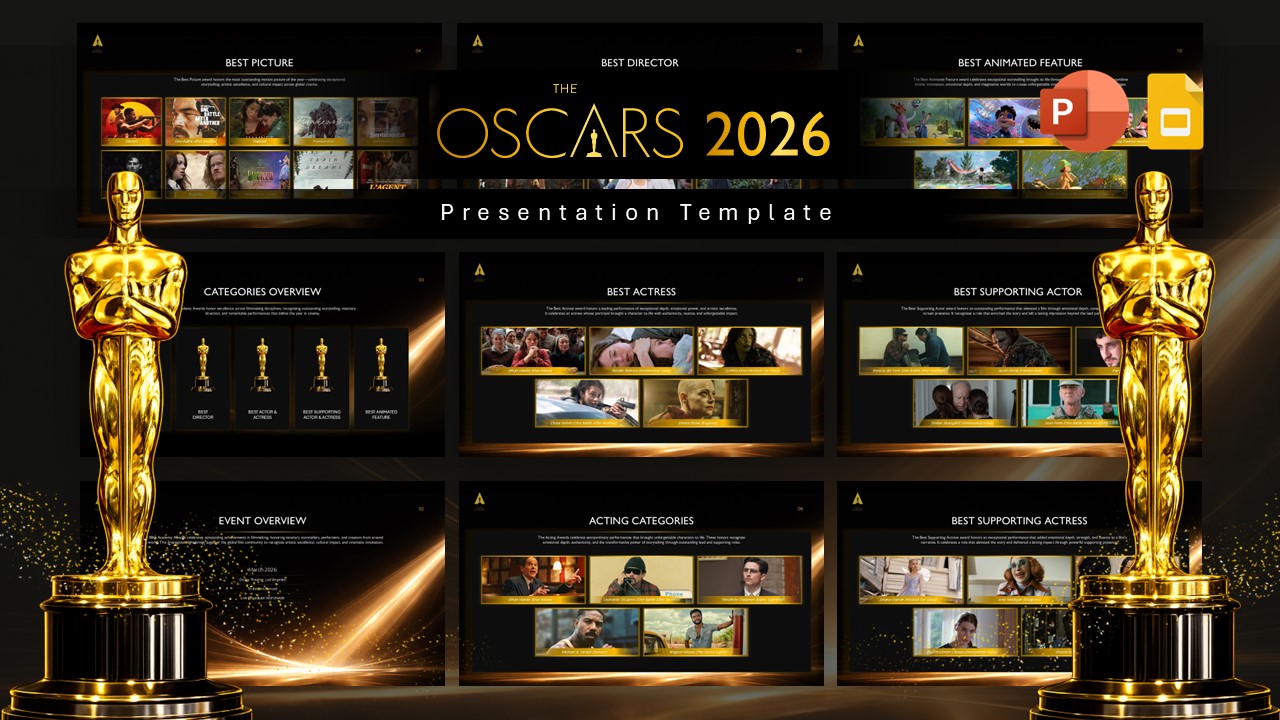
Free Oscar 2026 Theme Template | Stunning Award -Themed Design
-
0 Upvoted
Jujutsu Kaisen Season 3 Theme Template – PPT & Google Slides
-
0 Upvoted
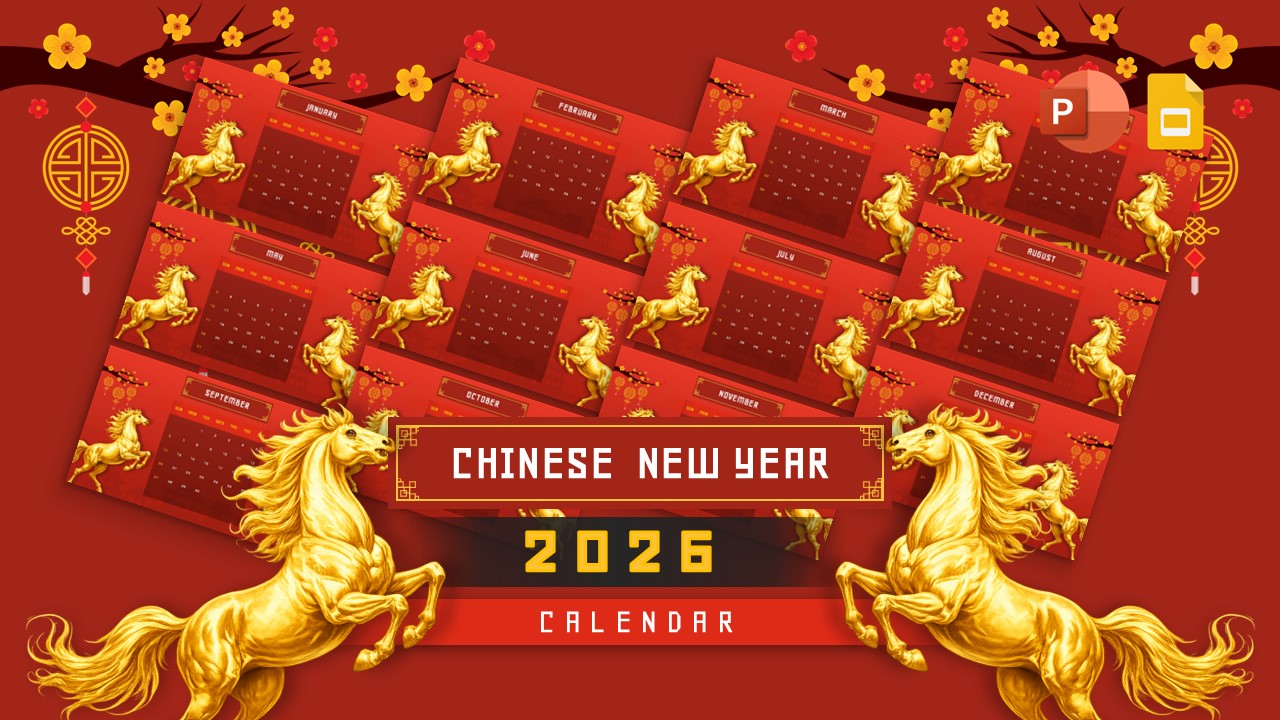
Chinese New Year 2026 Calendar Template PPT & Google Slides
-
0 Upvoted
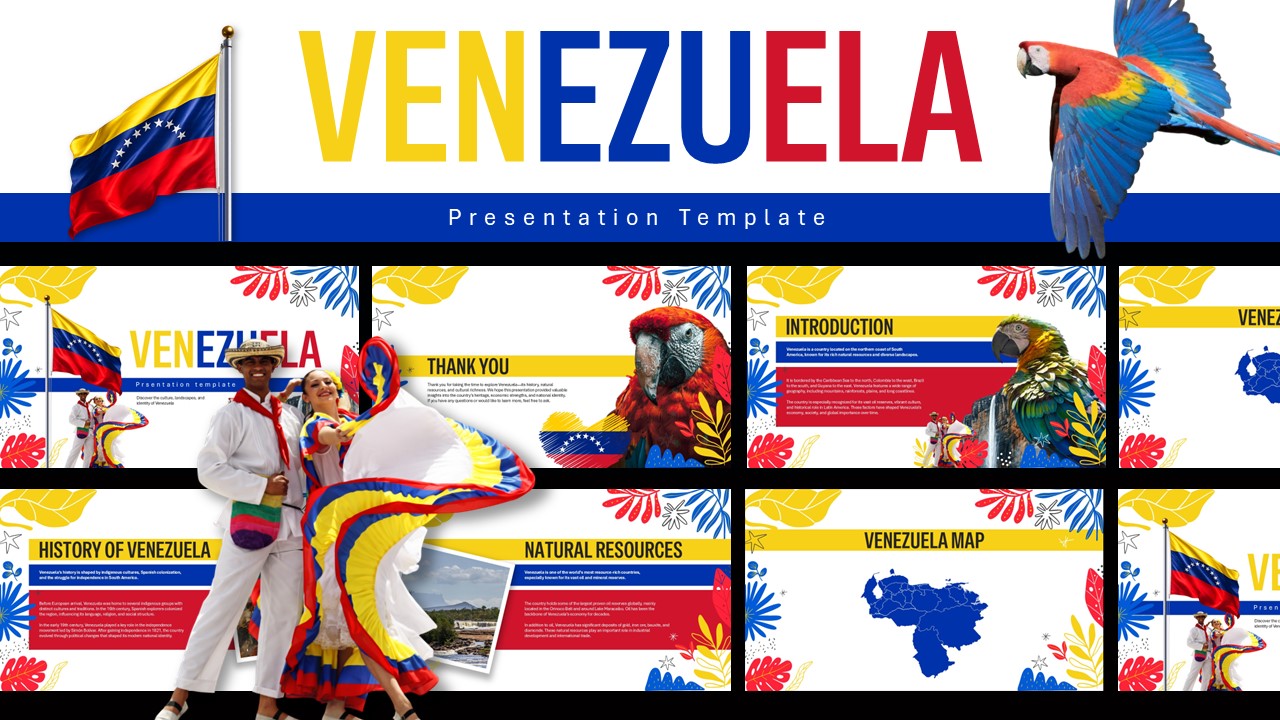
Free Venezuela Theme Template | Free PowerPoint, Google Slides & Canva
-
0 Upvoted
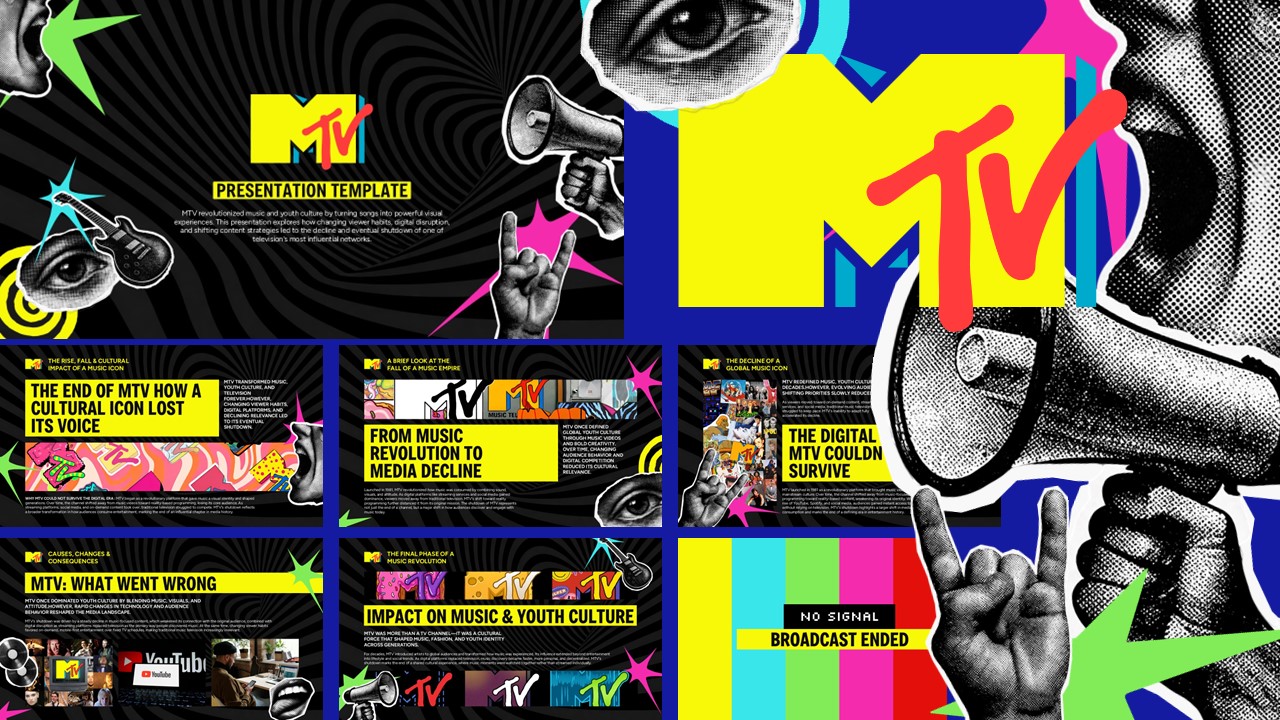
Free MTV Music Template for PowerPoint and Google Slides
-
0 Upvoted
Free 911 Remembrance Template – National September 11 Memorial Day Poster
-
0 Upvoted
Free Google Slides Newspaper PowerPoint Template – Vintage Newspaper Theme
-
0 Upvoted
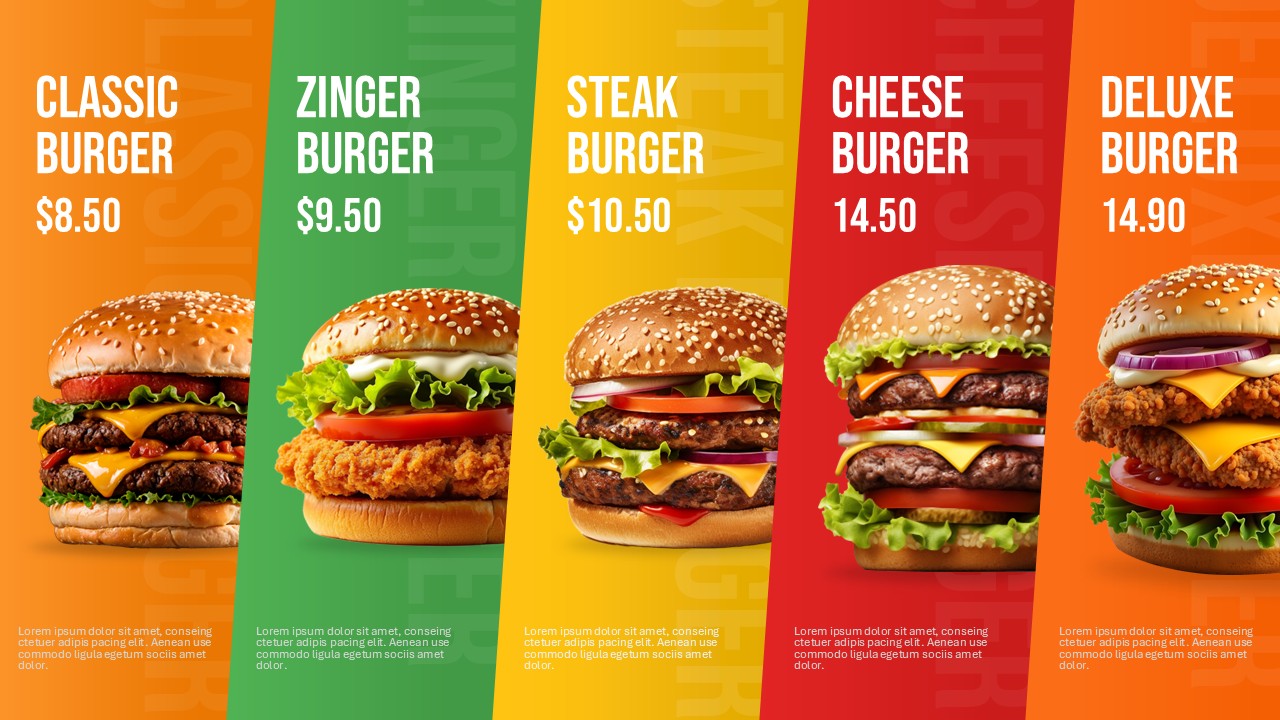
Burger Digital Menu Board Template – Free Digital Signage Template
-

0 Upvoted
US Election Day Poster Template for PowerPoint, Google Slides & Canva
-
0 Upvoted
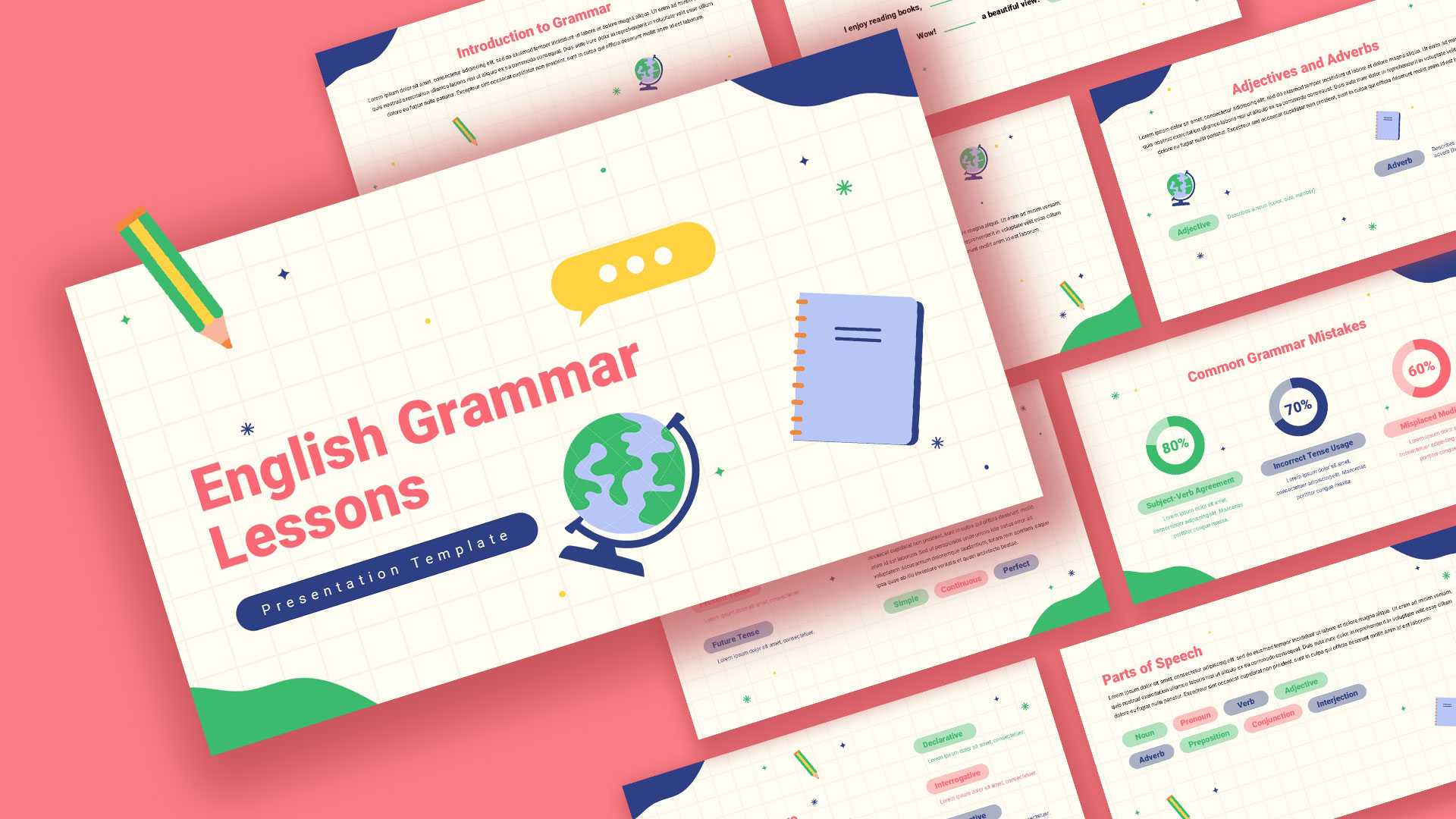
English Grammar Lessons Presentation Template
-
0 Upvoted
Aesthetic Google Slides and PowerPoint Templates & Canva






Core Overview: Why Creators & Teams Choose SlideChef Canva Templates
Instead of spending hours aligning text boxes and hunting for free elements that don't trigger watermarks, our collection gives you a running start. We’ve curated a massive directory of pre-formatted templates that are completely free to use, download, and share.
- Zero Subscription Walls: Every single template on this page is engineered for free Canva accounts—no trial periods, credit cards, or secret promo codes needed.
- Multi-Format Export Flexibility: Finished editing? Export your project straight from Canva as an editable PowerPoint (.PPTX) file, a high-res PDF, or a shareable web link.
- Bespoke Creative Direction: Built from scratch by professional presentation designers, avoiding the generic, over-saturated look of standard stock templates.
Directory of Free Canva Templates by Category
- Presentation & Pitch Deck Themes: 16:9 widescreen slide decks optimized for corporate proposals, classroom lectures, startup pitches, and webinar slideshows. Fully cross-compatible with Google Slides and Microsoft PowerPoint.
- Marketing Posters & Flyers: Bold, high-impact layouts for event promotions, business announcements, academic seminars, and community notices.
- Social Media Kits: Scroll-stopping Instagram posts, carousel templates, Facebook banner art, YouTube thumbnails, and LinkedIn corporate graphics.
- Professional Resumes & CVs: Clean, modern, and ATS-friendly resume and cover letter designs that help job seekers make an immediate impression.
- Infographics & Worksheets: Data-driven charts, process timelines, educational lesson plans, and printable activity sheets that turn dense facts into visual stories.
Who Should Use SlideChef’s Editable Canva Templates?
- Entrepreneurs, Startups & Small Businesses: Launch investor-ready pitch decks, business plan presentations, and cohesive brand kits without hiring an external design agency.
- Digital Marketers & Social Media Managers: Batch-create campaign graphics, infographic carousels, and promotional posters using cohesive Canva template bundles.
- Teachers, Educators & Students: Make learning interactive with visual lesson plans, academic project slides, educational posters, and printable classroom worksheets.
- Job Seekers & Corporate Professionals: Upgrade your career materials with modern resumes, executive cover letters, and clean quarterly report decks.
- Beginners & Non-Designers: Skip the steep learning curve of complex design tools—just pick a pre-formatted layout, type in your content, and publish with confidence.
Frequently Asked Questions
How to convert a Canva presentation to Google Slides?
If you're using SlideChef's free Canva templates and need to convert them to Google Slides, you don't have to worry about the conversion process. We already provide Google Slides and PowerPoint versions of all our templates.
To get the Google Slides version, simply click the "DOWNLOAD THIS TEMPLATE" button on the template page. You will then be presented with options to download the template in various formats, including Google Slides.
How much is Canva Pro ?
For individuals, Canva Pro costs $12.99 per month. If you choose the annual plan, it's $119.99 per year, which is a better value as it saves you money compared to paying monthly. If you are looking for free alternatives, you can find similar Canva templates for free at SlideChef.
Are you looking for Custom Presentation Template Designs?
It is a long established fact that a reader will be distracted by the readable content of a page when or randomised words which don't look even slightly believable