Download Human Evolution PowerPoint Template
Item ID: SCF01768
PowerPoint,Canva
100% Fully Customizable
Free to use
Liked the template? Support SlideChef!
Give us Donation! Help to keep our Templates Free for ever
Hi there! We hope you’re enjoying SlideChef for your presentations. As a free platform, we rely on donations to keep things running. If you find our resources helpful, please consider a small donation. Thank you!
How to Use this Human Evolution Template
The Human Evolution Presentation Template is designed for seamless customization across Microsoft PowerPoint and Canva. Whether you are lecturing on paleoanthropology, presenting biological science units, or producing an educational video series, follow this step-by-step guide to adapt the deck to your curriculum or project.
How to Use in Microsoft PowerPoint
- Unlock Your Deck: Open the downloaded .pptx file in Microsoft PowerPoint and click Enable Editing on the yellow security banner at the top of the screen.
- Frame Your Topic & Overview: Edit the cover slide with your lecture title, course code, or presentation topic, then adjust the introductory quote and methodology points (Fossils, Genetics, Archaeology) on the What is Human Evolution? slide.
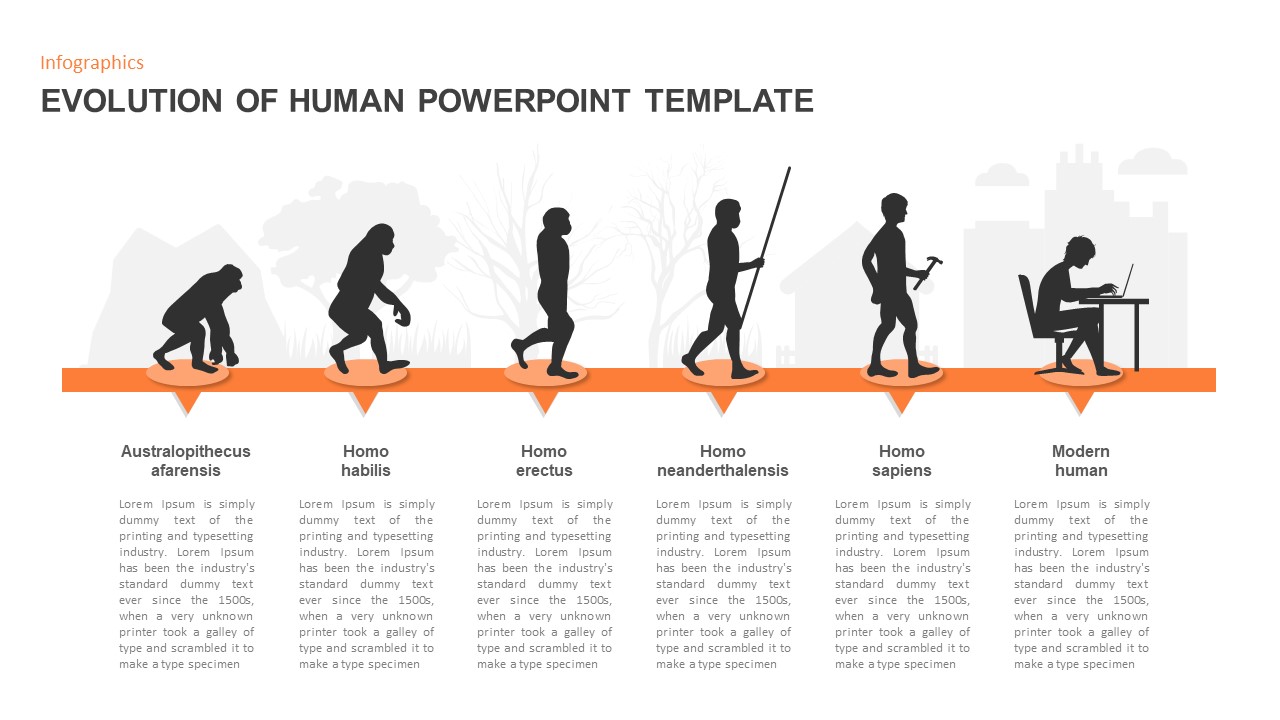
- Customize the Hominin Timeline: Navigate to The Hominin Timeline and Meet the Ancestors slides to edit chronological markers, species names, and fossil classifications from Sahelanthropus to modern Homo sapiens.
- Highlight Key Morphological Trends: Use the Two Defining Trends layout to modify cranial capacity figures (450cc, 900cc, 1,350cc) and adjust details covering the origins and mechanics of bipedalism.
- Detail Cultural & Behavioral Milestones: Tailor the 4-panel Milestones in Behavior slide to walk through the advent of Oldowan tools, mastery of fire, cave art, and out-of-Africa migration routes.
- Present Comparative & Genomic Studies: Update the head-to-head comparison between Homo neanderthalensis and Homo sapiens, and input current population genetics on the Evolution Didn't Stop and One Species, One Story slides.
- Deliver Live or Export: Press F5 to start a full-screen slideshow, or go to File > Export > Create PDF/XPS to generate student study guides, syllabus supplements, and lecture handouts.
How to Use in Canva
- Access the Template Link: Click the provided Canva template link and select Use template for new design to generate an editable copy directly in your Canva workspace.
- Edit Scientific Text & Dates: Double-click any text box to refine terminology, fossil discovery dates, or cranial volume measurements across all 11 slides.
- Incorporate Custom Fossil Imagery: Drag and drop your own excavation photos, museum artifacts, or diagrammatic maps directly into the designated visual containers.
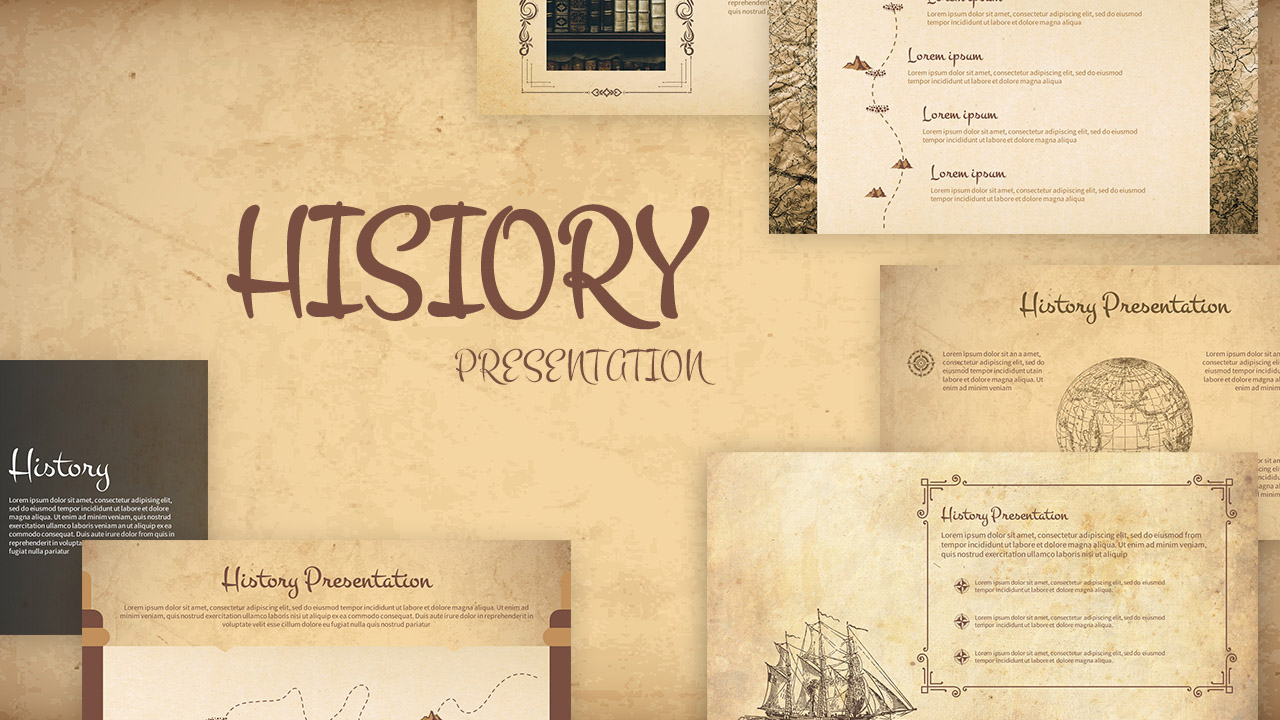
- Fine-Tune Antique Layouts: Adjust typography styling, reposition star-accent borders, or modify parchment overlay transparencies to match your personal aesthetic.
- Collaborate With Colleagues: Use the Share button in the upper-right corner to invite co-professors, teaching assistants, or study groups to edit and review the presentation in real time.
- Host Online or Download: Deliver your lecture directly from your browser by clicking Present, or navigate to Share > Download > PDF Standard (or PNG) to export digital lesson packs and presentation slides.