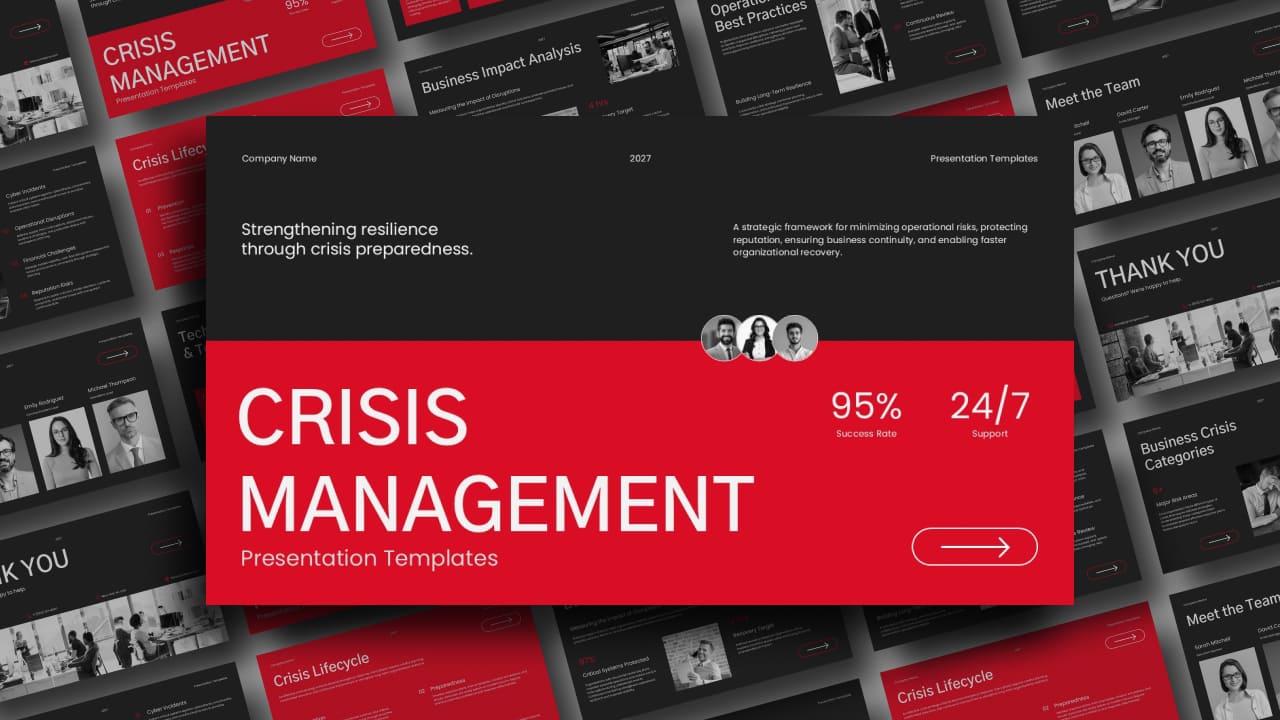
Download Microsoft Outlook Outage Incident Report Template
Item ID: SCF02073
PowerPoint,Canva
100% Fully Customizable
Free to use
Liked the template? Support SlideChef!
Give us Donation! Help to keep our Templates Free for ever
Hi there! We hope you’re enjoying SlideChef for your presentations. As a free platform, we rely on donations to keep things running. If you find our resources helpful, please consider a small donation. Thank you!
How to Use This Microsoft Outlook Outage Template
This template is available in both PowerPoint and Canva, making it easy to customize your incident report.
Using the PowerPoint Version
- Download the PPT File: Click the PowerPoint download option and save the
.pptxfile to your computer. - Open in PowerPoint: Launch Microsoft PowerPoint and open the downloaded presentation.
- Edit the Content: Click on text boxes to update incident details, timelines, affected services, statistics, and recovery information.
- Customize Slides: Replace images, adjust colours, modify charts, and update layouts to match your reporting requirements.
- Save and Present: Save your edited presentation and use Slide Show mode to present your incident report.
Using the Canva Version
- Open the Canva Template: Click the Canva link to access the presentation design.
- Create Your Copy: Select the option to use the template and open your editable design in Canva.
- Edit Text and Details: Select individual text boxes to replace sample content with your incident information.
- Customize the Design: Change colours, fonts, images, icons, and other design elements using Canva's editing tools.
- Download or Present: Click Share or Download to export your presentation as a PowerPoint or PDF, or present it directly from Canva.
Tip: Update the incident timeline, business impact, root cause analysis, and recovery details with verified information to create an accurate and professional IT incident report.