Microsoft Outlook Outage Incident Report Template

0










About the Template
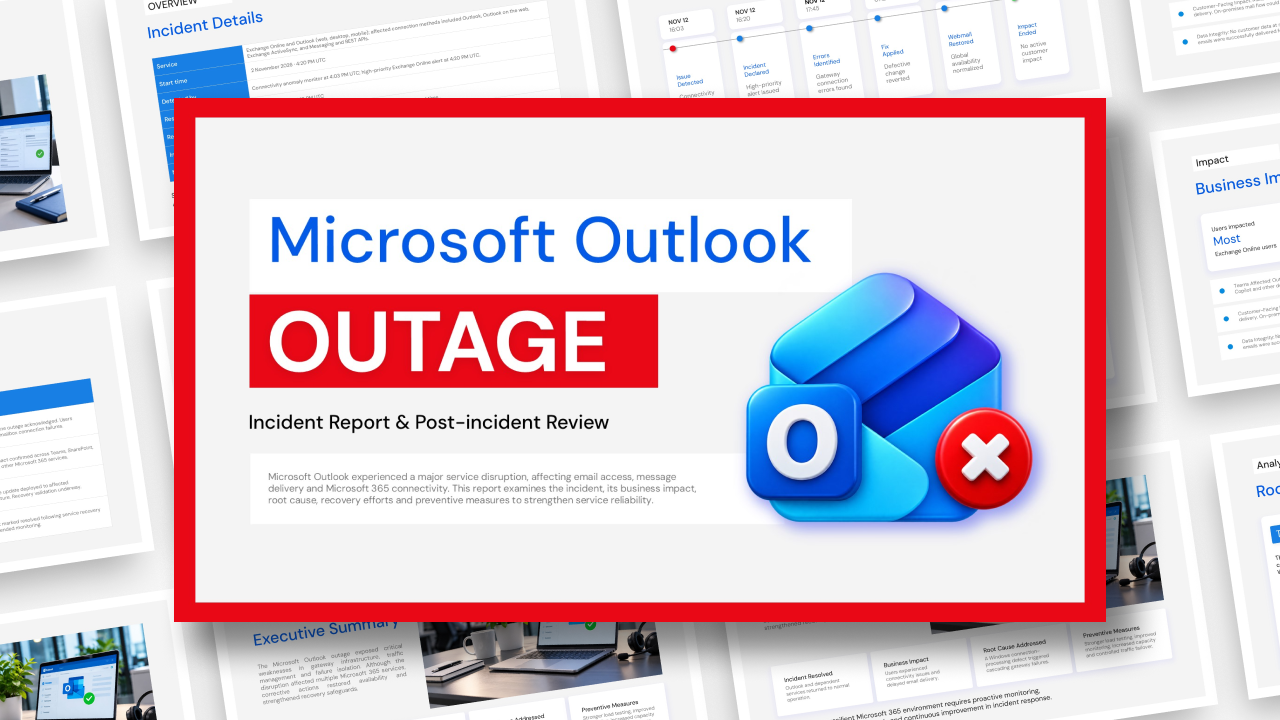
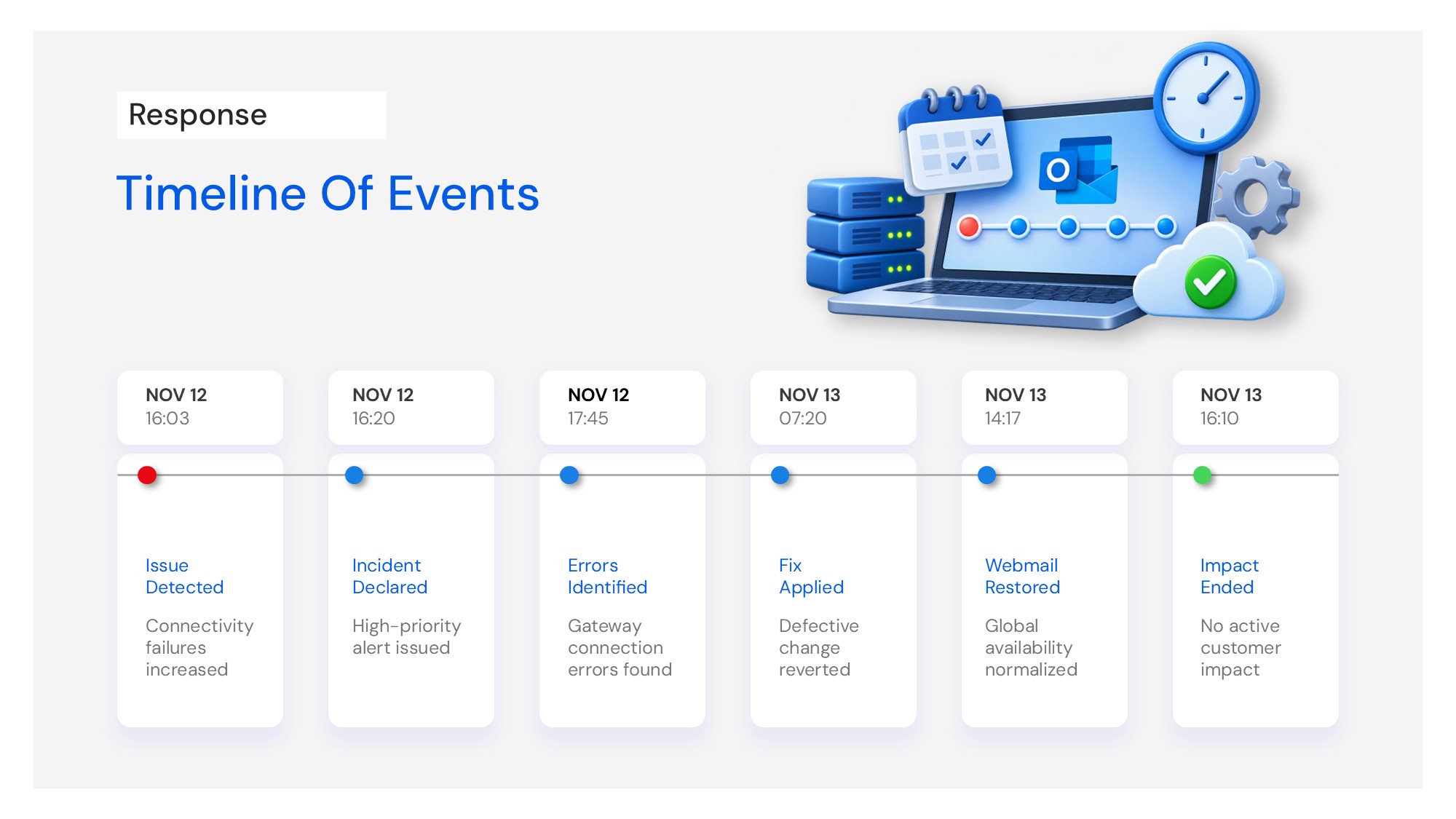
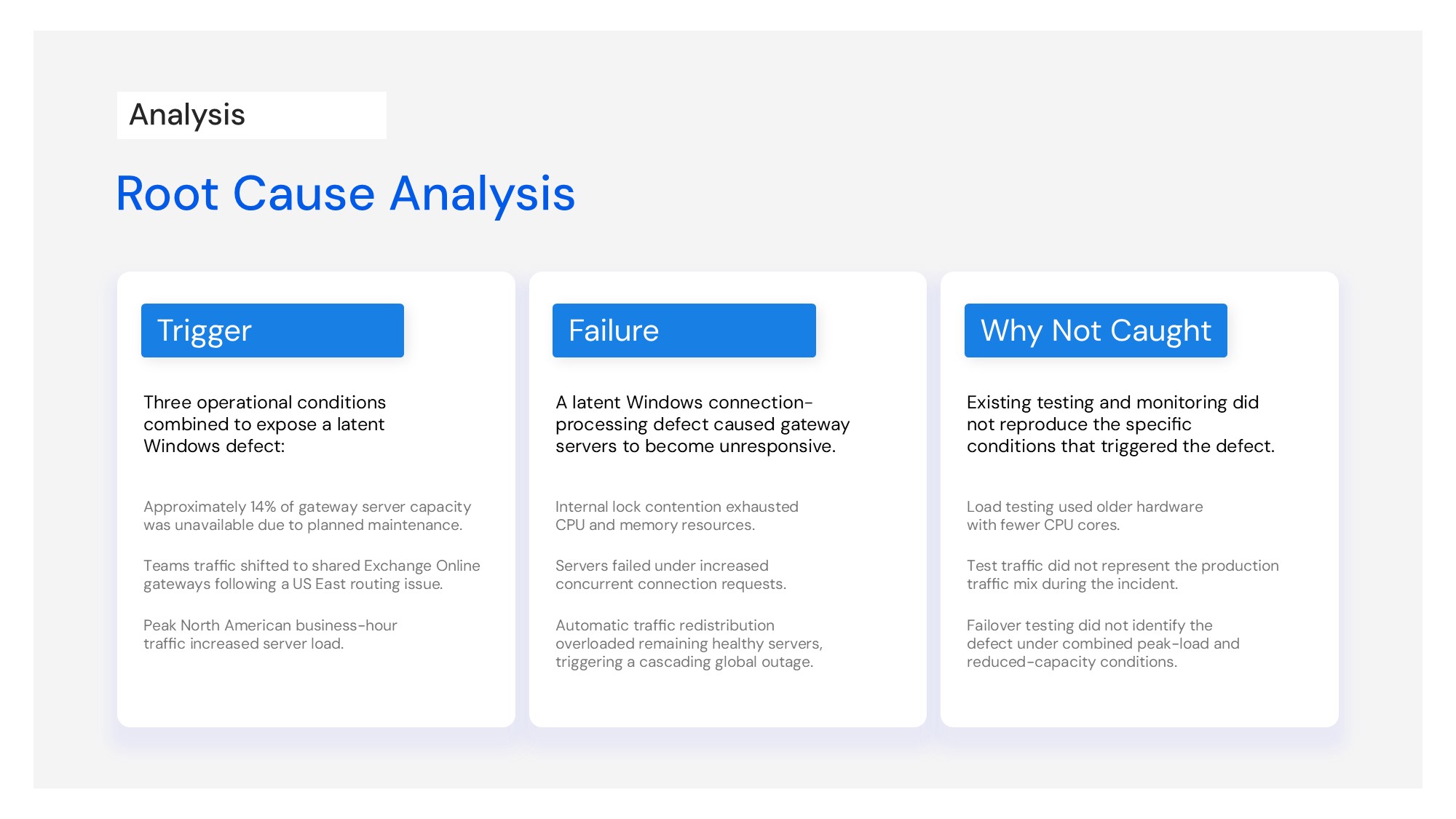
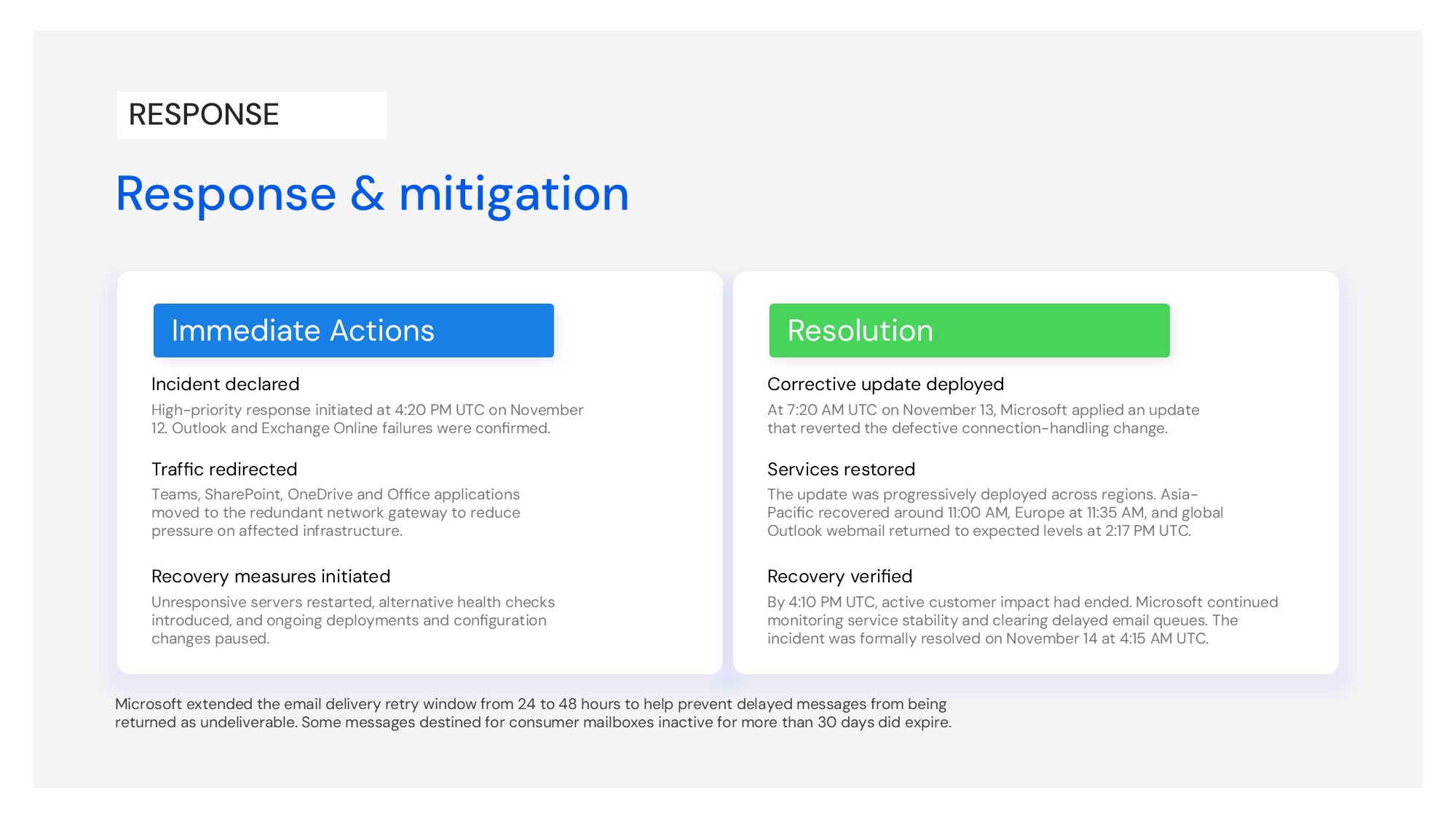
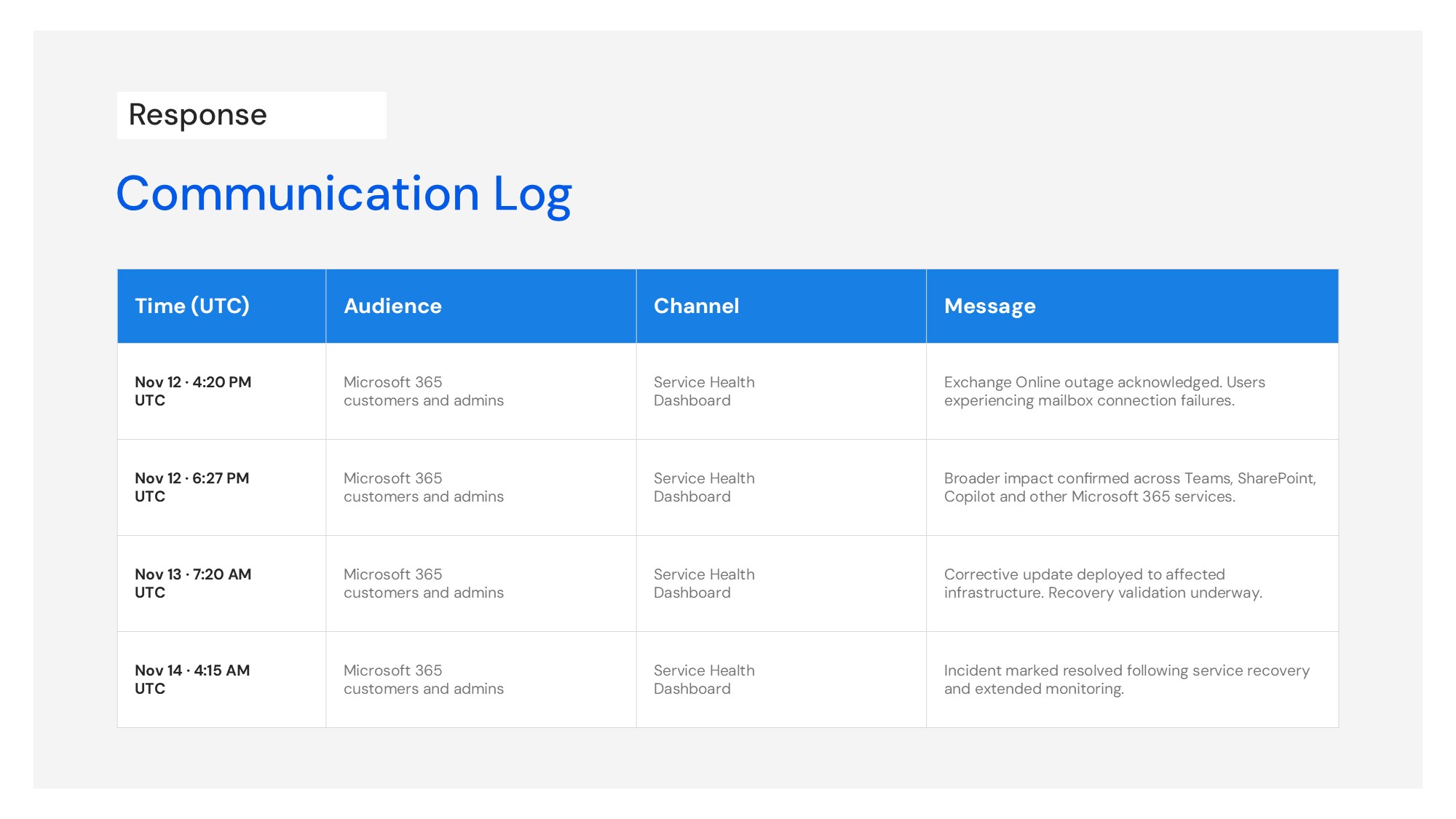
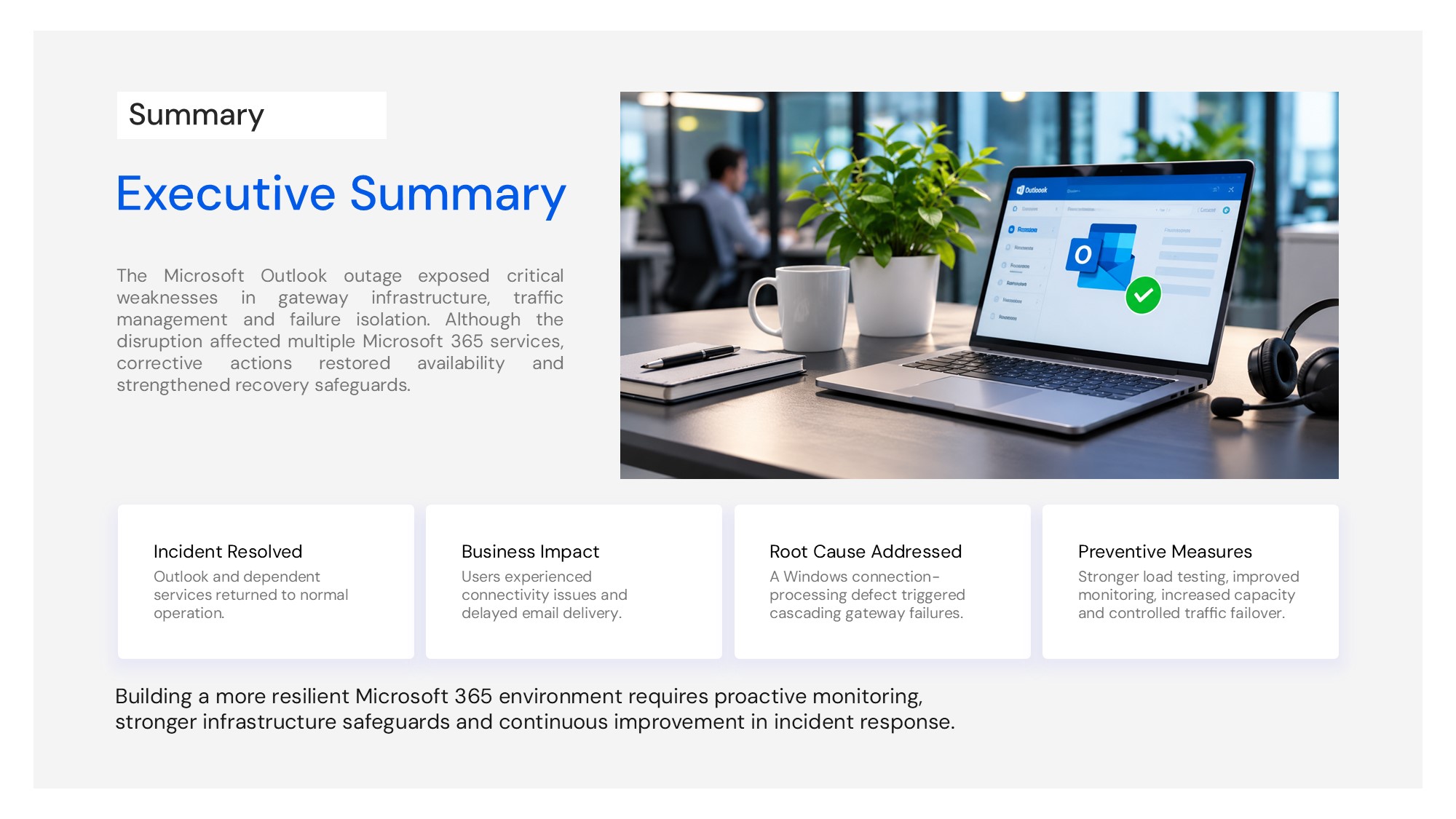
Explore the Microsoft Outlook Outage Incident Report Template, a professionally designed presentation created to document and explain the November 2026 Microsoft Outlook and Microsoft 365 service disruption. This presentation provides a structured overview of the incident, covering its background, affected services, business impact, technical root cause, recovery efforts, and preventive measures.
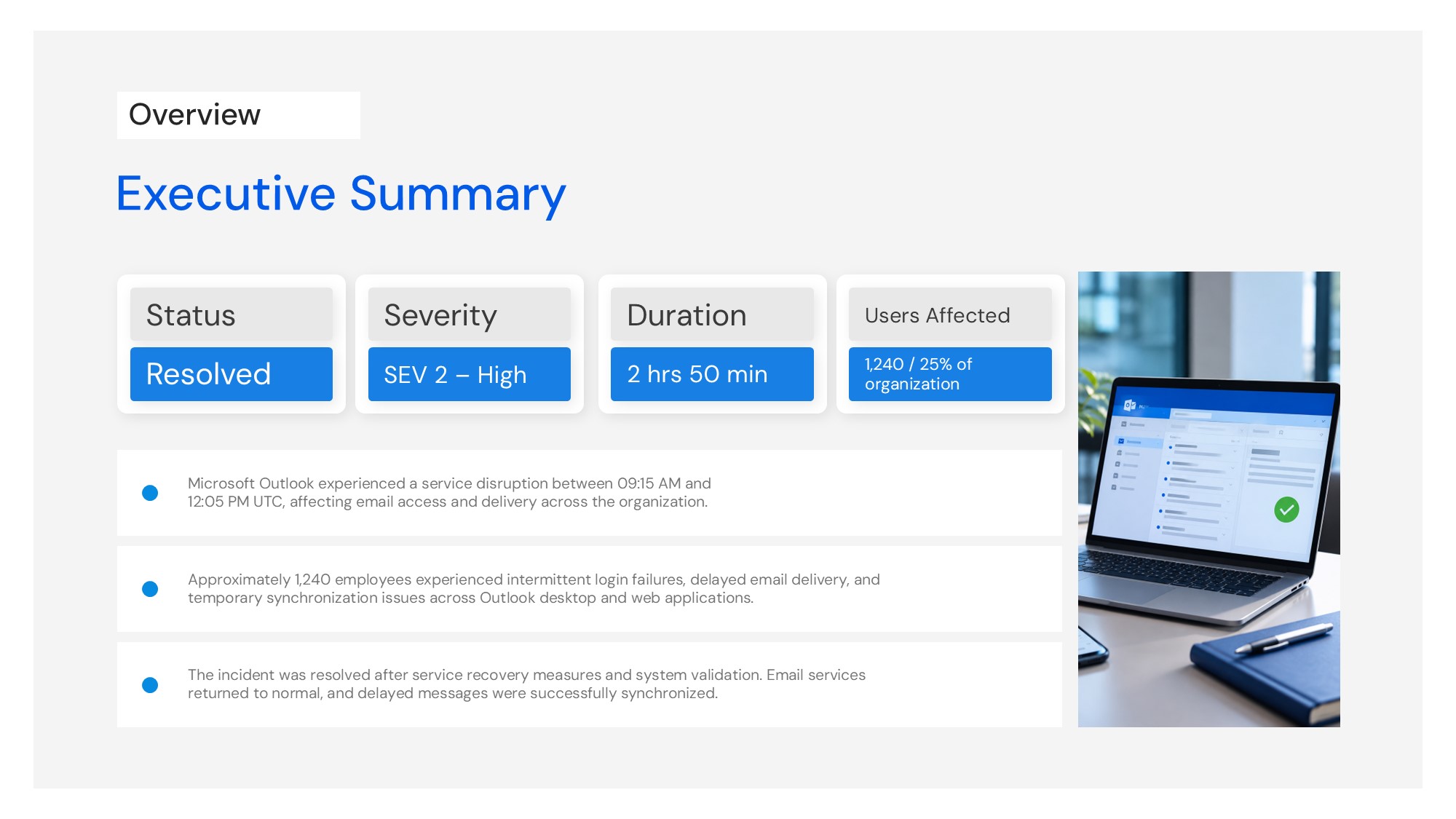
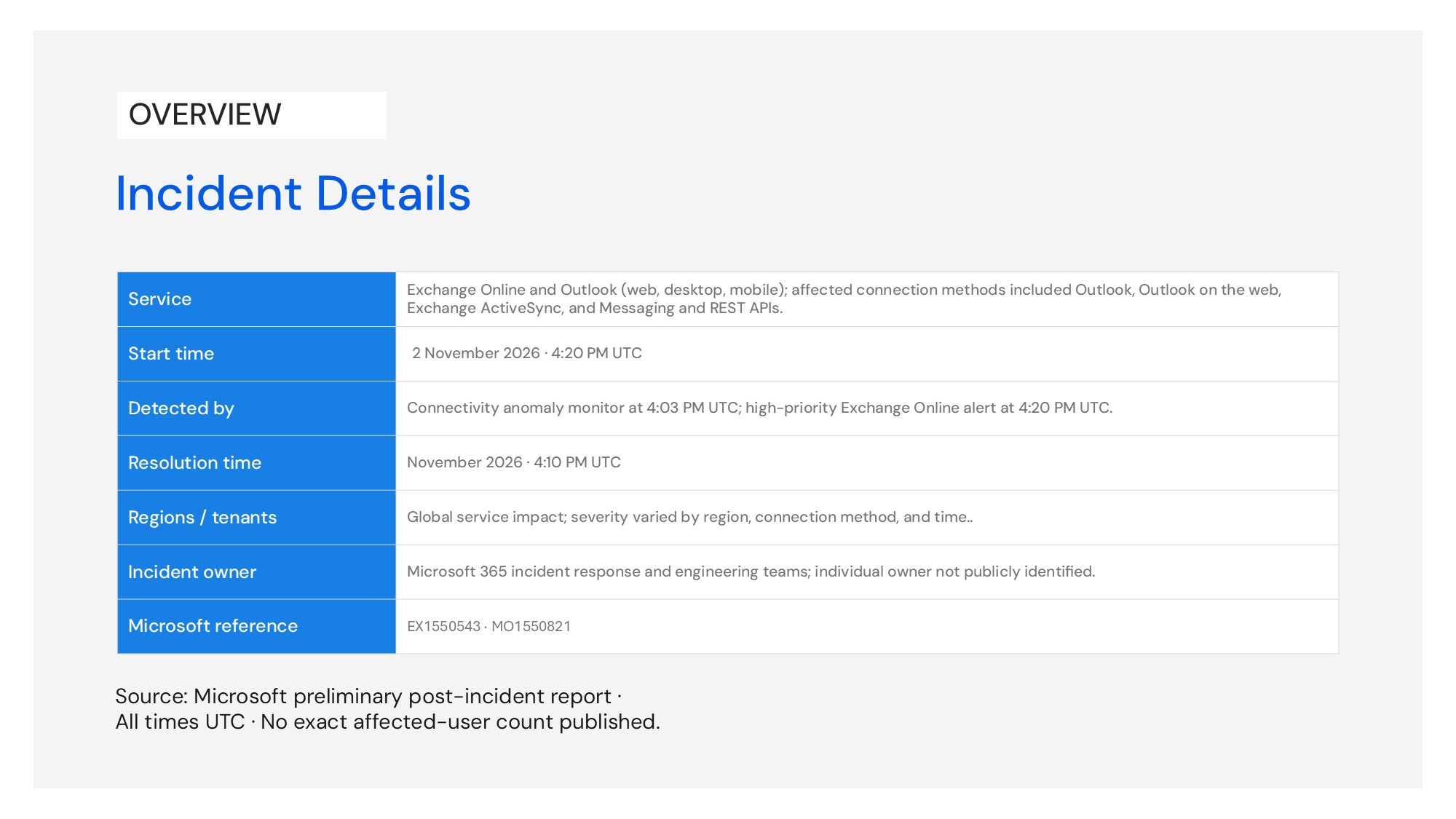
Designed with modern layouts, blue-and-white visuals, informative tables, timeline graphics, and executive summary cards, this information technology template helps communicate complex technical incidents in a clear and professional format. Available in both PowerPoint and Canva, it is easy to customize for IT reports, service disruption reviews, and business continuity presentations.
What Happened During the Microsoft Outlook Outage?
On November 12, 2026, Microsoft experienced a major disruption affecting Exchange Online and several connected Microsoft 365 services. Users encountered mailbox access problems, delayed email delivery, and interruptions to dependent applications, including Teams, Copilot, SharePoint, and OneDrive.
According to Microsoft’s final post-incident report, the outage was caused by a connection-processing defect in Microsoft 365 network gateway servers. Reduced server capacity, Teams traffic failover, and peak traffic conditions contributed to the widespread disruption. Microsoft subsequently deployed corrective updates and restored services across affected regions.
Who Can Use This Microsoft Outlook Outage Template?
This incident report presentation is suitable for:
- IT Professionals: Document Microsoft 365 service disruptions and technical incidents.
- System Administrators: Explain service availability issues, recovery actions, and infrastructure failures.
- Cybersecurity Teams: Prepare incident reviews and analyze operational risks.
- Business Analysts: Evaluate business impact and communication disruptions.
- Project Managers: Present incident progress, mitigation strategies, and lessons learned.
- Corporate Teams: Prepare professional outage reports and business continuity reviews.
Whether you’re documenting a Microsoft 365 outage, reviewing an IT service disruption, or preparing a technical post-incident analysis, this Microsoft Outlook Outage Incident Report Template provides a professional starting point. Customize the slides with your incident data, technical findings, recovery updates, and recommendations to communicate every stage of an incident effectively.
Download this Microsoft Outlook Outage Template and create your own incident report presentation.


Related
-

UFO Hellfire Missile Template – Free PowerPoint, Google Slides & Canva
-

SEO Report Template for PowerPoint and Google Slides
-
ESG Reporting Template PPT & Canva
-
Crisis Management Plan Template for Canva and PowerPoint
-

Risk Report Template for PowerPoint and Google Slides
-
Growth Report Template for PowerPoint and Google Slides





Are you looking for Custom Presentation Template Designs?
It is a long established fact that a reader will be distracted by the readable content of a page when or randomised words which don’t look even slightly believable