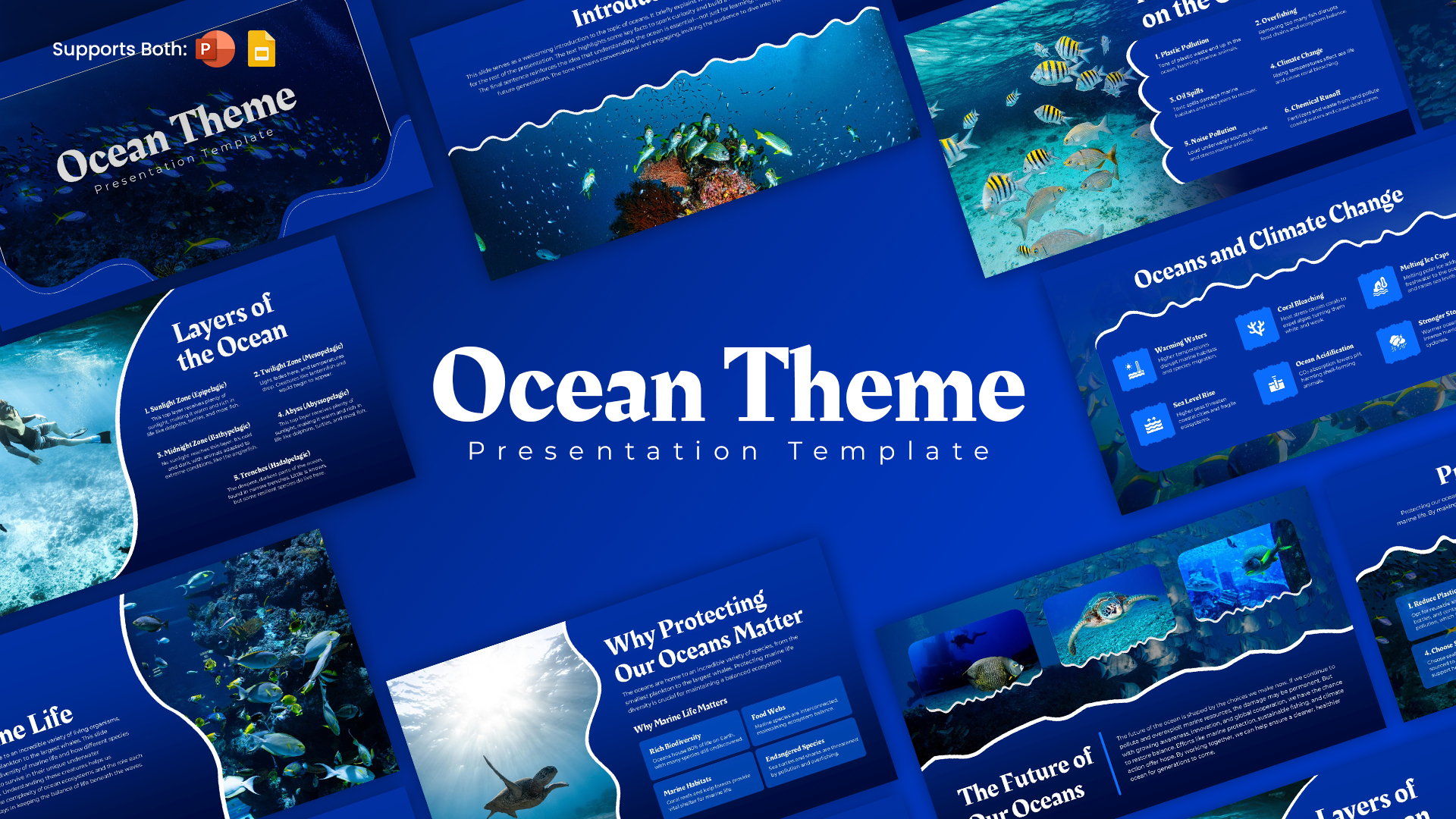
Easy Guide to Use this Trump's Oceans of America Template
Step 1: Choose your presentation platform
Download the Oceans of America template and open it in Microsoft PowerPoint or access the editable design in Canva. Select the platform that best fits your workflow.
Step 2: Introduce the Oceans of America
Start with the ocean-inspired cover slide. Add your presentation title, subtitle, presenter name or organisation details. You can also introduce Trump's ocean-renaming remarks to establish the context.
Step 3: Present the geographical overview
Use the four-oceans comparison slide to introduce the Pacific, Atlantic, Arctic and Southern Oceans. Customise the table with geographical facts, ocean areas and locations relevant to your topic.
Step 4: Explore the Pacific Ocean
Highlight the Pacific's unique geographical features, including the Ring of Fire, Humboldt Current and kelp forests. Replace or update the descriptions with your own research and supporting information.
Step 5: Showcase marine biodiversity
Use the whale and coastal ecosystem slide to discuss marine species, migration patterns, coral reefs and coastal habitats. Add relevant photographs and interesting facts to make the subject more engaging.
Step 6: Explain changing polar environments
Explore the Southern Ocean and its changing sea-ice conditions. You can customise this slide with information about polar wildlife, ocean circulation and environmental changes.
Step 7: Highlight marine ecosystems
Use the six-section layout to present ocean food webs, coral reefs, coastal habitats, open-sea wildlife, ocean currents and conservation efforts. It is particularly useful for summarising complex information.
Step 8: Personalise and present
Adjust the colours, fonts, photographs and text to match your presentation style. Once everything is ready, review the slides and present your ideas with confidence.