PowerPoint Games - Games You Can Actually Play in PowerPoint
Turn your presentations into interactive gaming experiences with our PowerPoint Games collection! Discover playable quiz games, puzzles, board games, trivia challenges and popular game-show formats that you can enjoy directly in Microsoft PowerPoint. Whether you’re planning a classroom activity, a fun Friday at work, a family game night or a party with friends, these playable PowerPoint games make it easy to bring everyone into the action. Choose your favorite game, download the template and get ready to play!
Filter
-

0 Upvoted
Rebus Puzzle with Answer PPT Template and Google Slides
-
0 Upvoted
Mini Crossword Puzzle Game – Free PowerPoint and Google Slides
-
0 Upvoted
Guessing Game – Free Interactive PowerPoint Template and Google Slides
-
0 Upvoted
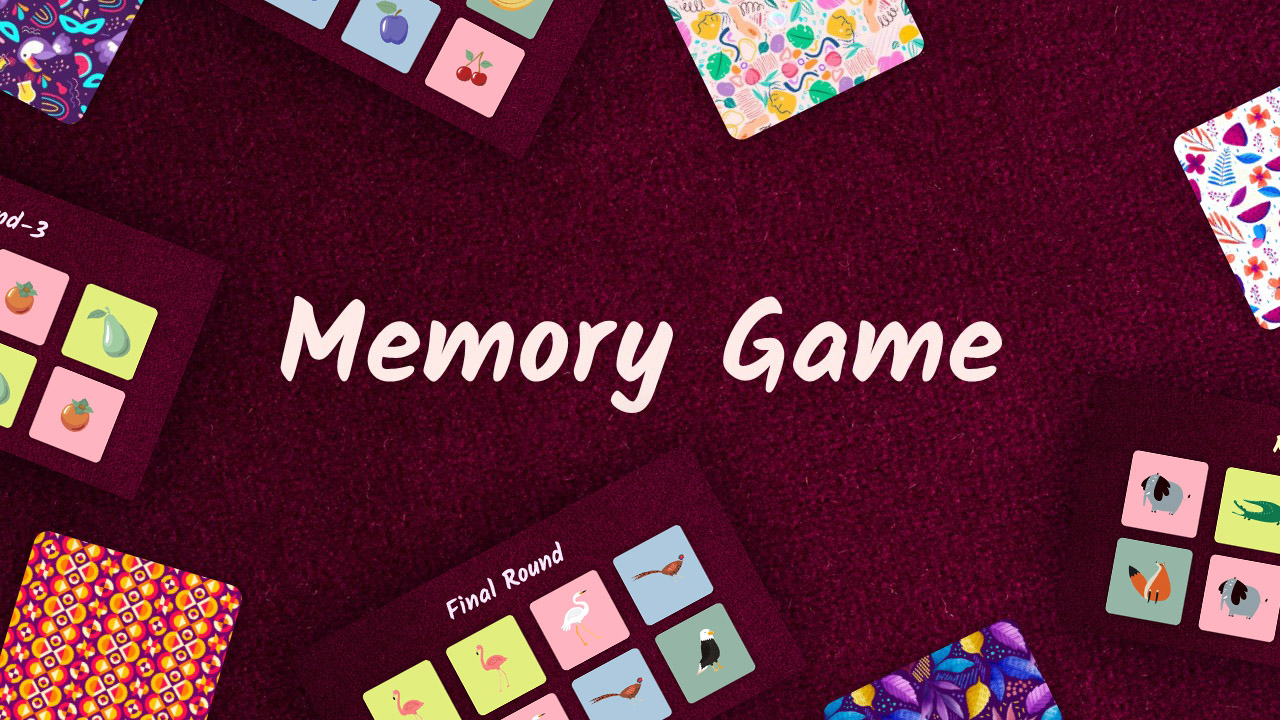
Memory Game Template – Free Interactive PowerPoint Game
-
0 Upvoted
Guess the Celebrity – Free PowerPoint Game Template and Google Slides
-
0 Upvoted
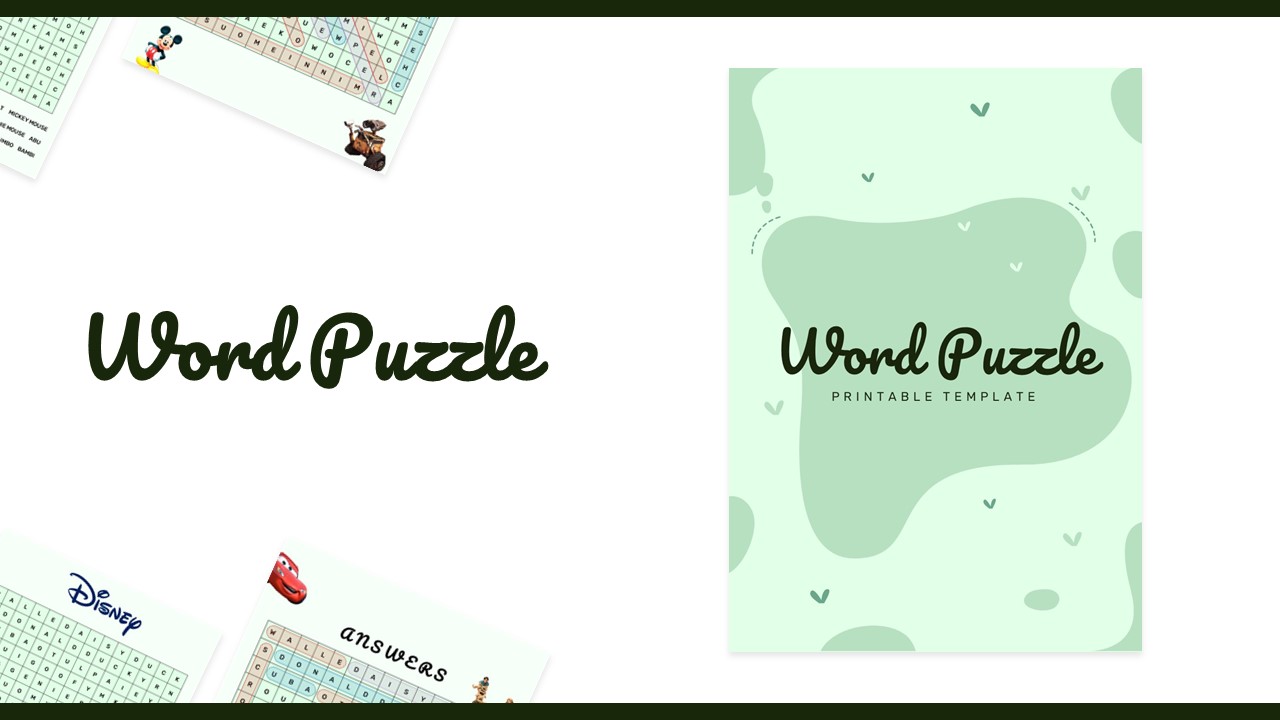
Printable Word Seach Game Template – PowerPoint And Google Slides
-
0 Upvoted
Step Board Game Template – Free Interactive Template
-
0 Upvoted
Free – Best Football Betting Squares Template PPT and Google Slides
-
0 Upvoted
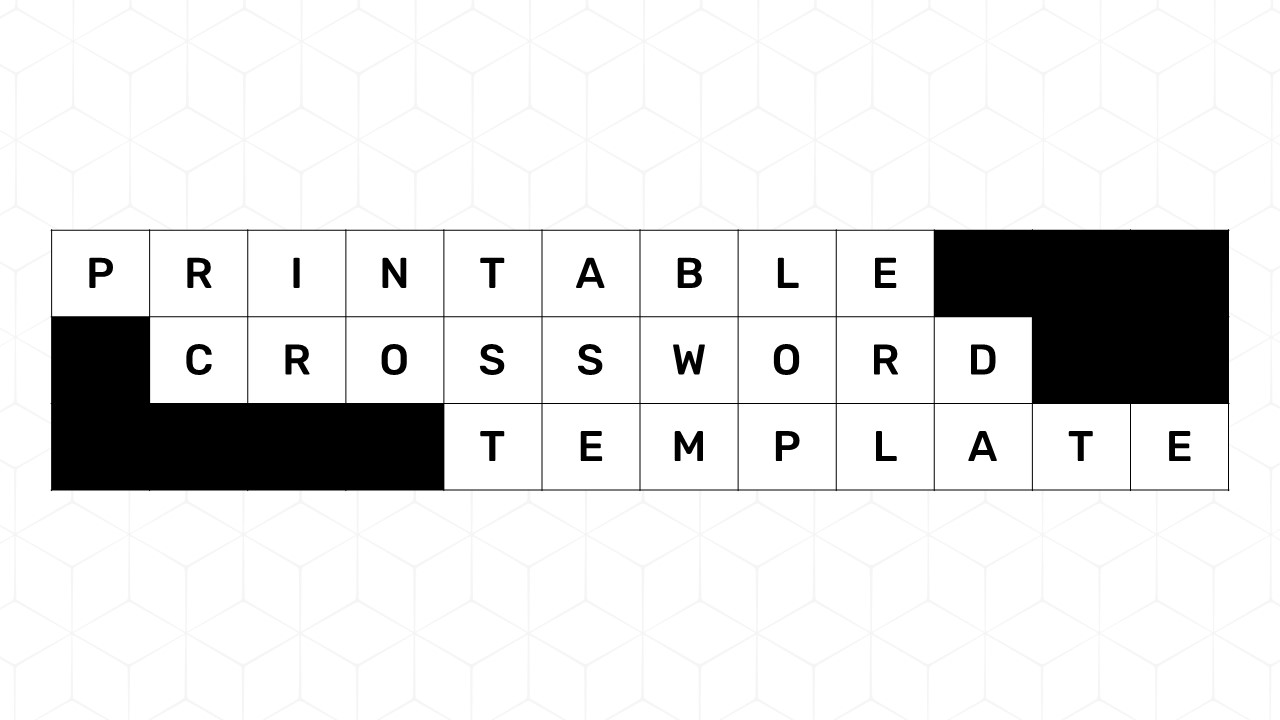
Free Printable Crossword Puzzle PPT Template & Google Slides
-
0 Upvoted
Free Jeopardy Google Slides Templates & PowerPoint
-
0 Upvoted
Download Free Family Feud PowerPoint Template
-
0 Upvoted
Interactive Toy Claw Machine Template PowerPoint & Google Slides








Play Interactive Games Directly in PowerPoint
Forget complicated gaming software! With our interactive PowerPoint game templates, you can turn an ordinary slide deck into a fun activity. Challenge players with questions, reveal hidden answers, solve puzzles, spin wheels or compete for points. Customize the questions, answers and other game elements to create an experience that suits your audience. Follow the instructions provided with each template to start playing.
Explore Different Types of PowerPoint Games
Find a game for every occasion in our collection:
- Quiz and Trivia Games: Test general knowledge with interactive quizzes, Jeopardy, Family Feud and Who Wants to Be a Millionaire games.
- Puzzle and Word Games: Challenge players with Wordle, crossword puzzles, guessing games and brain teasers.
- Board Games: Enjoy familiar formats such as Bingo, Snakes and Ladders and other interactive board games.
- Party and Icebreaker Games: Bring people together with Two Truths and a Lie, Wheel of Fortune and fun group challenges.
Download Free Playable PowerPoint Games
Ready to start playing? Explore our collection of free PowerPoint game templates, select a game and download it to your device. Open the compatible file in Microsoft PowerPoint, customize the content if needed and follow the included instructions to play. Some games use slideshow navigation, while others may require editing in PowerPoint. Check each template's page for specific gameplay and software compatibility details.
Download your favorite PowerPoint game today and turn your next classroom session, meeting or game night into an interactive experience!
Frequently Asked Questions
Can you play games directly in PowerPoint?
Yes! Many PowerPoint games use clickable buttons, hyperlinks, animations and slide navigation to create interactive gameplay. You can open a compatible template in Microsoft PowerPoint and follow its instructions to play.
What types of games can I play in PowerPoint?
You can play many types of games, including Jeopardy, Family Feud, quizzes, trivia, Bingo, Wordle, crossword puzzles, guessing games, board games and icebreaker activities.
Are PowerPoint game templates free to download?
SlideChef offers free PowerPoint game templates that you can download and customize. Check the individual template page for its download options, supported software and instructions.
Are you looking for Custom Presentation Template Designs?
It is a long established fact that a reader will be distracted by the readable content of a page when or randomised words which don’t look even slightly believable